
What makes Data Entry Software essential in today’s digital business environment? As organizations manage growing volumes of information, accuracy and efficiency have become critical to daily operations. Data entry Platform simplifies the process of capturing, organising, and storing data while reducing human errors.
These tools support automation, validation checks, secure cloud storage, and seamless integration with accounting or CRM systems. Whether used by small businesses or large enterprises, they enhance productivity and improve workflow management. With user-friendly interfaces and customizable features, modern data entry solutions help teams handle repetitive tasks faster while maintaining consistency and data security across platforms.
What is Data Entry?
Data entry is the process of inputting, updating, and managing information within computer systems, databases, or software applications. It involves transferring data from physical documents, spreadsheets, forms, or other sources into digital formats for storage and analysis.
Accurate data entry ensures that businesses maintain organised records, process transactions smoothly, and make informed decisions. It is widely used across industries such as healthcare, finance, retail, education, and logistics. Data entry tasks may include typing, scanning, coding, and verifying information to maintain accuracy.
With advancements in technology, many data entry processes now include automation tools and validation systems to reduce errors. Overall, data entry plays a crucial role in maintaining data integrity, operational efficiency, and effective information management within organisations.
Benefits of Using Data Entry Tools
- Improved Accuracy: Data entry tools reduce human errors through validation checks, automated formatting, and real-time verification systems for reliable information management processes.
- Increased Productivity: Automation features and streamlined workflows help employees complete repetitive tasks faster, saving time and boosting overall workplace efficiency significantly.
- Better Data Organisation: These tools structure information systematically, making it easier to store, retrieve, update, and manage large volumes of records.
- Enhanced Data Security: Built-in encryption, access controls, and regular backups protect sensitive business information from unauthorised access or potential data breaches.
- Real-Time Collaboration: Cloud-based platforms allow multiple users to access and update data simultaneously, improving teamwork and communication across departments.
- Cost Efficiency: By reducing manual labor and minimizing costly errors, data entry tools help businesses lower operational expenses effectively.
- Easy Integration: Modern solutions integrate seamlessly with CRM, ERP, accounting, and other systems for smoother data sharing processes.
- Scalability and Flexibility: Data entry tools adapt easily to growing business needs, supporting larger datasets and expanding operational requirements efficiently.
List of Top 15 Data Entry Software
1. Microsoft Excel
Website: https://www.microsoft.com/excel
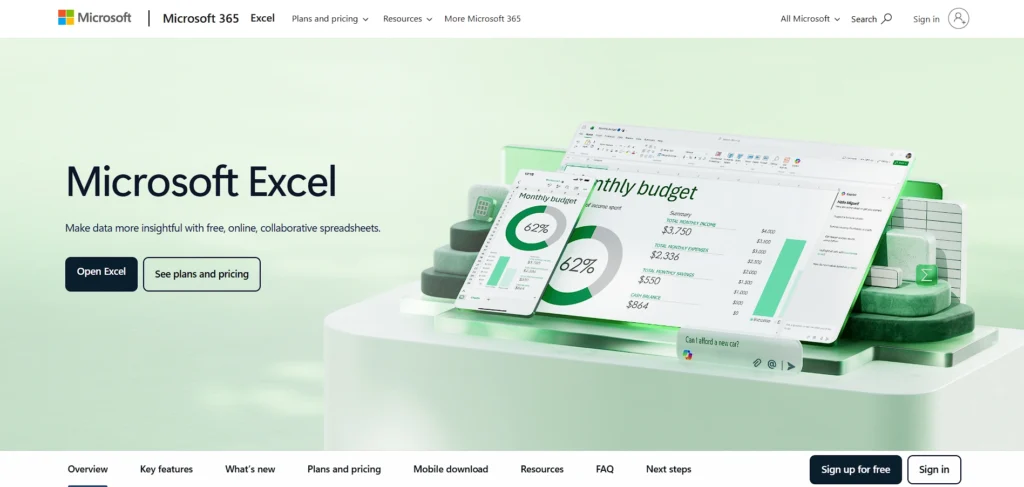
Microsoft Excel is a spreadsheet application that is used to enter, analyse, and report data in a widely used application. It enables users to develop worksheets, input numerical or textual data and structure data in rows, columns, and formulas.
Excel, with its powerful capabilities in the form of pivot tables, charts, macros, and conditional formatting, will assist users in converting raw data into something significant. It is compatible with other Microsoft Office tools and big data.
In industries, Excel is applied in budgeting, forecasting, record-keeping, and writing databases. It is versatile, popular, and has advanced features that make it a necessity to beginners and experienced users of structured data.
Key Features:
- Advanced spreadsheet tools with formulas and functions
- Pivot tables and data visualization charts
- Macros and automation with VBA
- Large dataset handling capabilities
- Integration with Microsoft 365 apps
Pros:
- Highly versatile and powerful
- Widely used across industries
- Strong data analysis capabilities
- Works offline and online
- Extensive learning resources available
Cons:
- Can be complex for beginners
- Paid subscription for full features
- Limited real-time collaboration in offline version
Pricing:
- Microsoft 365 Personal: ~₹6,899/year or ₹689/month (1 person, up to 5 devices, 1 TB storage)
- Microsoft 365 Family: ~₹8,199/year or ₹819/month (Up to 6 people, 6 TB total storage)
- Microsoft 365 Premium: ~₹19,999/year (Includes advanced Copilot features)
- Office Home 2024 (One-time): ~₹10,999
2. Google Sheets
Website: https://www.google.com/sheets
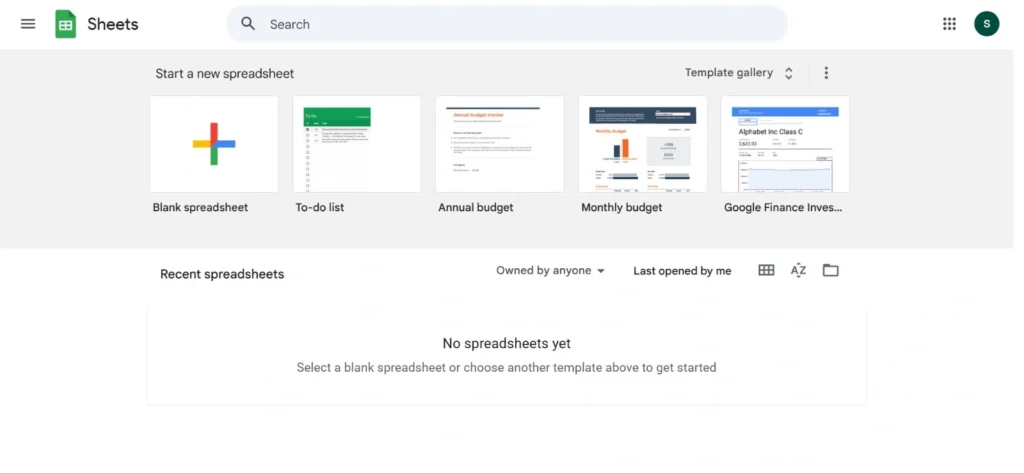
Google Sheets is an online spreadsheet application and Data Entry Software, which enables users to input, organise, and analyse information in real time collaboratively. It works with most devices and allows working on the same sheet by several users in parallel, auto-saving and version history.
Sheets accepts formulas, charts, pivot tables, and can work well with other Google Workspace applications, such as Google Drive, Docs, and Forms. Its cloud orientation gets rid of manual backups and makes it accessible everywhere as long as one has internet access.
Google Sheets is best suited to teams, students and businesses who want a free spreadsheet collaboration tool that does not compromise essential data management capabilities.
Key Features:
- Cloud-based spreadsheet access
- Real-time collaboration and sharing
- Built-in formulas and pivot tables
- Automatic saving and version history
- Integration with Google Workspace
Pros:
- Free to use
- Easy team collaboration
- Accessible from any device
- Auto-save prevents data loss
- Simple interface for beginners
Cons:
- Limited advanced analytics vs Excel
- Requires internet for full functionality
- Performance slows with large datasets
Pricing:
- Free
3. Airtable
Website: https://www.airtable.com
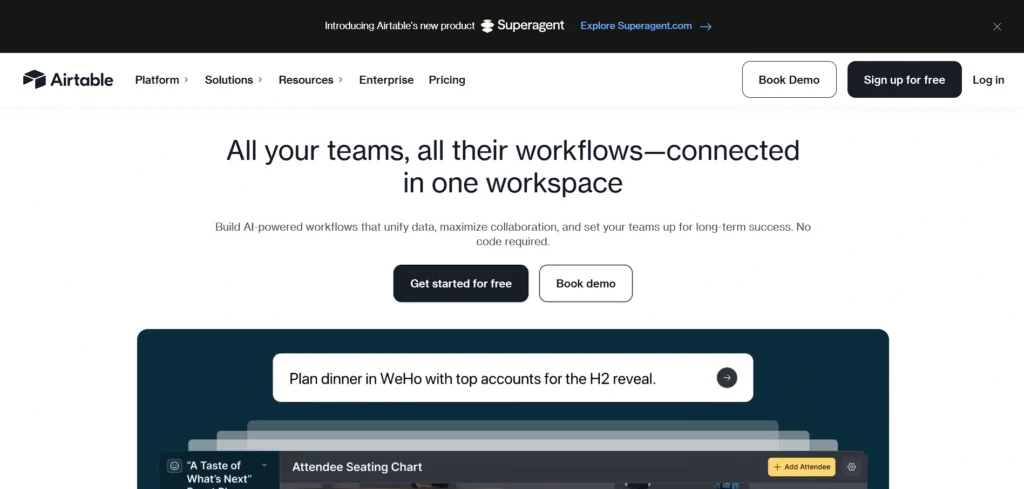
Airtable is a contemporary data input and database hybrid which is a blend of spreadsheet elegance and database strength. It enables users to make personalised tables, forms and views to arrange information more dynamically than traditional spreadsheets.
Airtable allows attachments, records that are linked, various types of fields, and grid, calendar, gallery, and kanban views. It is best suited to project management, inventory, CRM, Workflow Management, and data collection in research due to its flexible nature.
Teams may work together in real-time, automate workflows by using in-built integrations, and also expand their functionality using apps and extensions. Airtable is renowned due to its intuitive interface and scale-up with increasing organisational requirements.
Key Features:
- Spreadsheet-database hybrid system
- Customisable data fields and views
- Automation and workflow management tools
- Attachment and rich field support
- Integration with third-party apps
Pros:
- User-friendly interface
- Flexible database structure
- Strong collaboration tools
- Visual project tracking options
- Scalable for teams
Cons:
- Advanced features are paid
- Learning curve for complex setups
- Limited free plan records
Pricing:
- Free– $0
- Team– $20 per seat /month
- Business– $45 per seat /month
- Enterprise Scale– Contact Sales
4. Jotform
Website: https://www.jotform.com
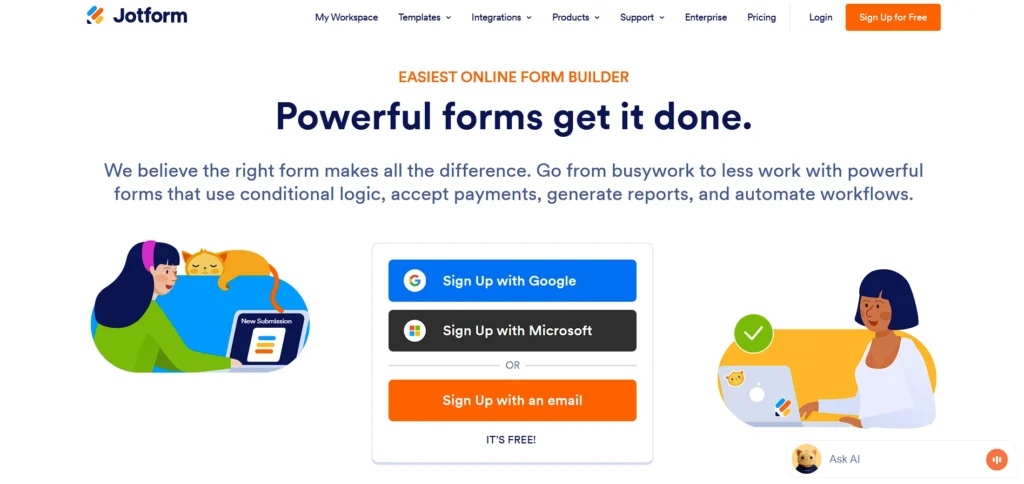
Jotform is a web-based form creator and Data Entry Software which makes data collection and entry easier. A drag-and-drop interface allows users to create surveys, registration forms, feedback, and order forms.
Jotform has conditional logic, payment integrations, file upload, and automated email notifications. Results gathered are saved in a safe manner and may be exported to a spreadsheet or linked to other applications to handle more. Its template and widget library build forms faster with multiple purposes.
Many businesses, educators, nonprofits, and event planners find Jotform trusted because it has forms that are reliable and easy to customise without any knowledge of coding. The platform focuses on user friendliness and data capture.
Key Features:
- Drag-and-drop form builder
- Conditional logic support
- Payment integrations
- File upload options
- Automated email notifications
Pros:
- Easy to create forms
- Large template library
- Good integration options
- Secure data collection
- Free starter plan available
Cons:
- Branding on free plan
- Limited submissions on free tier
- Advanced tools cost extra
Pricing:
- Starter– Free
- Bronze– $34/month
- Silver– $39/month
- Gold– $99/month
- Enterprise– Custom Pricing
5. Typeform

Website: https://www.typeform.com
Typeform is an online interactive survey and form that aims at providing interactive user experiences. Typeform uses a conversational style, showing one question at a time instead of traditional and static forms, which increases response rates and user satisfaction.
It provides customisable templates, logic jumps, and multimedia compatibility and can be used in surveys, quizzes, feedback, and applications. Typeform can also be connected to such popular tools as Google Sheets, Slack, and CRM software, enabling smooth data management and automation of the work process.
The design-focused interface will attract marketers, HR, educators, and researchers who desire to gather data in a more amicable and user-friendly manner.
Key Features:
- Interactive conversational forms
- Logic jumps and branching
- Custom branding options
- Integration with CRMs and apps
- Real-time response tracking
Pros:
- Engaging user experience
- High response rates
- Clean and modern design
- Easy customisation
- Strong integrations
Cons:
- Limited free plan
- More expensive than competitors
- Not ideal for complex data processing
Pricing:
- Everyone
- Basic– $39/month
- Plus– $79/month
- Business– $129/month
- Enterprise– Contact Sales
- Marketers
- Growth Pro– $379/month
- Growth Custom– Contact Sales
- HR
- Talent– $169/month
- Enterprise– Contact Sales
6. Zoho Forms
Website: https://www.zoho.com/forms
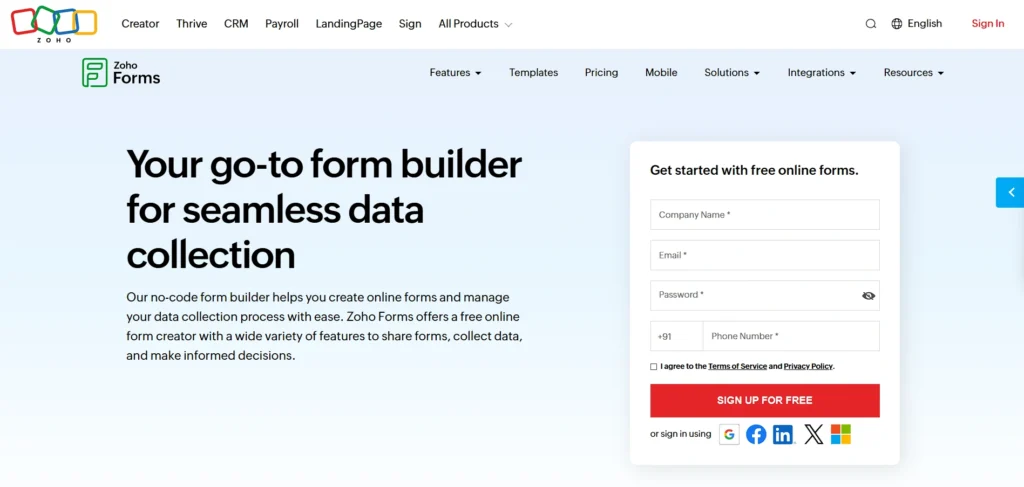
Zoho Forms is a Data Entry Software and form-building application that is part of the Zoho business applications suite. It allows users to create responsive forms with drag and drop fields, conditional rules, and real-time reporting.
The information gathered through forms may be directed to CRM, email marketing, or cloud storage, which optimizes working processes. Zoho Forms enables multi-user collaboration, automatic approvals, and field team mobile form entry.
It has in-built analytics and dashboards that assist businesses in tracking responses and gaining insights in a short period. It is best suited to businesses already using Zoho CRM, Projects, or Desk to integrate their data processes smoothly.
Key Features:
- Drag-and-drop form creation
- Workflow automation
- Mobile data collection
- Integration with Zoho apps
- Real-time analytics dashboard
Pros:
- Seamless Zoho ecosystem integration
- Affordable pricing
- Easy customization
- Offline mobile access
- Good reporting tools
Cons:
- Best suited for Zoho users
- Interface feels basic
- Advanced automation needs higher plan
Pricing:
- Free– ₹0
- Basic– ₹700/month
- Standard– ₹1,750/month
- Professional– ₹3,500/month
- Premium– ₹7,000/month
7. UiPath

Website: https://www.uipath.com
UiPath is one of the major robot process automation (RPA) solutions that can automate repetitive and rule-based data input. With high precision, UiPath bots can copy information in documents, applications, and websites and feed it to target systems, instead of manual typing.
It helps in screen scraping, OCR (optical character recognition) and communication with enterprise applications. The drag-and-drop workflow designer of UiPath makes it easier to create robots, whereas the central orchestrator handles their deployment and monitoring.
With UiPath, organisations can minimise human error, accelerate processes, and liberate personnel with routine jobs. It is especially useful in finance, healthcare, and in customer service processes that involve high data processing.
Key Features:
- Robotic Process Automation (RPA)
- OCR-based data extraction
- Workflow automation builder
- Bot deployment management
- Enterprise-grade security
Pros:
- Reduces manual data entry
- High accuracy and speed
- Scalable automation
- Strong enterprise support
- Advanced AI capabilities
Cons:
- Expensive for small businesses
- Requires technical knowledge
- Setup can be complex
Pricing:
- Automation Cloud
- Basic– Starting at $25 per month
- Standard– Contact Sales for pricing
- Enterprise– Contact Sales for pricing
- Test Cloud
- Standard– Contact Sales for pricing
- Enterprise– Contact Sales for pricing
8. Zapier
Website: https://www.zapier.com
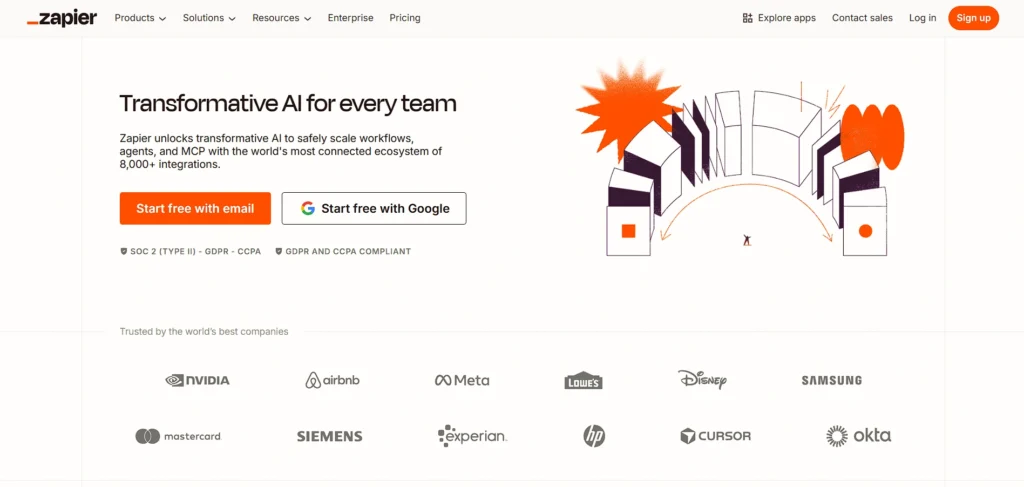
Zapier is an automation Data Entry Software that bridges apps to automate data entry and work. Users use actions and triggers called Zaps to synchronise data between tools such as spreadsheets, CRMs, email marketing systems, and forms instead of manually transferring data between systems.
As a case in point, one can automatically fill a Google Sheet with new forms or a CRM. Zapier has hundreds of integrations and does not need any coding skills, which makes it accessible to teams of any size.
It increases productivity by removing repetitive workloads and ensuring the smooth flow of data between applications, allowing businesses to concentrate on high-value work rather than manual data handling.
Key Features:
- App-to-app automation
- Trigger-based workflows
- Supports 5,000+ integrations
- No-code automation builder
- Multi-step workflow support
Pros:
- Saves time on repetitive tasks
- Easy setup
- Wide app compatibility
- Flexible automation options
- Scalable pricing
Cons:
- Limited tasks in the free plan
- Costs increase with usage
- Not a direct data storage tool
Pricing:
- Free– $0
- Professional– $19.99/mo
- Team– $69/mo
- Enterprise– Contact for pricing
9. Docparser
Website: https://www.docparser.com
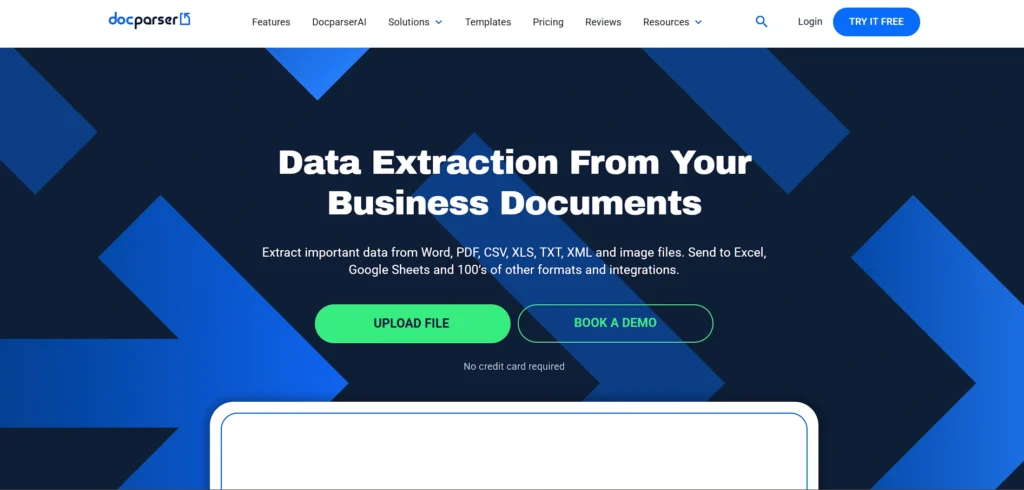
Docparser is a tool of data extraction of documents that conducts unstructured files into structured data automatically.
It provides rule-based parsing of PDFs, invoices, receipts and other types of documents to usable formats such as Excel, CSV or database entries. The fields the user is able to establish parsing rules on are dates, totals and text blocks and allow the extraction of similar data with little manual intervention.
Docparser can be linked to cloud storage and automation systems, which lets data flow freely into business systems. It is best suited to firms with large volumes of documents needing proper input into databases or workflows to save time and decrease errors of manual entries.
Key Features:
- Automated document parsing
- PDF and invoice extraction
- Rule-based data capture
- Export to Excel/CSV
- Cloud integrations
Pros:
- Reduces manual document entry
- High accuracy extraction
- Easy integration options
- Time-saving automation
- User-friendly setup
Cons:
- Limited free access
- Rule setup requires precision
- Not ideal for non-document data
Pricing:
- Starter– $32.50/month
- Professional– $61.50/month
- Business– $133.00/month
- Enterprise– Contact
10. Google Forms
Website: https://www.google.com/forms
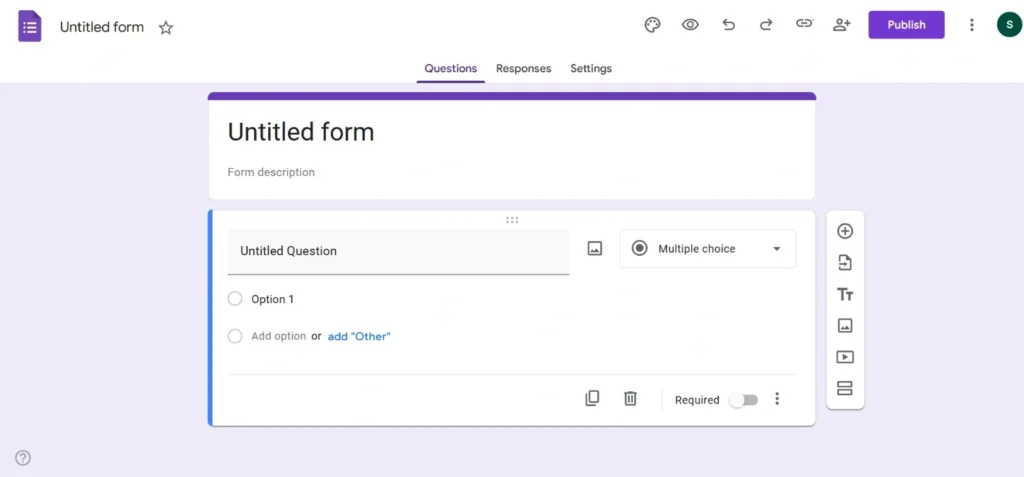
Google Forms is a web-based free Data Entry Software and form-building tool in Google Workspace that allows collecting and entering data easily. Users can build surveys, quizzes, feedback forms, and registration pages with custom fields and different question types.
The submissions are automatically stored in Google Sheets, making further analysis and sharing easy. It supports logic branching, file uploads, and collaboration, enabling teams to work together on forms. Since it is a cloud-based solution, responses can be accessed from any device.
Google Forms can be easily adopted by teachers, event managers, and small enterprises due to its simplicity, accessibility, and smooth integration with the Google ecosystem.
Key Features:
- Simple form builder
- Automatic Google Sheets integration
- Custom question types
- Collaboration support
- Free cloud storage
Pros:
- Completely free
- Easy to use
- Auto data collection
- Quick sharing options
- Good for surveys and feedback
Cons:
- Limited design customisation
- Basic analytics features
- Not suited for complex workflows
Pricing:
- Free
11. EmailMeForm
Website: https://www.emailmeform.com
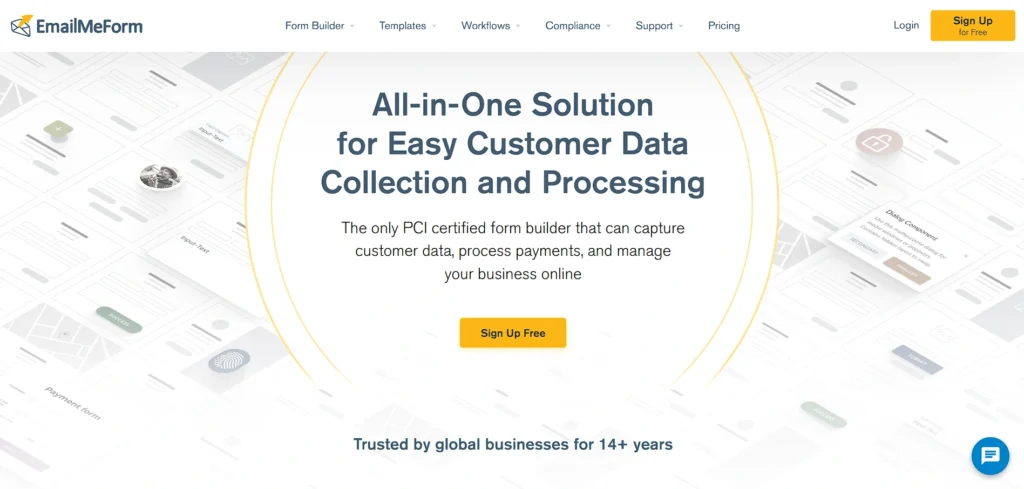
EmailMeForm is an online form generator when it comes to simplicity and rapid implementation. It gives the user the option to create data entry forms using a drag-and-drop interface, which provides immediate publication and simplified collection of responses.
Spam prevention, file upload, email notifications to new submissions are featured. The user is able to embed forms in websites, share links, or connect with such tools as Google sheets to manage data.
EmailMeForm can be used in contact forms, surveys and lead capture without technical ability to write code. Its simple structure renders it attractive to small enterprises, freelancers and organisations that require uncomplicated and dependable data collection.
Key Features:
- Online form creation
- Drag-and-drop editor
- Spam protection tools
- Email notifications
- Data export options
Pros:
- Quick setup
- Easy embedding
- Good for small businesses
- Affordable plans
- No coding required
Cons:
- Limited advanced features
- Outdated interface design
- Restricted free plan
Pricing:
- Beginner– $35/month
- Experienced– $60/month
- Veteran– $100/month
- Agency– Contact Sales
12. Formstack
Website: https://www.formstack.com
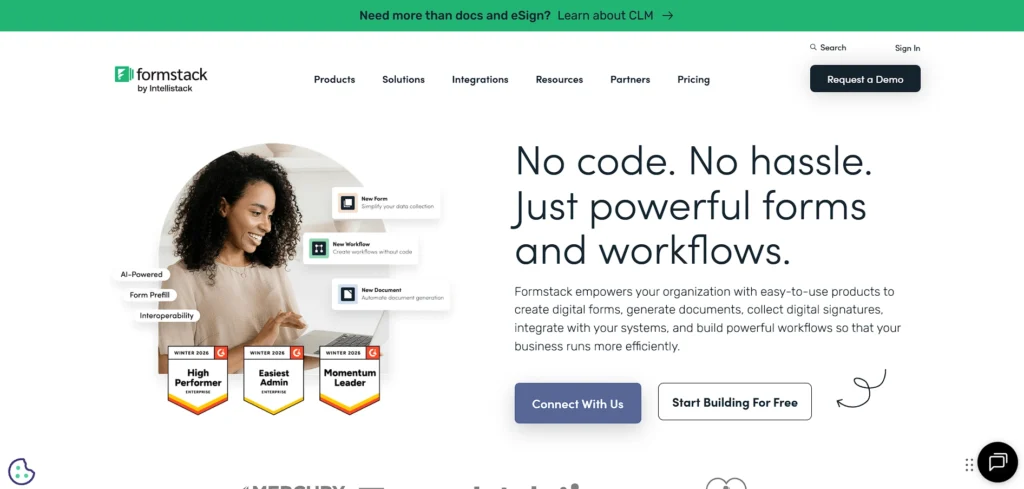
Formstack is an effective Data Entry Software solution that helps businesses optimise their processes and streamline data collection by creating forms and automating workflows. Users can build advanced forms with conditional logic, approvals, and digital signatures.
Formstack is also compatible with CRM, payment, and document management systems, allowing seamless data transfer and automated operations. Its reporting and analytics features provide organisations with insights into data trends and form performance.
Due to its strong functionality, Formstack finds application in regulated sectors, human resources, marketing, and customer care. It focuses on security, compliance, and scalable workflows to facilitate efficient data entry at the enterprise level.
Key Features:
- Advanced workflow automation
- Digital signatures
- Compliance-focused security
- CRM integrations
- Analytics dashboard
Pros:
- Enterprise-ready features
- Secure and compliant
- Strong automation tools
- Scalable solutions
- Reliable support
Cons:
- Higher pricing
- Learning curve for beginners
- Overkill for simple needs
Pricing:
- Forms– $83/month
- Suite– $250/month
- Enterprise– Custom Pricing
13. Cognito Forms
Website: https://www.cognitoforms.com
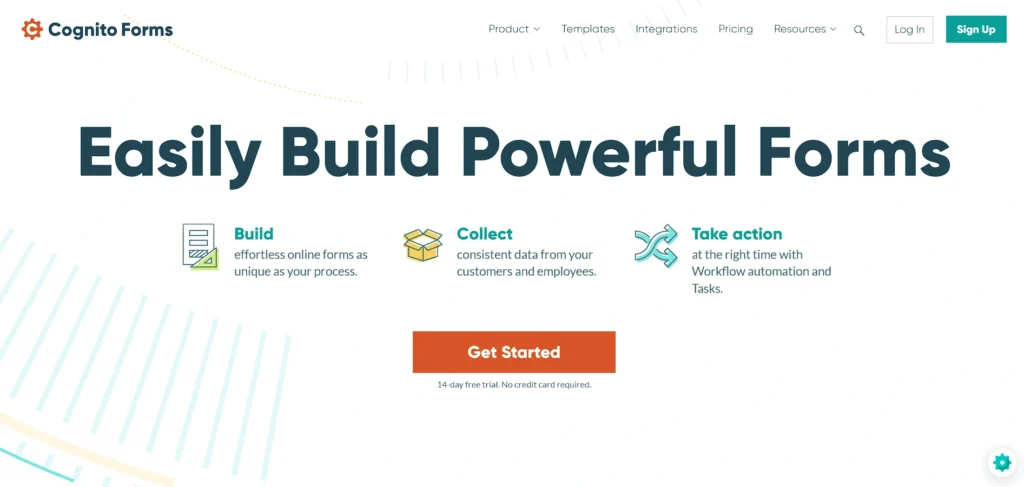
Cognito Forms is an online form builder that has a sophisticated customization and conditional logic. Users are allowed to create complex forms with calculation and repeating field and data validation to ensure correct input.
Submissions can be exported to Excel or linked to other tools in order to use automated workflow. Cognito Forms allows payment collection, uploading files, and multi-page forms, which can be used in a registration, application, and data collection initiatives.
Its user-friendly design enables the teams to launch forms in a short time without writing code. Cognito Forms is favored by nonprofits, educators, and small businesses in need of flexible and powerful entry forms to fit different needs.
Key Features:
- Conditional logic forms
- Calculation fields
- Payment collection
- Multi-page forms
- Excel export support
Pros:
- Flexible customisation
- Affordable plans
- Strong logic features
- Good integration support
- Free tier available
Cons:
- Interface could be modernized
- Limited templates
- Advanced features require upgrades
Pricing:
- Individual– Free
- Pro– $19/mo
- Team– $39/mo
- Enterprise– $129/mo
14. FastField
Website: https://www.fastfieldforms.com
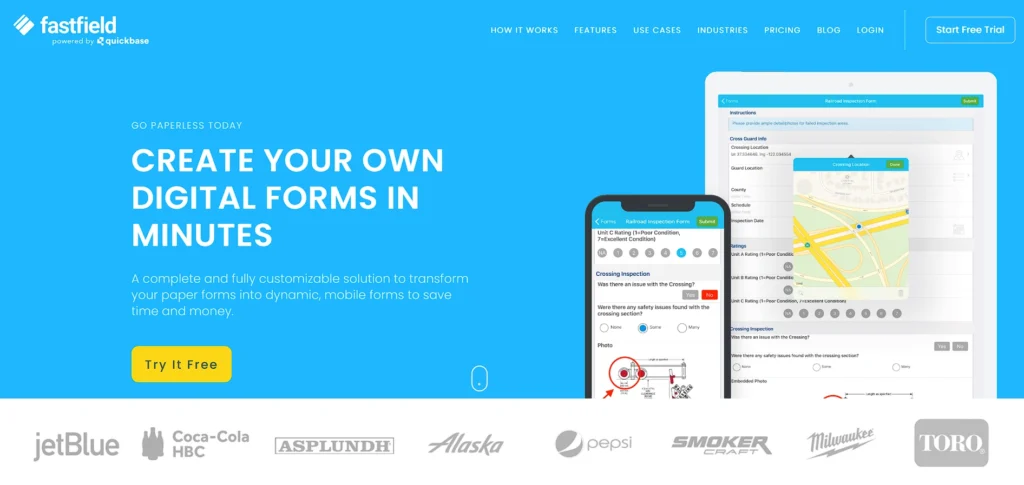
FastField is a mobile-first Data Entry Software and form application designed to support businesses that require offline functionality and field data entry. Custom forms can be created by users to support inspections, audits, surveys, and reports, and they are synced once connectivity is restored.
The platform uses signatures, GPS, photos, and conditional logic, advancing the accuracy of collected data. FastField forms are installed on team devices, and the data is centrally stored for review and export.
It is particularly helpful in industries such as construction, biology, and field service, where field data capture is common and connectivity is not always available. FastField combines flexibility with structured data formatting.
Key Features:
- Mobile-first data entry
- Offline form support
- GPS and photo capture
- Signature collection
- Centralised reporting
Pros:
- Ideal for field teams
- Works without internet
- Customisable forms
- Improves field efficiency
- Easy deployment
Cons:
- Not ideal for office-only use
- Subscription required
- Limited advanced analytics
Pricing:
- Core– Per seat $30/month
- Pro– Per seat $45/month
- Enterprise– Custom Pricing
15. MoreApp Forms
Website: https://www.moreapp.com
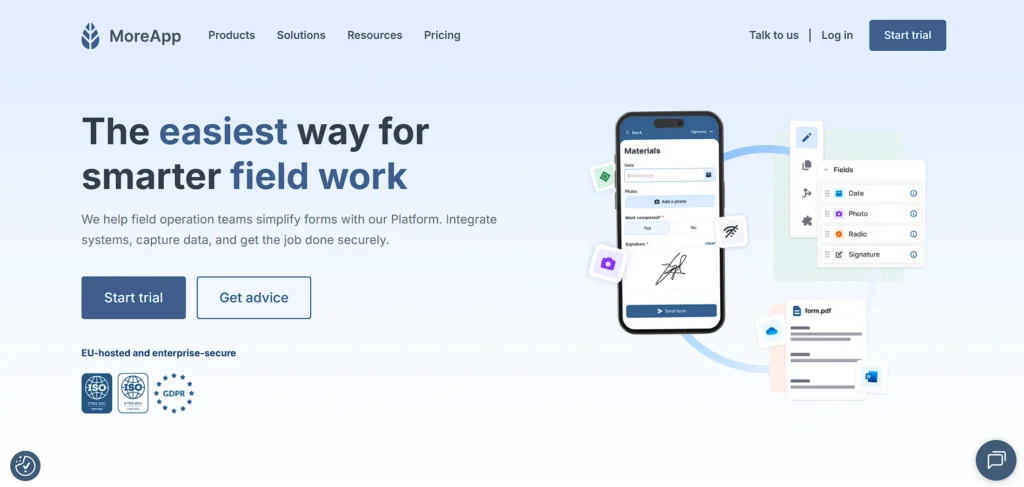
MoreApp Forms is a field work and mobile data entry customised form offering system. The drag-and-drop functionality allows users to create forms with barcode scanning, photos, and signatures to capture all the details.
The information gathered in mobile devices connects to the cloud of MoreApp where it can be shared or linked to other systems. The platform has offline mode enabling it to be useful in remote locations.
Its adaptability enables companies to substitute paperwork with effective online procedures in terms of checks, auditing, deliveries, and feedback. MoreApp enhances accuracy of data, accelerates data collection procedures, and allows scalable use by organisations.
Key Features:
- Digital mobile forms
- Barcode scanning
- Offline data entry
- Cloud synchronisation
- Workflow automation
Pros:
- Reduces paper usage
- Easy drag-and-drop builder
- Good mobile functionality
- Custom branding options
- Secure cloud storage
Cons:
- Advanced features cost extra
- Requires training for teams
- Limited free version
Pricing:
- Leaf– $51/mo
- Branch– $203/mo
- Tree– $681/mo
- Forest– Custom Pricing
Quick Comparison
| Software | Best For | Ease of Use | Pricing |
| Microsoft Excel | Powerful spreadsheet data entry, analysis, and reporting tasks | Familiar interface for most computer users | Subscription-based |
| Google Sheets | Cloud-based collaborative spreadsheet data entry and editing | Intuitive interface with easy sharing features | Free (with Google account) |
| Airtable | Flexible database and spreadsheet hybrid for organized data | User-friendly with drag-and-drop simplicity | Subscription-based |
| Jotform | Creating custom online forms quickly and efficiently | Simple form builder with templates included | Free & subscription-based |
| Typeform | Interactive, conversational forms and engaging surveys | Smooth interface with modern design focus | Free & subscription-based |
| Zoho Forms | Integrated forms with CRM and business apps | Straightforward with useful drag-and-drop | Subscription-based |
| UiPath | Robotic process automation for repetitive data tasks | Moderate – requires setup and training | Subscription-based |
| Zapier | Automating workflows between multiple apps and tools | Easy workflow builder, minimal setup required | Free & subscription-based |
| Docparser | Extracting structured data from documents automatically | Clean interface, quick rule setup | Subscription-based |
| Google Forms | Simple, free online surveys and quick data entry | Very easy, beginner-friendly interface | Free |
| EmailMeForm | Creating forms without coding or design skills | Simple drag-and-drop editor | Free & subscription-based |
| Formstack | Professional forms with advanced automation capabilities | Moderate – powerful but feature-rich | Subscription-based |
| Cognito Forms | Advanced conditional logic in form building | Easy with logical organisation options | Free & subscription-based |
| FastField | Mobile data collection and offline form entry | Simple mobile-optimized interface | Subscription-based |
| MoreApp Forms | Custom mobile forms for field data collection | Clean and intuitive form builder | Subscription-based |
Ending Thoughts
In conclusion, choosing the right data entry software can significantly improve accuracy, efficiency, and overall workflow management. The top solutions available today offer automation features, cloud accessibility, real-time collaboration, and strong data security measures. Whether for small businesses, growing startups, or large enterprises, these tools help reduce manual errors and save valuable time.
By simplifying repetitive tasks and organising information effectively, data entry platform supports better decision-making and operational control. Investing in a reliable solution ensures smoother processes, improved productivity, and consistent data handling, ultimately contributing to long-term business growth and digital transformation success.
FAQs
Why Is Data Entry Software Important For Businesses?
It improves accuracy, saves time, automates repetitive tasks, enhances data security, and helps maintain organized records for better decision-making.
Is Data Entry Platform Suitable For Small Businesses?
Yes, many solutions offer affordable plans and user-friendly interfaces, making them ideal for small businesses and startups.
Can Data Entry Software Integrate With Other Tools?
Most modern software integrates with CRM, accounting, ERP, and cloud storage platforms for seamless workflow management.
Does Data Entry Platform Provide Data Security?
Yes, many platforms include encryption, access controls, backups, and compliance features to protect sensitive business information.