In the modern data-driven business environment, companies are overwhelmed with information that comes in billions of ways: through contacts with customers, sales data, social media and the metrics of the business. It is not only a question of gathering this data but also organising, analysing and deriving meaningful insights that make strategic decisions. It is at this point that Data Management Platforms are required. These advanced solutions form the fabric of contemporary business intelligence, granting companies the opportunity to unify the data streams that are pulled in bits into single, operational knowledge bases.
The need to have strong Data Management Platforms has never been as high as it is in the year 2026. Even though data management is not only a technical necessity, businesses of any size appreciate the importance of data management being a competitive edge. Whether you are a startup that is aiming to gain data foundations or an enterprise that aims to streamline the already existing infrastructure, the choice of the platform can have an overwhelming effect on your level of operational efficiency, speed of decision-making, and bottom line.
What is Data Management?
Data management is the act of gathering, arranging, storing, and monitoring data throughout its life to ensure that it is accessible, reliable and secure. It involves the policies, procedures and technologies applied in managing information efficiently within an organisation. These involve putting in place the criteria of data quality, security provisions to ensure that sensitive data is preserved and developing data storage and retrieval systems.
Effective data management can guarantee that data is precise, reliable, and accessible to the appropriate individuals at the appropriate moments to make decisions. It is also about the privacy of data, adherence to the regulations, and backup systems to ensure that the data will not be lost. A large amount of data produced by organisations necessitates effective data management to ensure that organisations are efficient in their operation, strategic planning, and competitive advantage. It converts the raw data into a highly valuable organisational resource that may be analysed and used to generate business insights and innovation.
Read more: Best AI-Powered Data Analytics Tools
Essential Features to Look for in Data Management Platforms
When choosing the appropriate data management solution, it is important to consider the major capabilities that you believe match your organisational goals. Although the needs of any business are specific, some general aspects distinguish the really efficient platforms and the mediocre ones. The insights into these key traits will guide you to make critical decisions that will address the needs of your organisation today and as your data ecosystem is developed.
- Integration Capabilities: The ability to easily integrate with a range of data sources, databases, cloud storage, APIs, third-party components, and legacy systems will allow the full consolidation of data without the emergence of new silos or the use of a large number of manual interventions.
- Scalability and Performance: Intense systems need to be able to handle increasing data amounts without performance degradation and should have a scalable infrastructure that can handle varying workloads without sacrificing query throughput and processing performance with increasing data volumes.
- Security and Compliance: Enterprise-level security services such as encryption, role-based access controls, audit logs and compliance certifications, provide security and compliance with regulatory mandates such as GDPR, HIPAA and industry specifications.
- User-friendly Interface: Intuitive boards and interfaces without excessive technical expertise democratise access to organisational data in a way that allows business users to use their own hands in deriving insights without having to depend heavily on the IT departments.
- Advanced Analytics and Visualisation: Built-in analytical capabilities, machine learning and robust visualisation capabilities can simplify the complicated data into manageable forms, enhancing the identification of trends in trend detection and making decisions at any level of the organisation.
Comparison Table for Data Management Platforms
| Platform Name | Rating | Best Feature |
| Tableau | 4.8/5 | Intuitive drag-and-drop visualization |
| Snowflake | 4.7/5 | Exceptional multi-cloud scalability |
| Power BI | 4.6/5 | Seamless Microsoft ecosystem integration |
| Google BigQuery | 4.7/5 | Serverless architecture with superior performance |
| Databricks | 4.6/5 | Collaborative Apache Spark analytics |
| Looker Studio | 4.5/5 | Free tier with automatic connectivity |
| Azure Synapse Analytics | 4.6/5 | Unified data integration platform |
| Amazon Redshift | 4.5/5 | Massively parallel processing architecture |
| Qlik Sense | 4.5/5 | Associative analytics engine |
| Zoho Analytics | 4.4/5 | Affordable pricing for small businesses |
| Cloudera | 4.4/5 | Enterprise-grade cluster management |
Top 11 Data Management Platforms
1. Tableau
Rating: 4.8/5
Website: https://www.tableau.com/
Best Use Cases: Complex data storytelling, enterprise business intelligence, visual analytics workflows
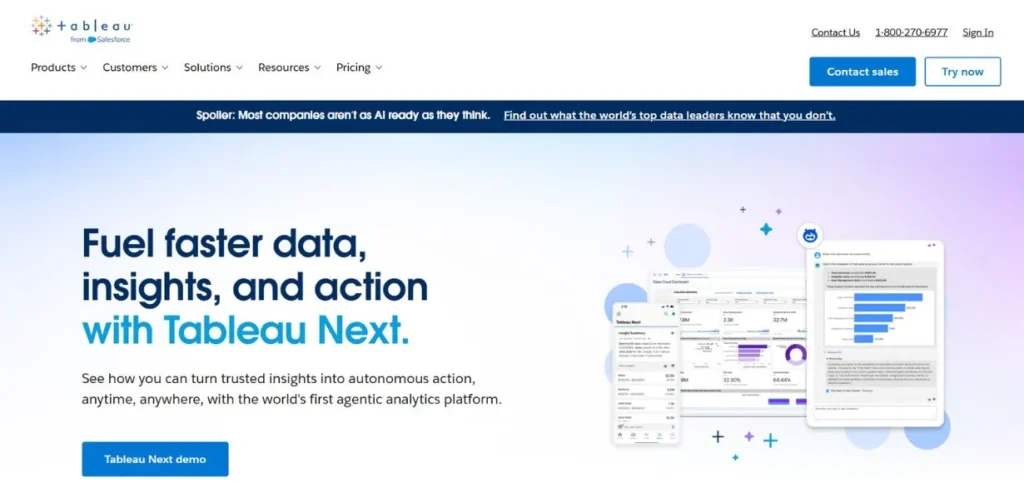
Tableau has been growing since its beginning from a visualisation expert to a holistic enterprise solution since it was acquired by Salesforce. It is the best platform to develop complex datasets into simple visual stories that lead to strategic decisions. The ease of use and complexity of the interface are valued by users of all skill levels due to their balanced capacity of Tableau to offer advanced analytical tools and features to users with an intuitive interface.
The power of the platform lies in the possibility to connect the previously unrelated data points and use the artificial intelligence capabilities of Salesforce Einstein to identify latent trends and create predictive analytics. Companies, from small teams up to Fortune 500 firms, also use Tableau in both departmental-level reporting to company-wide analytics programs. The in-built analytics enable companies to incorporate visualisations with their own products to reach beyond internal teams to customers and partners with the insights they have.
Key Features:
- Drag-and-drop visualisation builder
- Multi-source data connectivity
- AI-powered pattern recognition
- Embedded analytics capabilities
- Real-time collaboration tools
Pros:
- Highly intuitive interface
- Powerful visual storytelling
- Extensive integration options
Cons:
- Premium pricing structure
- Steep learning curve initially
- Resource-intensive for complex dashboards
Pricing: Custom pricing
2. Snowflake
Rating: 4.7/5
Website: https://www.snowflake.com/en/
Best Use Cases: Cloud data warehousing, multi-cloud strategies, scalable ETL operations
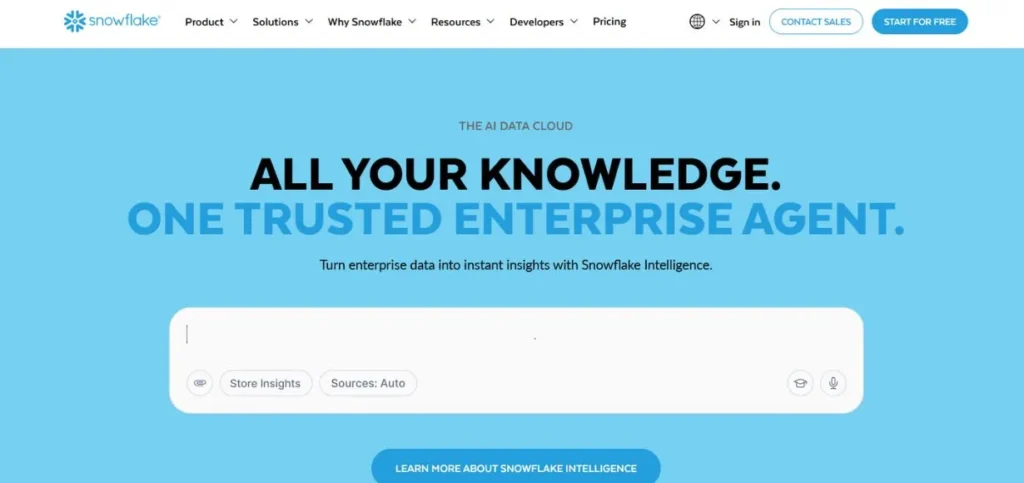
Snowflake is a groundbreaking cloud-based data warehousing, and its flexibility is unparalleled, in terms of Amazon Web Services, Microsoft Azure, and Google Cloud Platform. Its architecture divides compute and storage materials and enables organisations to scale both compute and storage facilities separately according to individual needs. The inflexibility of the other data warehousing systems makes the management of infrastructure a pain, but this innovative solution provides excellent performance with no such headaches.
Snowflake can share data using REST APIs, which allows organisations to work with each other safely without the involvement of intricate data movement. The platform works with massive datasets without any difficulty, which is why it is the best option when businesses focus on cloud-native activities. The security features make it conform to the high standards of the regulatory requirements, and the pay-per-use model is cost-effective to organisations that have fluctuating workloads.
Key Features:
- Multi-cloud compatibility
- Instant compute scaling
- Zero-copy data sharing
- Automatic query optimisation
- Time-travel data recovery
Pros:
- Exceptional scalability
- No infrastructure management
- Efficient data sharing
Cons:
- Can become expensive
- SQL expertise required
- Limited customisation options
Pricing: Free trial available
3. Power BI
Rating: 4.6/5
Website: https://www.microsoft.com/en-us/power-platform/products/power-bi
Best Use Cases: Microsoft-centric organisations, interactive dashboards, collaborative business intelligence
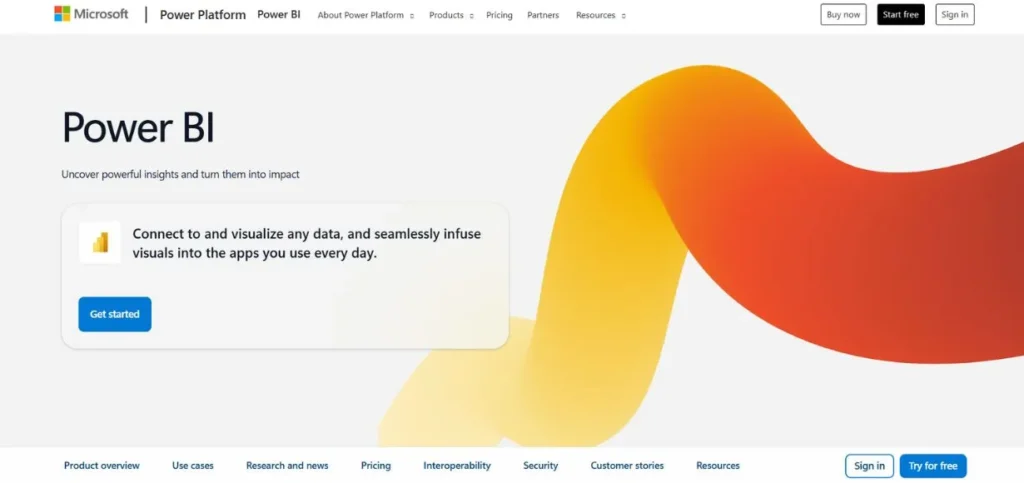
The Power BI offered by Microsoft is among the most user-friendly and, at the same time high highly-performing business intelligence applications currently. The fact that it is tightly connected to the Microsoft ecosystem, in particular, Excel, PowerPoint, and Teams, offers streamlined operations to organisations that already operate on Microsoft technologies. The customers can import data directly out of Excel sheets, run advanced analysis and export beautiful pictures directly back into their presentations, but not to go out of normal environments.
The platform has a strong capability to transform data through its Query Editor, which has an option to recover accidentally deleted information. The Power BI interactive dashboards are self-updating, enabling the stakeholders to interactively analyse data rather than viewing fixed reports. It aids various organisational security requirements on cloud-based and on-premise deployment schemes, and it can maintain its functionality continuously.
Key Features:
- Microsoft ecosystem integration.
- Creation of interactive dashboards.
- Query Editor restoration
- Real-time data updates
- Development of custom visualisation.
Pros:
- Well-known Microsoft system.
- Affordable pricing tiers
- Large connectivity possibilities.
Cons:
- Best in the Microsoft atmosphere.
- Poor flexibility on customisation.
- Periodic performance problems.
Pricing: Free plan available
4. Google BigQuery
Rating: 4.7/5
Website: https://cloud.google.com/bigquery
Best Use Cases: Real-time analytics, large-scale data processing, serverless infrastructure
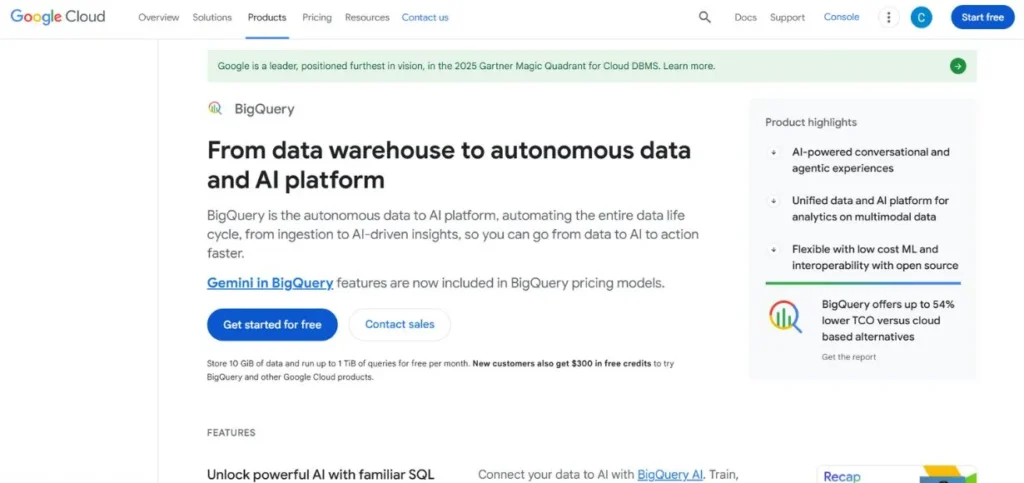
Google BigQuery changes the manner in which organisations perform large-scale analysis of data through its serverless, multi-cloud architecture. It is built on a strong Google infrastructure and also performs SQL queries with amazing speeds without the user going to the back end and dealing with the servers and clusters. Such a serverless architecture means that the business can only pay for the number of queries that are fulfilled and storage usage, and thus, it can be applied to variable workloads.
BigQuery has the advantage of being able to support petabytes of data at a consistent rate, enabling the development of business intelligence applications in real-time. The service also supports the other components of the Google Cloud platform, including machine learning resources and data visualisation. It is automatically encrypted, which offers data security during rest and transactions, and it is also already built-in with redundancy and hence offers high availability. Google Workspace is extremely helpful to organisations that have adopted the Google platform of productivity applications to analyse data generated in the platform.
Key Features:
- Serverless architecture
- Petabyte-scale processing
- Automatic encryption
- Artificial intelligence implementation
- Geospatial analysis tools
Pros:
- Delivers incredibly fast processing performance
- No need to worry about managing infrastructure
- Offers a substantial free usage allowance
Cons:
- Query expenses can accumulate quickly
- Limited options for direct data manipulation
- Challenging initial learning experience
Pricing: $6.25 per TB queried
Explore more: Best Chatbots for Shopify
5. Databricks
Rating: 4.6/5
Website: https://www.databricks.com/
Best Use Cases: Collaborative data science, Apache Spark workloads, Azure-integrated analytics
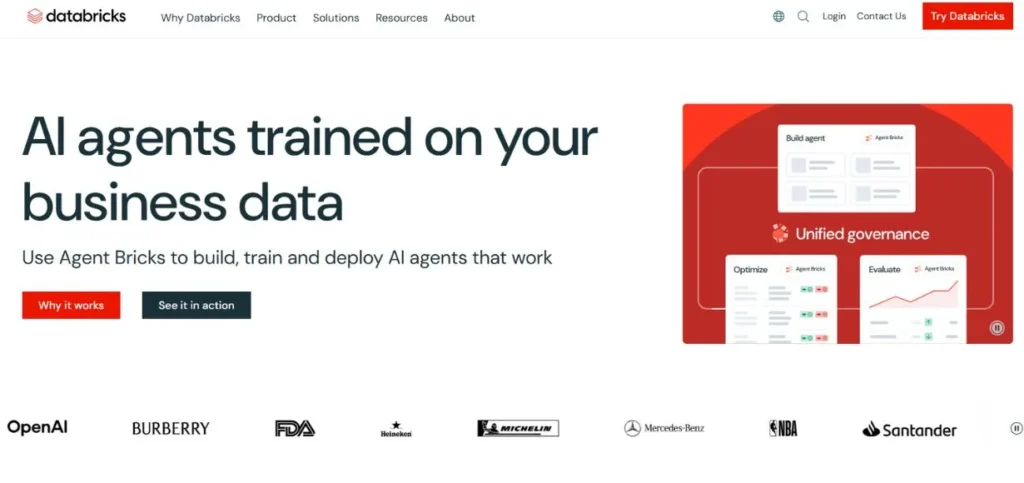
Databricks is a single analytics app that is built based on the Apache Spark technology and is created to bridge the gap between the data engineering and data science teams and the business analytics team. Utilising its collaborative notebooks service, data projects can be worked on by a large team of people in real-time to foster cross-functional teamwork work which enhances understanding promptly. One more feature that deserves to be mentioned is the Azure integration of the platform, which is combined with the Power BI, Azure Active Directory, and Azure Data Factory.
Such an indigenous integration eliminates the conventional points of friction in functioning in the cloud ecosystem of Microsoft. Most programming languages are also supported by Databricks, including Python, Scala, R, and SQL, so that certain technical preferences can be taken into account. Its automation capabilities ease the repetitive processes; at the same time, Spark jobs are highly efficient due to their optimisation. Databricks is applicable in organisations that are running advanced analytics and machine learning programs to productionize scale-based models.
Key Features:
- Collaborative notebook environment
- Multi-language support
- Automated workflow orchestration
- Azure native integration
- MLflow experiment tracking
Pros:
- Great for working together as a team
- Handles big data processing really well
- Works smoothly with other Azure tools
Cons:
- Figuring out costs isn’t straightforward
- You’ll need some technical skills to use it
- Can be heavy on system resources
Pricing: 14-day free trial
6. Looker Studio
Rating: 4.5/5
Website: https://lookerstudio.google.com/navigation/reporting
Best Use Cases: Report creation, small business analytics, Google ecosystem integration
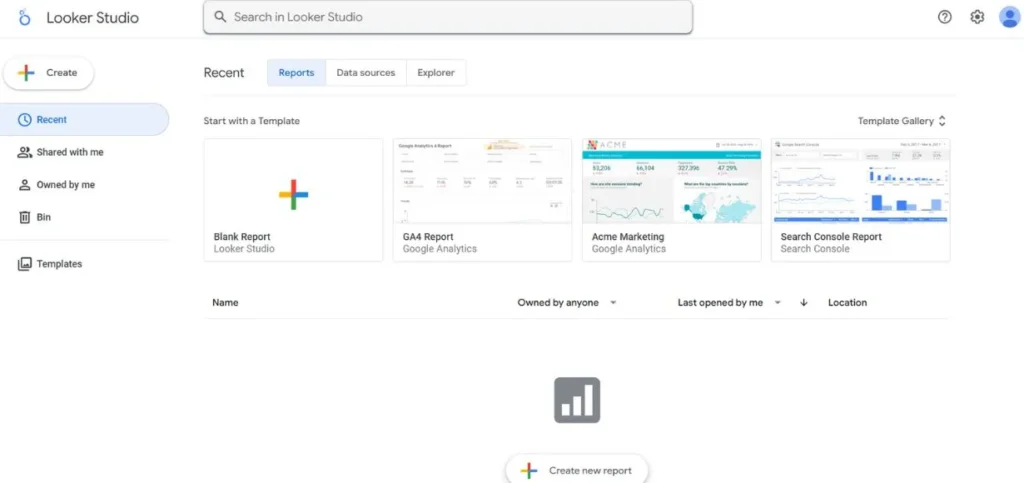
Google Data Studio, now known as Looker Studio, is a data visualisation platform that is now free at a no-tier level, as well as being available at a premium tier. This will enable professional-grade reporting to be available to organisations despite the budget limit. The platform is star-bright due to its automatic data connection features, which do away with manual data uploads that are a nightmare in other alternatives. The chart types available to users include thirty-six types, including tables, time series, scatter plots, and geographicvisualisationss giving users a wide range of expression of various datasets.
Key Features:
- Automatic data connectivity
- Thirty-six chart types
- Template library
- Collaborative editing
- Google service integration
Pros:
- Completely free tier
- User-friendly interface
- Excellent for beginners
Cons:
- Limited advanced features
- Performance with large datasets
- Fewer customisation options
Pricing: Free version available
7. Azure Synapse Analytics
Rating: 4.6/5
Website: https://azure.microsoft.com/en-us/products/synapse-analytics
Best Use Cases: Enterprise data warehousing, unified analytics, regulated industries
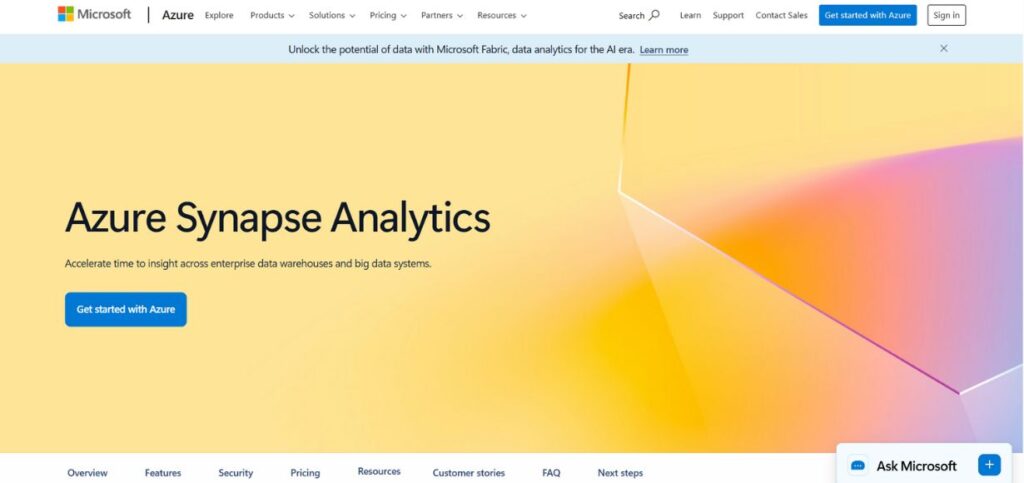
The Azure Synapse Analytics provided by Microsoft is a one-stop solution comprising data warehousing, big data analytics and data integration in a single integrated solution. Integration does not presuppose separate tools and processes that separate data operations from the past. It is more secure in nature and has wide compliance standards, such as GDPR, HIPAA, and industry-level, which is appreciated by organisations with sensitive data. The platform supports structured, semi-structured and unstructured data types, which are not rigid to a specific type of data. Azure Synapse is a big data and parallel processing integration that could lead to a rapid response to large amounts of data.
Key Features:
- Unified data platform
- Advanced security controls
- Multi-format data support
- Parallel processing engine
- Compliance certifications
Pros:
- Comprehensive security features
- Competitive pricing
- Windows-familiar interface
Cons:
- Azure ecosystem dependency
- Complex initial setup
- Learning curve challenges
Pricing: $1.20 per hour per 100 DWUs for dedicated pools
8. Amazon Redshift
Rating: 4.5/5
Website: https://aws.amazon.com/redshift/
Best Use Cases: Petabyte-scale warehousing, AWS ecosystem integration, high-concurrency analytics
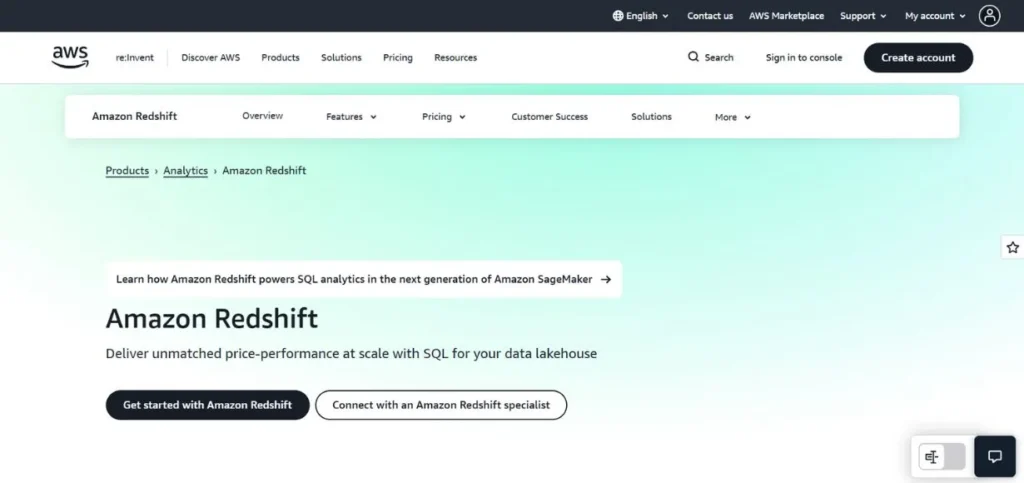
Amazon Redshift offers optimised analytical workload plus data warehousing in the cloud, which involves querying of vast amounts of data within a limited duration. It has a massively parallel processing system that is distributed among the different nodes, hence it is feasible to analyse a petabyte of information in a short period of time. The platform zero-ETL solution is an excellent novelty, as it allows making close to real-time queries against foundational sources, without building complex ETL pipelines.
Concurrency Scaling will take care of automatically scaling up to make sure that, in case a lot of people are using the same queries, more of the clusters will automatically be deployed, and thus the performance will not go down. Redshift is an open-source and scale-out data warehouse that has been developed to interface with other AWS services such as S3, DynamoDB and Glue. It is also in the AWS Data Exchange marketplace and can access over 3,500 third-party datasets. Redshift has been the most attractive to organisations that have already deployed AWS infrastructure due to simple deployment and consolidated billing.
Key Features:
- Massively parallel processing
- Zero-ETL capabilities
- Automatic concurrency scaling
- AWS service integration
- Data marketplace access
Pros:
- Excellent query performance
- Strong AWS integration
- Easy initial setup
Cons:
- AWS ecosystem lock-in
- Management complexity increases
- Costs can escalate
Pricing: Free trial available
9. Qlik Sense
Rating: 4.5/5
Website: https://www.qlik.com/us
Best Use Cases: Self-service analytics, AI-assisted insights, mobile business intelligence
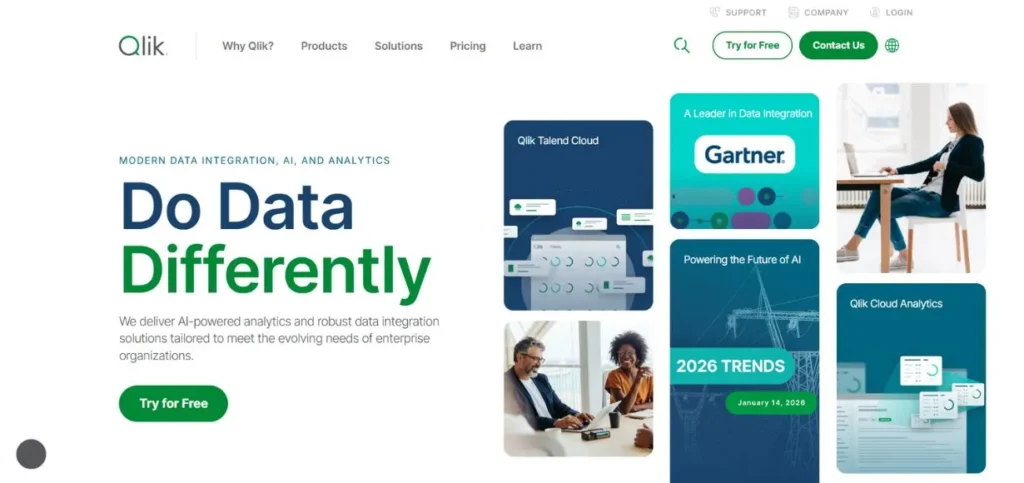
Qlik Sense is a continuation of QlikView but has new functions that can support the modern analytics requirements. Its associative nature enables offering unrestricted access to data in its relationships, so users can identify relationships that structured queries may fail to detect. The site focuses on the ease of use via natural language search, where one can pose queries in a conversational manner and not in a complex form.
The use of AI-assisted features will automatically create insights, offer visualisations, and ready data, minimising manual effort by a significant amount. Predictive analytics are supported through automated machine learning, which aids organisations in predicting trends in advance. The interface supports both beginner and advanced users, who might be a business user in need of a simple dashboard or a data scientist who needs to create more advanced analytical systems.
Key Features:
- Associative analytics engine
- Natural language queries
- AI-generated insights
- Automated machine learning
- Mobile application
Pros:
- Flexible data exploration
- User-friendly design
- Strong mobile support
Cons:
- Pricing transparency lacking
- Resource requirements high
- Initial configuration complex
Pricing: Free trial available
10. Zoho Analytics
Rating: 4.4/5
Website: https://www.zoho.com/analytics/
Best Use Cases: Small business intelligence, budget-conscious analytics, Zoho ecosystem users
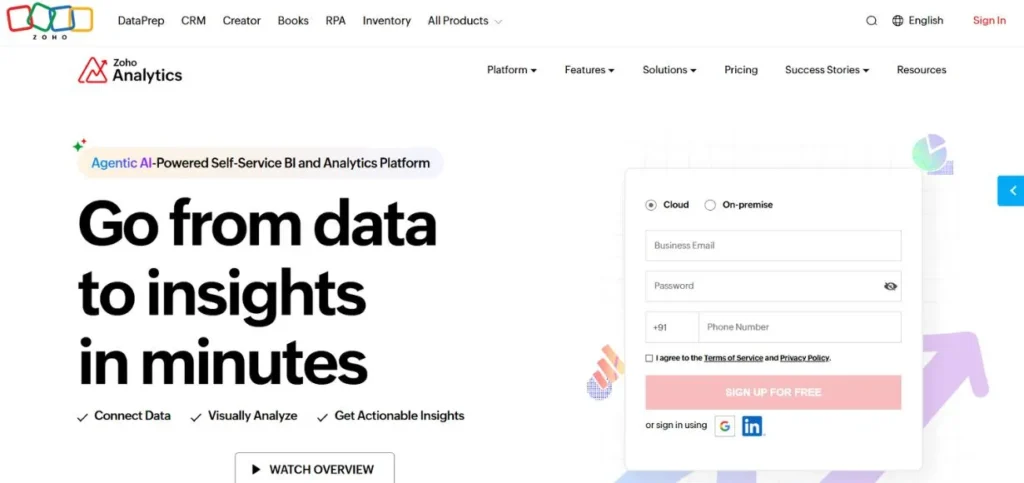
Zoho Analytics is aimed at small to medium-sized companies, which are in demand of an all-inclusive analytics solution at an enterprise price. The affordability of the platform does not affect functionality with automatic data synchronisation that can be scheduled with repetition, the ability to create custom reports using an easy-to-use editor and dynamic dashboards that track important business metrics. One of the most useful, in particular, is the collaborative comment system, which enables team members to comment on reports and argue about how to improve them directly on the platform.
Raw data can be converted into exciting stories with advanced visualisation possibilities and interactive charts, and one can dig into the data with pivot table capabilities. Role-based access controls provide security in the data because they limit sensitive information to the authorised staff. On-the-go compatibility is enabled by mobile compatibility, which enables a flexible working environment.
Key Features:
- Automatic data synchronisation
- Collaborative commenting system
- Advanced pivot tables
- Role-based security
- Mobile analytics access
Pros:
- Highly affordable pricing
- Excellent for SMBs
- Zoho Suite integration
Cons:
- Limited scalability
- Fewer advanced features
- Interface feels dated
Pricing: Free plan available
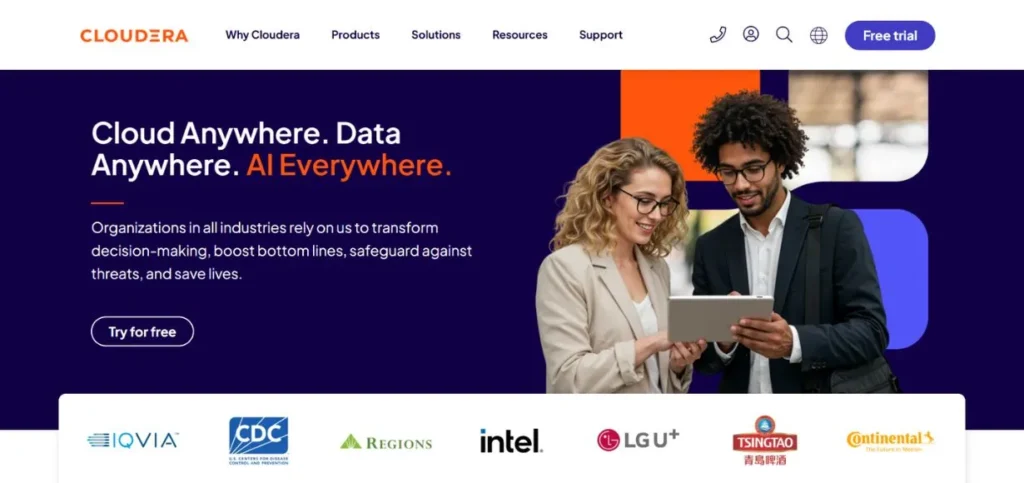
11. Cloudera
Rating: 4.4/5
Website: https://www.cloudera.com/
Best Use Cases: Enterprise data management, real-time alerting, hybrid cloud deployments
Cloudera supports the advanced needs of large organisations that work with large volumes of data in hybrid cloud systems. The cluster management ability of the platform guarantees an easy running of the platform, as well as ensuring that the platform is scalable as the needs of the organisation increase. Real-time alert capability allows reacting to critical occurrences proactively and avoiding problems before they occur and affect the operations. The interface of Cloudera emphasises simplicity even though it manages complicated infrastructure, and this factor encourages cooperation between technical and business teams.
Key Features:
- Advanced cluster management
- Real-time alerting system
- Centralized administration
- Hybrid cloud support
- Data lineage tracking
Pros:
- Enterprise-grade capabilities
- Strong support network
- Excellent scalability
Cons:
- High pricing
- Complex implementation
- Steep learning curve
Pricing: Cloud services: $0.04–$0.17 per CCU/hour
How to Choose the Right Data Management Platforms
When selecting the most appropriate data management solution, you would have to be very attentive to the context of your respective organisation, technical infrastructure and long-term objectives. This is a decision that can be daunting with numerous good platforms, but the situation can be overcome by examining key evaluation factors so that you can end up with only those platforms that are actually within your needs. Various factors should be considered so that one can make a choice.
- Assess Your Present and Future Requirements: This should begin by getting a clear picture of the amount of data that you currently possess and how you will employ this moving forward, and how these requirements and needs will evolve.
- Evaluate Integration Weaknesses: Evaluate your current technology stack because this allows you to understand what systems would have to integrate with your data management system.
- Consider User Skill Levels: Be frank about the technical capabilities across your organisation, and be able to determine which of your teams require code-free interfaces or can access SQL and programming languages.
- Estimate Total Cost of Ownership: Subscription periods are not the sole expenses to take into account, as they are just a portion of the entire picture and can be supplemented by implementation charges, training requirements, maintenance requirements and scaling charges.
- Pay attention to Security and Compliance: When it comes to companies that process sensitive information or operate in a regulated area, the security features and being certified by any compliance are paramount.
Conclusion
The Data Management Platforms market is highly dynamic at a very rapid rate, and it is the first time organisations stand a greater opportunity to strategically exploit their information resources. Tableau is associated with an excellent storytelling feature, and Snowflake has an architecture that is based on the cloud,d that provides specific abilities in overcoming the specified business-related challenges. The eleven solutions discussed in this paper are the most successful solutions in the industry that serve different organisational profiles, such as business startups and Fortune 500 companies. Remarkably, even niche solutions like Adobe Data Management Platform are meant to help niche requirements on bigger marketing technology platforms.
Choosing a platform successfully depends on the ability to match technical capabilities with organisational reality, i.e. data volumes, level of user skills, current infrastructure, financial limitations, and business strategy. There is no one-size-fits-all answer to these problems, but it is good to find one that will work best in your specific situation. There are choices on the affordability side, such as Zoho Analytics, on the Microsoft-integrated Power BI, or on the enterprise-level features of Cloudera on the spectrum.
FAQs
Q1: What is the major distinction between business intelligence platforms and data warehouses?
A: Data warehouses such as Snowflake and Amazon Redshift are oriented towards efficient storage and organisation of huge volumes of data, whereas business intelligence systems such as Tableau and Power BI are oriented towards visualisation and analysis. Most current Data Management Platforms now offer both opportunities as one platform.
Q2: Are enterprise Data Management Platforms useful to small businesses?
A: Yes, although cheaper alternatives such as Zoho Analytics or the free plan of Looker Studio or the starter plans of Power BI can be more reasonably priced. Small businesses must be more conscious of user-friendliness and low scaling costs rather than the features of an enterprise that they might not need at first.
Q3: What is the level of cloud compatibility in selecting Data Management Platforms?
A: Of the highest essence to the majority of organisations. The benefit of cloud-based platforms is scalability, less infrastructure control, and accessibility. Hybrid deployment, Multi-clouds such as Snowflake give users more flexibility, avoiding vendor lock-in and enabling hybrid deployment.
Q4: Are Data Management Platforms technical in nature?
A: It depends on the platform. Non-technical users can use solutions such as Looker Studio and Zoho Analytics, and SQL and programming expertise can be rewarded by platforms such as Databricks and BigQuery. Evaluate the capabilities of your team when choosing platforms to make adoption a success.
Q5: What are the security capabilities that organisations should focus on in Data Management Platforms?A: Key security functionalities are encryption of data both at rest and in transit, role-based access control, audit logging, compliance certifications applicable to your industry and data masking. Companies that deal with sensitive data are supposed to focus on those platforms, such as Azure Synapse Analytics, that provide well-built security systems.
Continue exporing: Best Data Recovery Software For Mac