Looking to understand why document control tools have become a cornerstone of modern, compliance-driven organizations? As businesses move toward digital operations and stricter regulatory environments, managing documents manually is no longer sustainable. From quality policies and SOPs to contracts and compliance records, organizations need structured systems to maintain accuracy, traceability, and control.
Today’s document control platform goes far beyond basic file storage. It combines version control, automated workflows, audit trails, and secure access to ensure documents remain accurate, approved, and accessible at every stage of their lifecycle. Used widely across regulated industries, enterprises, and fast-growing businesses, these tools enable consistency, accountability, and operational efficiency.
In this blog, we explore the Top 15 Document Control Software.
What is Document Control Software
Document control software refers to an electronic system that maintains, arranges, monitors, and safeguards documents at all stages of their lifecycle within an organization. It ensures that the right people have access to the correct, approved versions of documents while preventing unauthorized modifications and duplication.
This software offers features such as version control, audit trails, access permissions, approval workflows, and document retention policies. It is particularly important in regulated sectors where standards like ISO, FDA, or GDPR must be met. By centralizing documents, it enhances collaboration, minimizes errors, improves accountability, and reduces time wasted searching for information.
In general, document control platform helps companies achieve accuracy, consistency, compliance, and operational efficiency in document-based operations in modern digital workplaces and complex business environments, making it essential for structured and secure information management.
What to Consider When Choosing the Right Document Control Software
- Compliance Standards: Ensure software supports ISO, FDA, GDPR, requirements, audit trails, validation, and regulatory reporting for your industry-specific needs
- Version Control: Look for automatic versioning change history rollback capabilities, preventing document duplication errors and uncontrolled edits across teams organization
- Access Security: Choose systems offering role-based permissions, encryption, and authentication, ensuring sensitive documents remain protected from unauthorized internal and external access
- Workflow Automation: Evaluate approval workflows, notifications and task routing that reduce manual effort, improve accountability and speed document lifecycle processes
- Ease of Use: Select intuitive interfaces requiring minimal training so employees can adopt the system quickly without productivity loss during daily operations
- Integration Capability: Ensure compatibility with existing tools like Microsoft ERP, CR, and email systems to maintain seamless information flow across the organization
- Scalability Flexibility: Pick software that grows with users’ documents and locations, supporting future expansion without major performance or cost issues risks
- Vendor Support: Assess customer support training resources, updates and vendor reputation to ensure long term reliability and successful implementation outcomes
List of Top 15 Document Control Software
1. Axero
Website: https://axerosolutions.com/
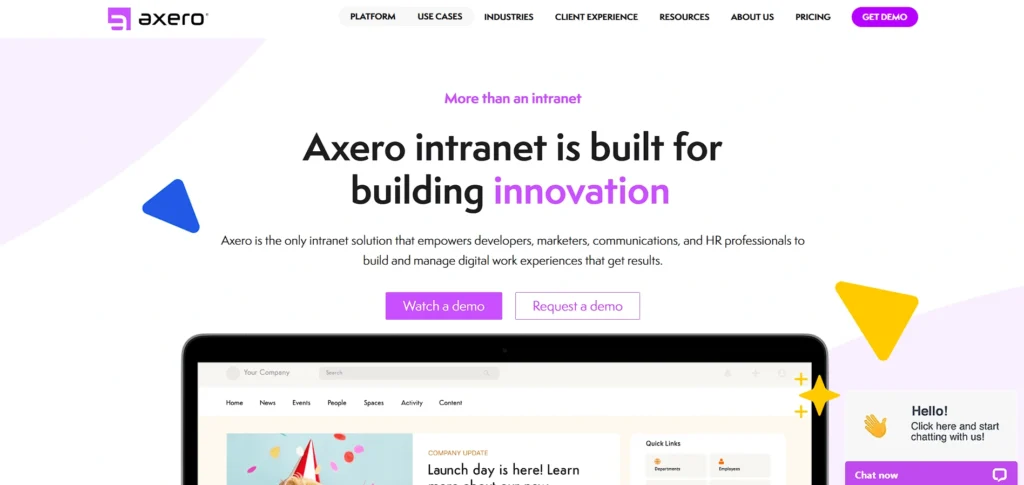
Axero is a modern document control system that integrates intranet collaboration with organized document governance. It helps companies to store files centrally, control versions, automate approvals as well as control access permissions in customizable portals.
Axero enables audit trails, compliance processes, and real-time collaboration to enable teams to be consistent and accountable. It is an intranet-first design that suits an enterprise that wants to do internal communication and document control within a single system.
Axero offers organizations the means to simplify document lifecycle processes and enhance the level of engagement among staff members and operational visibility across departments and distributed teams with secure storage, workflow automation, and flexible configuration.
Key Features:
- Centralized document hub
- Version control
- Workflow automation
- Access permissions
- Audit trails
- Customizable intranet portal
Pros:
- Integrates collaboration and document governance
- Easy version tracking
- Strong permission controls
- Customizable interface
- Supports compliance workflows
Cons:
- May be complex for very small teams
- Fewer third-party integrations
- Pricing not publicly listed
Pricing:
- Request Pricing
2. M-Files
Website: https://www.m-files.com/
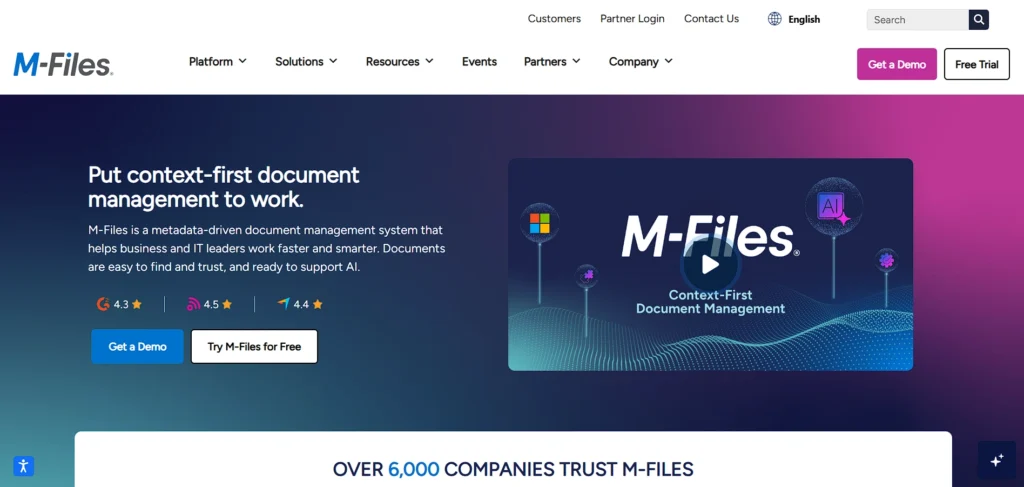
M-Files is a smart Document Control Software tool that is used to organize data based on metadata rather than the traditional folder structure. The strategy enhances the search of documents, minimizes duplication, and makes certain that the right version is accessed at any time.
M-Files offers automated processes, version control, audit history, and compliance solutions that meet regulatory requirements. It can be easily connected to Microsoft 365 and Salesforce, among other business systems.
M-Files is well-known among enterprises and regulated industries and is designed to boost efficiency by automating document processes while ensuring strong governance, security, and lifecycle control across cloud, hybrid, and on-premise environments.
Key Features:
- Metadata-driven organization
- Version history
- AI search
- Workflow automation
- Compliance tracking
- Seamless integrations (MS 365, Salesforce)
Pros:
- Intelligent metadata search
- GDPR compliance tools
- Flexible deployment (cloud/on-prem)
- Deep integrations
- Reduces duplicates
Cons:
- Complex setup for beginners
- Higher cost for small teams
- Interface may feel dated to some
Pricing:
- Custom Pricing
3. DocuWare
Website: https://start.docuware.com/
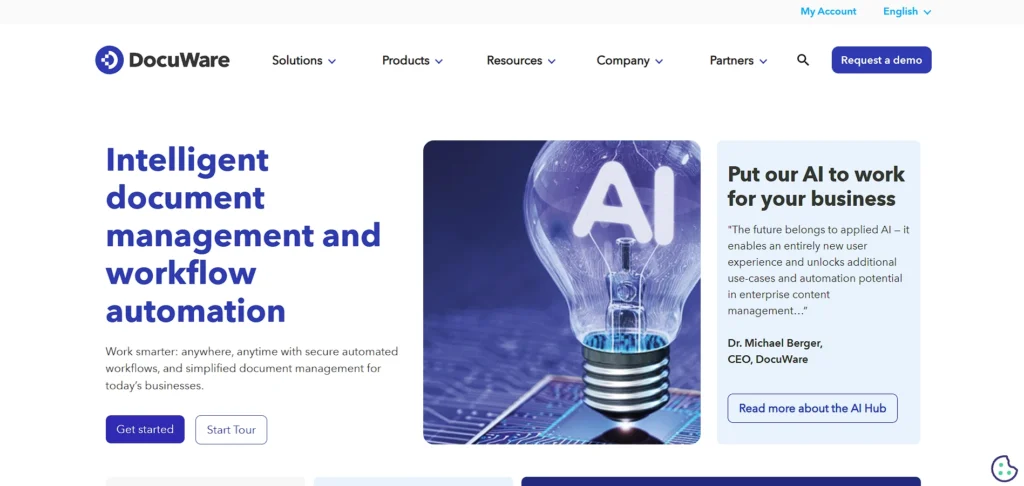
DocuWare is a document control and workflow automation solution that is aimed at helping to accomplish digital transformation initiatives. It provides safe document storage, automated workflow approval, version management, audit records and role based access rights.
DocuWare comes in both cloud and on-premise models, and assists companies in substituting paper-based operations with effective electronic workflows. Its indexation, search and eSignature integration enhances productivity and compliance.
DocuWare can effectively serve companies that are required to optimize document lifecycles, boost collaboration, and remain compliant with regulations and expand business operations with maximum efficiency.
Key Features:
- Secure cloud/on-prem storage
- Workflow automation
- Mobile access
- Role-based permissions
- Document indexing
- Audit logs
Pros:
- Strong automation workflows
- Flexible deployment
- Good security/encryption
- Mobile support
- Helpful for digital transformation
Cons:
- Premium pricing tiers
- Learning curve for advanced workflows
- Customization requires training
4. MasterControl

Website: https://www.mastercontrol.com/
MasterControl is a document control system that is compliance-based and is designed with specific regulated industries, like life sciences and manufacturing.
It offers the end-to-end management of document lifecycle such as change control, electronic signatures, audit trail and training integration. MasterControl helps in ensuring that documents are FDA, ISO, and GxP compliant and has tight version control, as well as access permissions.
Its centralized system allows it to undertake inspections, audits and quality processes with confidence. MasterControl is designed to fulfill the complex compliance requirements of enterprises and to enable organizations to minimize regulatory risk, enhance quality consistency and have audit readiness at all times.
Key Features:
- Audit-ready documentation
- Training integration
- Role-based access
- Change control
- Electronic signatures
- Regulatory compliance support
Pros:
- Built for regulated industries (FDA/ISO/GxP)
- Comprehensive audit trails
- Ensures compliance
- Scales with enterprise
- Integrates quality processes
Cons:
- Expensive for small orgs
- Steep learning curve
- Implementation can be lengthy
Pricing:
- Request Pricing
5. OpenText Documentum
Website: https://www.opentext.com/products/documentum-content-management
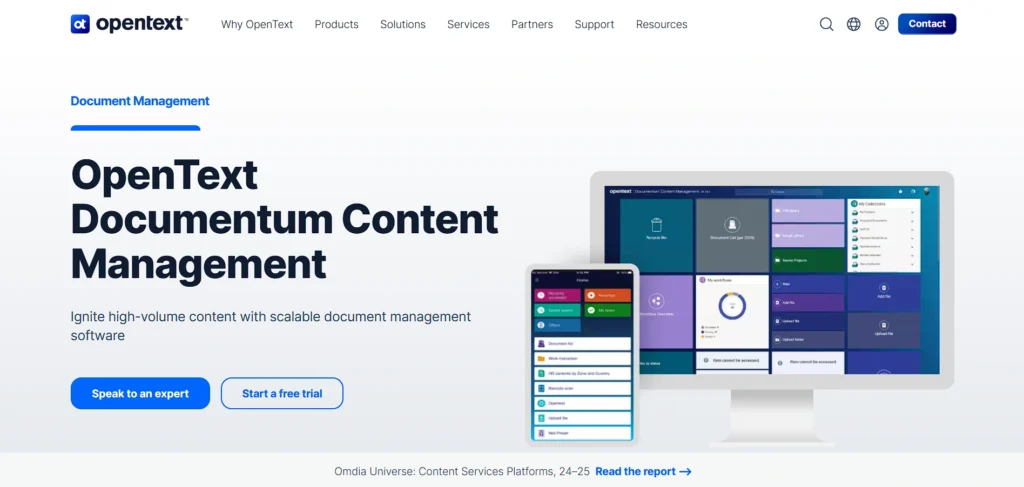
OpenText Documentum is a content and Document Control system with enterprise-level capabilities and is made to handle complex and large-scale environments. It provides high-performance lifecycle management, fine-grained access controls, compliance, and long-term content storage.
Documentum assists organizations dealing with large amounts of important documents in different departments, locations, and legal systems. Its high integration functionality and governance features render it applicable to industries with high security and compliance requirements.
OpenText Documentum helps enterprises keep control, tracing, and consistency as well as support long-term information governance strategies and digital transformation programs.
Key Features:
- Content lifecycle management
- Advanced permissions
- Archival governance
- Compliance tools
- Enterprise scalability
- Integration with legacy systems
Pros:
- Enterprise-grade security
- Powerful governance features
- Highly scalable
- Strong compliance
- Good for complex IT environments
Cons:
- High cost
- Complex to configure
- Not ideal for SMBs
Pricing:
- Request Pricing
6. Revver
Website: https://www.revverdocs.com/
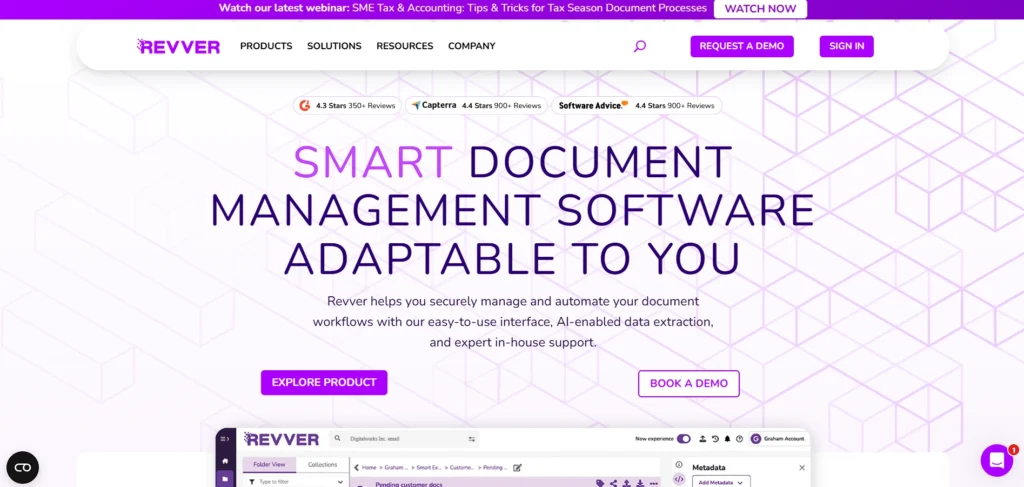
Revver is a small business document control system designed to fit small and mid-sized organizations. It offers centralized storage, auto versioning, role-based access, and easy workflow management.
Revver also puts emphasis on the convenience, and the teams can arrange documents without having to install and train complicated applications. Its search and indexing capabilities, along with compliance reporting capabilities, assist in ensuring document accuracy and accountability.
Revver is well-suited to companies that require a document control structure without the complexity of an enterprise in order to allow teams to work together effectively without the loss of document history, security, or the clarity of operation.
Key Features:
- Drag-and-drop file management
- Automatic version tracking
- Role-based permissions
- Workflow support
- Compliance reporting
- Search/indexing
Pros:
- Easy to use
- Affordable for SMBs
- Good version history
- Compliance tracking
- Simplifies organization
Cons:
- Limited advanced automation
- Web-only access for some plans
- Smaller ecosystem of integrations
Pricing:
- Contact sales
7. Laserfiche
Website: https://www.laserfiche.com/
Laserfiche is a content management and document control system, which is an amalgamation of document capture, workflow automation, and records management. It is also widely recognized as reliable Document Control Software for organizations that require structured and secure file handling.
It helps in OCR, indexing, retention schedules, and compliance structures. Laserfiche is very popular in the government, health, and education industries where the volume of documents and regulatory demands is considerable.
Its workflow products simplify approvals and audits with high access control measures. Laserfiche helps organizations become more efficient, minimize manual processing, and guarantee compliance through organized document management and auto-scaling automation opportunities.
Key Features:
- Document capture/OCR
- Workflow automation
- Records management
- Analytics
- Secure permissions
- Compliance frameworks
Pros:
- Powerful automation
- Great for regulated sectors
- Strong record retention
- Scalable deployment
- Advanced search tools
Cons:
- Initial complexity
- Higher cost
- Can be overwhelming for small teams
Pricing:
- Contact sales
8. SharePoint
Website: https://www.microsoft.com/sharepoint
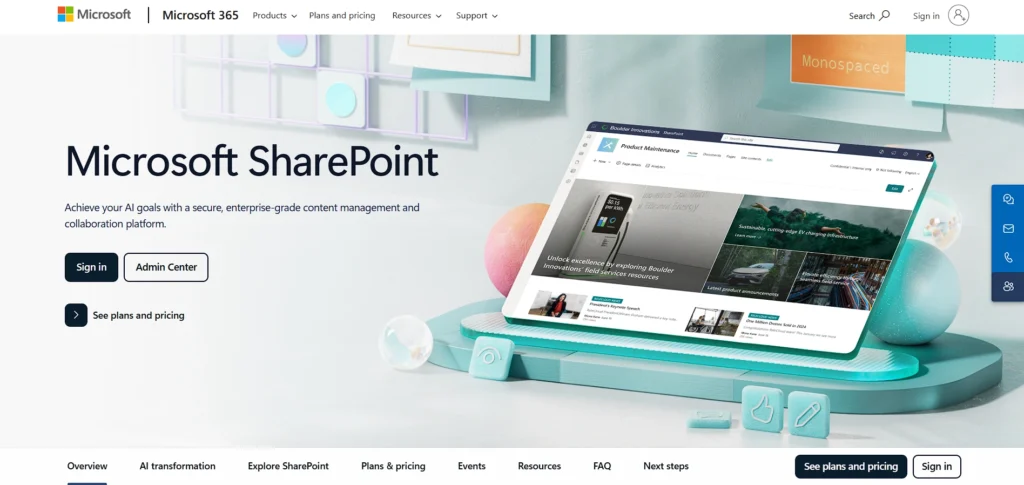
Microsoft SharePoint is a collaborative document control platform integrated within the Microsoft 365 ecosystem. It offers document libraries, version control, real-time co-authoring, granular permissions, and workflow automation.
SharePoint enables teams to securely manage documents while collaborating across departments. Its integration with Microsoft Teams, OneDrive, and Office applications enhances productivity and accessibility.
SharePoint is suitable for organizations of all sizes, particularly those already using Microsoft tools, providing scalable document management, compliance support, and structured collaboration across modern digital workplaces.
Key Features:
- Document libraries
- Granular permissions
- Real-time co-authoring
- Integration with Microsoft 365
- Workflow templates
- Version control
Pros:
- Deep Microsoft ecosystem integration
- Widely adopted
- Strong collaboration
- Scales from small to enterprise
- Extensive support resources
Cons:
- Can feel complex
- Customization often needs specialists
- Might require a separate M365 subscription
Pricing:
- Microsoft 365 Business Standard– ₹ 770.00 user/month, paid yearly
- Microsoft 365 Business Premium– ₹ 1,830.00 user/month, paid yearly
9. DocuSign CLM
Website: https://www.docusign.com/products/clm
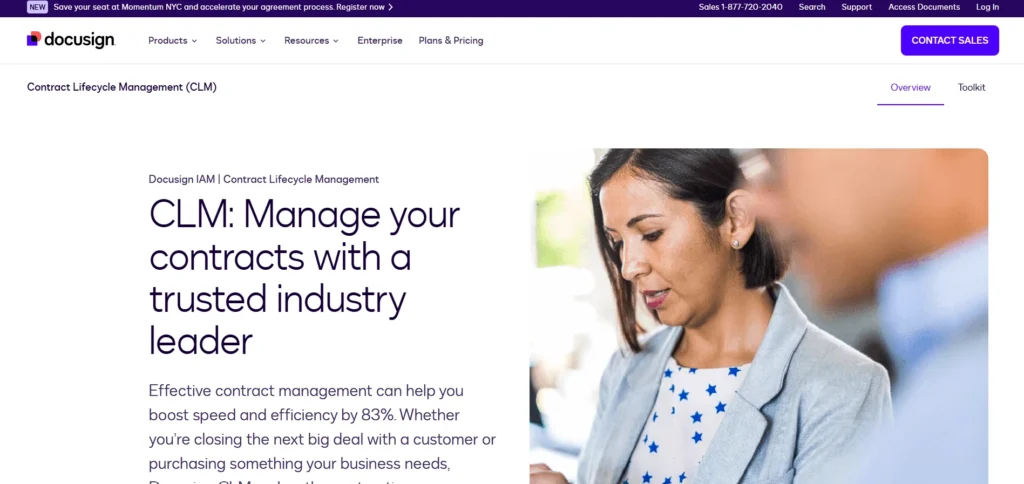
DocuSign Contract Lifecycle Management is a Document Control Software solution focused on managing contracts from creation to execution and archival.
It automates workflows, tracks document status, enforces policies, and maintains audit trails. DocuSign CLM integrates with eSignature capabilities to ensure legally compliant execution.
Designed for legal, procurement, and sales teams, it improves visibility, reduces risk, and accelerates contract processes. DocuSign CLM helps organizations maintain control over contractual documents while ensuring compliance, accountability, and efficiency throughout the entire contract lifecycle.
Key Features:
- Automated workflows
- Secure contract storage
- Visibility into document status
- E-signatures
- Deadline tracking
- Policy enforcement
Pros:
- Industry-leading CLM integration
- Strong audit trail
- Excellent for contracts
- Enhances legal processes
- Cloud-native
Cons:
- Can be pricey
- Learning curve for advanced logic
- Focused mainly on contracts.
Pricing:
- Contact sales
10. Confluence
Website: https://www.atlassian.com/software/confluence
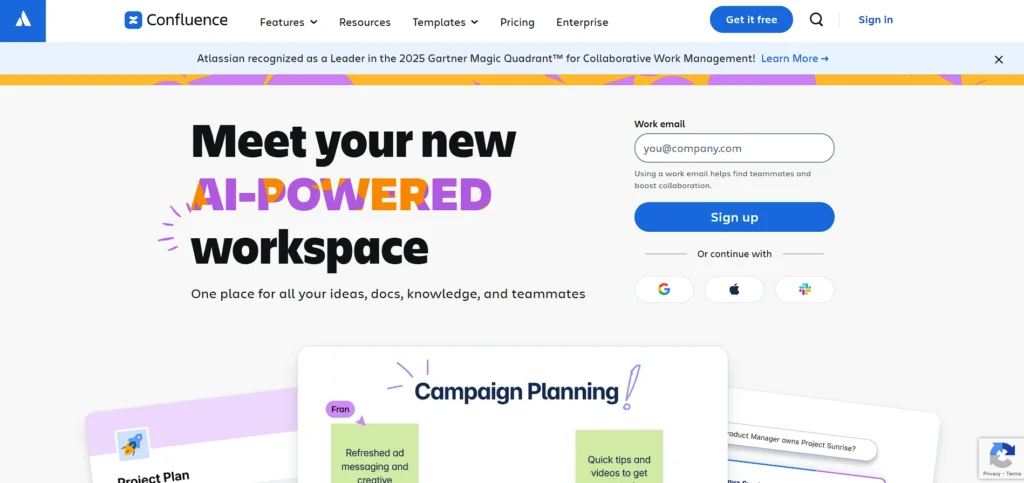
Confluence is a collaborative documentation platform that supports structured content creation, version history, and team knowledge sharing.
It enables teams to create pages, manage updates, and track changes in real time. Integrated with Jira and other Atlassian tools, Confluence supports project documentation, internal policies, and team collaboration.
While not a traditional document control system, it provides basic versioning, access controls, and searchable knowledge bases. Confluence is ideal for organizations prioritizing collaborative documentation and internal knowledge management over strict regulatory document control.
Key Features:
- Real-time collaboration
- Page history/versioning
- Integrations with Jira/Trello
- Templates
- Comments/mentions
- Searchable knowledge base
Pros:
- Great for team documentation
- Easy content collaboration
- Strong Atlassian ecosystem
- Searchable knowledge base
- Templates speed creation
Cons:
- Not a traditional DMS
- Limited advanced control features
- Best with Atlassian tools.
Pricing:
- Standard– $5.42 per user/month
- Premium– $10.44 per user/month
11. LogicalDOC
Website: https://www.logicaldoc.com/
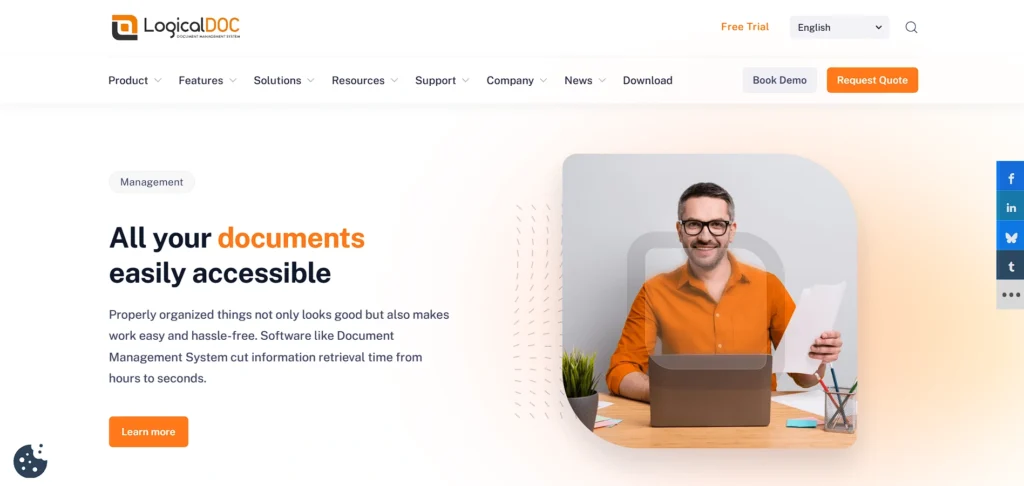
LogicalDOC is a Document Control Software and management platform offering centralized storage, version control, approval workflows, and secure access. It supports both cloud and on-premise deployments, providing flexibility for different organizational needs.
LogicalDOC includes advanced search, indexing, audit trails, and compliance support. Designed for small to mid-sized organizations, it balances affordability with structured document governance.
LogicalDOC helps teams maintain document accuracy, traceability, and security while simplifying collaboration and lifecycle management without the complexity of enterprise-heavy systems.
Key Features:
- Centralized document repository
- Advanced version control
- Workflow and approval management
- Full-text search with indexing
- Role-based access permissions
- Audit logs and compliance tracking
Pros:
- User-friendly web interface
- Affordable compared to enterprise tools
- Strong search and indexing capabilities
- Supports on-premise and cloud deployment
- Good customization options
Cons:
- Limited advanced analytics
- Interface design feels slightly dated
- Fewer native integrations than competitors
Pricing:
- Request Pricing
12. Zoho WorkDrive
Website: https://www.zoho.com/workdrive/
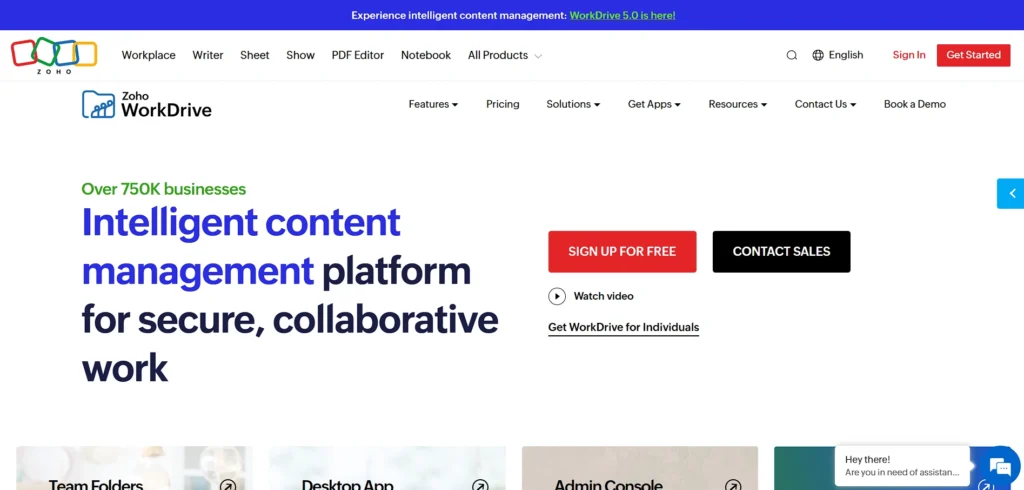
Zoho WorkDrive is a team-focused document control solution designed for collaboration and structured file management.
It provides version history, activity tracking, team folders, and granular access permissions. Integrated within the Zoho ecosystem, WorkDrive supports real-time editing, commenting, and document sharing.
It is well-suited for small and medium-sized businesses seeking affordable document control with collaboration features. Zoho WorkDrive helps teams maintain document organization, visibility, and accountability while supporting everyday workflows in a simple, user-friendly environment.
Key Features:
- Team folders
- Activity tracking
- Version history
- Collaboration tools (comments/live editing)
- Granular permissions
- Integration with Zoho app suite
Pros:
- Affordable for SMBs
- Easy collaboration
- Comes with Zoho ecosystem
- Simple UI
- Strong activity logs.
Cons:
- Limited third-party integrations
- Less robust workflows
- UI can feel basic
Pricing:
- STARTER– ₹170/user/month
- TEAM– ₹340/user/month
- BUSINESS– ₹680/user/month
13. Templafy
Website: https://www.templafy.com/
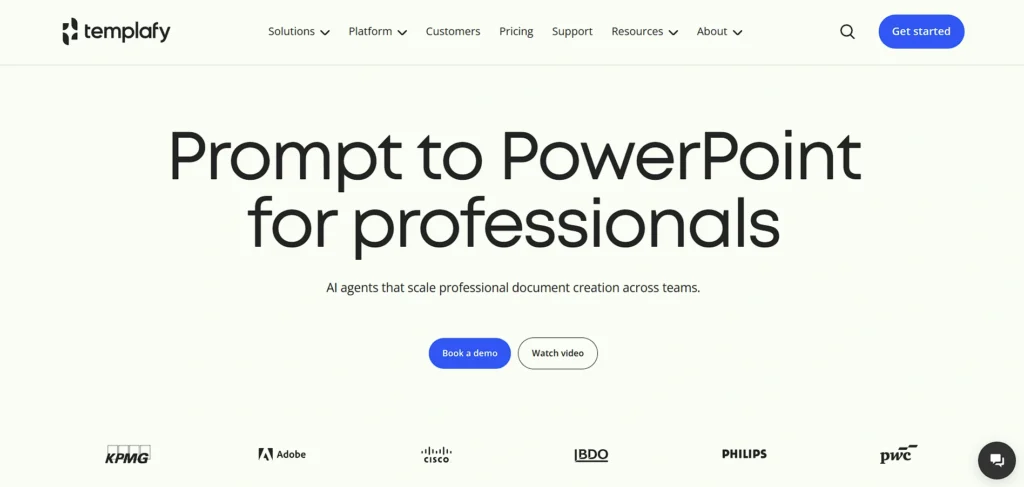
Templafy is a document governance and control platform focused on standardizing document creation and brand compliance.
It centralizes templates, approved content, and assets while integrating with Microsoft Office and Google Workspace. Templafy ensures documents follow organizational guidelines, policies, and branding standards automatically.
While not a full document management system, it plays a critical role in Document Control Software by preventing unauthorized content usage. Templafy is ideal for enterprises prioritizing consistency, compliance, and efficiency in document creation across distributed teams.
Key Features:
- Template management
- Compliance support
- Integration with MS Office/Google Workspace
- Brand governance
- Asset library, Content analytics
Pros:
- Ensures brand and policy compliance
- Deep editor integration
- Improves document consistency
- Useful analytics
- Enterprise focus
Cons:
- Not a full DMS
- Support response can lag
- May be overkill for small teams
Pricing:
- Request Pricing
14. Dropbox Business
Website: https://www.dropbox.com/business
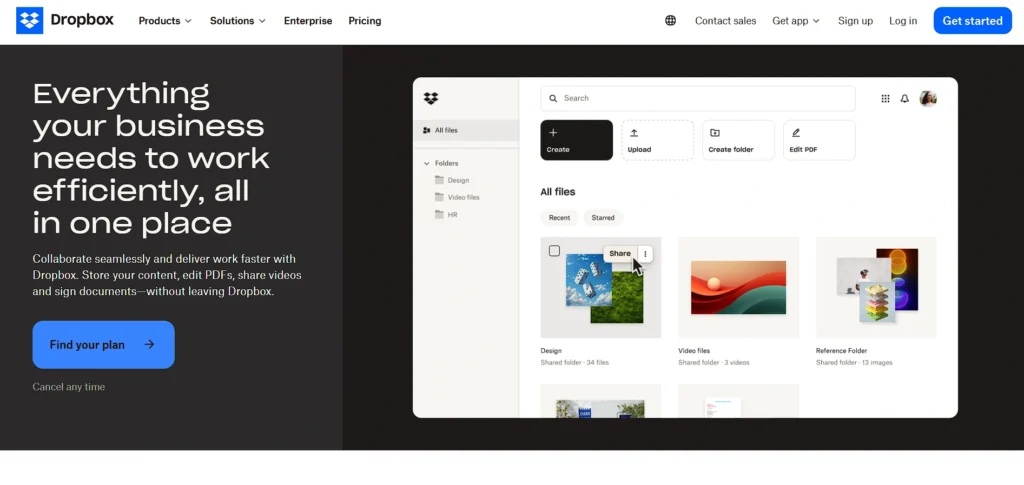
Dropbox Business is a cloud-based document control solution offering secure storage, versioning, access controls, and file recovery.
It simplifies document sharing and collaboration through reliable syncing across devices. Dropbox Business includes admin controls, permissions management, and integration with popular business tools.
While it lacks advanced compliance workflows, it is suitable for teams needing straightforward document control and collaboration. Dropbox Business helps organizations maintain file accessibility, security, and version history while supporting flexible, remote-friendly work environments.
Key Features:
- Smart Sync
- File recovery
- Versioning
- Permission controls
- Admin console
- eSignature support
Pros:
- Very user-friendly
- Excellent sync reliability
- Good mobile/desktop apps
- Cloud collaboration
- Useful recovery tools
Cons:
- Lacks advanced workflow automation
- Not ideal for heavy compliance
- Pricing rising for storage
Pricing:
- Professional– US$19.99/month
- Standard– US$18/user/month
- Advanced– US$30/user/month
15. Document Locator
Website: https://www.documentlocator.com/
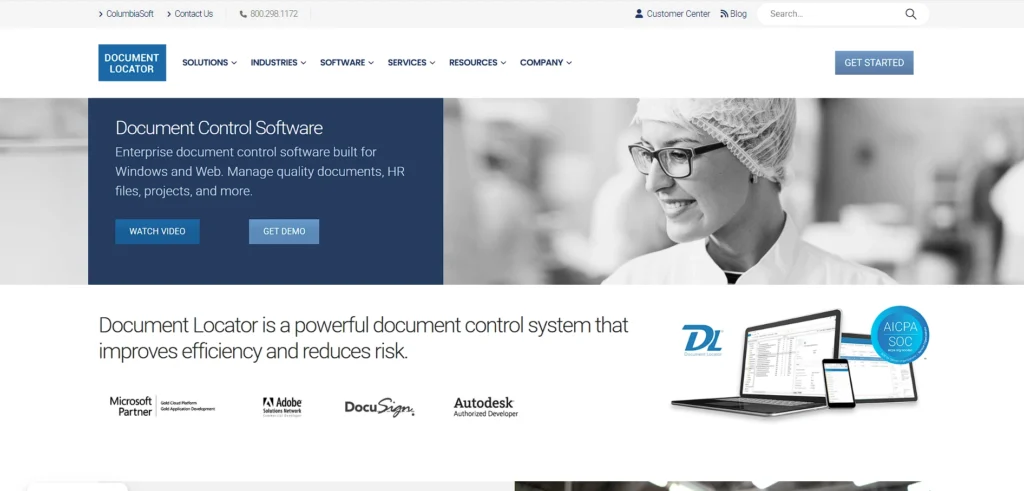
Document Locator is an enterprise Document Control Software offering version management, records retention, workflow automation, and compliance enforcement. Integrated with Microsoft Office, it enables users to manage documents directly within familiar tools.
Document Locator supports secure permissions, audit trails, and lifecycle control from creation to archival. It is suitable for organizations requiring structured document governance and regulatory compliance.
Document Locator helps teams reduce risk, improve traceability, and maintain consistent document standards across departments and business processes.
Key Features:
- Records management
- Workflow automation
- Versioning
- Retention policies
- Microsoft Office integration
- Secure permissions
Pros:
- Strong lifecycle control
- Deep Microsoft integration
- Good compliance tools
- Scales well
- Automated routing.
Cons:
- Smaller ecosystem
- Setup can be technical
- UI less modern
Pricing:
- Request Pricing
Quick Comparison
| Software | Best For | Ease of Use | Pricing |
| Axero | Intranet-based document governance | Moderate | Request pricing |
| M-Files | Metadata-driven enterprise control | Moderate | Custom pricing |
| DocuWare | Workflow automation & digital transformation | Moderate | Custom pricing |
| MasterControl | Regulated industries (FDA, ISO, GxP) | Complex | Request pricing |
| OpenText Documentum | Large enterprises with complex compliance | Complex | Request pricing |
| Revver | Small to mid-size businesses | Easy | Contact sales |
| Laserfiche | High-volume regulated environments | Moderate | Contact sales |
| Microsoft SharePoint | Microsoft-centric organizations | Moderate | Starts ₹770/user/month |
| DocuSign CLM | Contract lifecycle management | Moderate | Contact sales |
| Confluence | Team documentation & knowledge bases | Easy | Starts $5.42/user/month |
| LogicalDOC | Affordable structured document control | Easy | Request pricing |
| Zoho WorkDrive | SMBs using Zoho ecosystem | Easy | Starts ₹170/user/month |
| Templafy | Brand-compliant document creation | Moderate | Request pricing |
| Dropbox Business | Simple cloud document sharing | Very Easy | Starts $18/user/month |
| Document Locator | Microsoft-integrated document compliance | Moderate | Request pricing |
Ending Thoughts
In conclusion, document control software plays a vital role in helping organizations manage information efficiently, securely, and compliantly. By centralizing documents, maintaining version accuracy, and automating approval workflows, it reduces errors and operational risks. Choosing the right solution requires careful evaluation of compliance needs, security, usability, integration, and scalability. A well-selected document control system not only improves productivity but also strengthens accountability and transparency across teams.
As businesses grow and regulations become stricter, relying on manual or fragmented document handling becomes unsustainable. Investing in the right document control platform enables organizations to streamline processes, protect critical information, and maintain consistent standards, ultimately supporting long-term operational excellence, regulatory readiness, and smarter decision-making in today’s increasingly digital business environment.
FAQs
What Is Document Control Software Used For?
It is used to manage, track, store, and control documents, ensuring correct versions, approvals, and secure access across organizations.
Who Needs Document Control Platform?
Businesses in regulated industries, enterprises, and growing organizations handling large volumes of documents benefit most from a document control platform.
How Does Document Control Software Improve Compliance?
It maintains audit trails, version histories, approvals, and access controls required to meet ISO, FDA, GDPR, and other regulations.
Is the Document Control platform Different From Document Management Software?
Yes, document control focuses more on compliance, version control, approvals, and governance than basic document storage.
Can Document Control Software Integrate With Existing Tools?
Most modern solutions integrate with Microsoft 365, ERP, CRM, and other business applications for seamless workflows.