The workforce management landscape has changed in remarkable ways over the last few years, where organizations have been found to be depending on advanced employee management software to facilitate their operations. Regardless of whether your business is operated remotely, you have a hybrid, or you still have the traditional office setups, the proper technology stack will play a critical role in ensuring that the business remains productive, is compliant, and the employees feel engaged with it.
The digital solutions have proven to be essential to the HR departments, IT departments, and managers who require effective management of onboarding, performance monitoring, and access management, as well as employee development.
The advanced employee management solutions are rich in features that have removed manual and administrative overheads and added great insights into the workforce dynamics. With the continued development and adjustment of businesses to the shifting work conditions, investing in the development of a powerful management platform has not only become advantageous but also critical in generating a competitive edge. The appropriate tools could go a long way in enhancing employee satisfaction, efficiency in operations, and the business in general, since they facilitate smooth workflow and open channels of communication across the organization.
What Are Employee Management Tools?
Employee management software is a broad software applications that help to automate many areas of workforce management, including recruitment and onboarding, performance management, and offboarding. These platforms ensure that various HR functions are handled as singular systems, and thus organizations can manage their human resources better and efficiently. The current employee management systems include provisions such as time tracking, project management, performance analytics, access control, and employee engagement tracking.
They act as common centers where managers are able to monitor team members’ productivity, progress of a project, control employee usage of the applications, and enforce policies of the organization. These tools have gained special importance in the present-day distributed work setting, where conventional methods of management might not work.
Essential Features to Look for in Employee Management Tools
When deciding the right workforce management platform, nothing is as important as being aware of the basic functions that drive organizational success. Modern employers require the possibility of flexible solutions to various work models, which must be safe, effective, and satisfy employees.
- Full-fledged Access Control: The identity and access management is able to grant the staff access to applications and resources based on their roles and to maintain security provisions and levels of compliance on an organizational scale.
- Real-time Performance Monitoring: Analytics and monitoring tools developed, bringing data on employee productivity, project status, and pace of task completion to assist managers in making evidence-based decisions and seeking improvement points.
- Automated Workflow Integration: direct integration with existing business applications and support of automated workflow of regular operations, including onboarding, access provisioning, and offboarding to reduce manual intervention and error.
- Mobile Accessibility: Browser compatibility and mobile apps through which employees and managers can take advantage of key features, make requests, and stay connected to the company regardless of where they are and whatever device they prefer.
- Conveniently customizable reporting Dashboard: The option to create customizable reporting according to the specific organizational needs and provide the desired metrics, compliance reports, and performance indicators in an easily consumable format.
Comparison Table for Employee Management Tools
| Tool Name | Rating | Best Feature |
| BambooHR | 4.5/5 | Automated onboarding workflows |
| Teramind | 4.6/5 | Advanced behavioral monitoring |
| Zluri | 4.8/5 | Comprehensive SaaS management |
| ServiceNow ITSM | 4.4/5 | AI-powered incident resolution |
| We360.ai | 4.4/5 | Customizable productivity reports |
| Okta Workforce Identity | 4.6/5 | Single sign-on capabilities |
| Basecamp | 4.2/5 | Project organization tools |
| Hubstaff Tasks | 4.6/5 | Integrated time tracking |
| EmpMonitor | 4.6/5 | Insider threat prevention |
| WorkStatus | 4.6/5 | GPS location tracking |
Top 10 Employee Management Tools
1. BambooHR
Rating: 4.5/5
Website: https://www.bamboohr.com/
Best Use Case: Streamlining remote employee onboarding through automated workflows
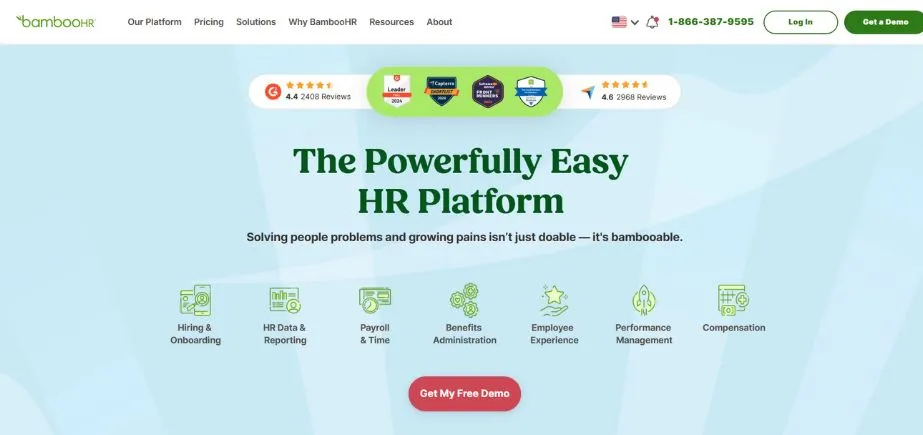
BambooHR is a well-rounded human resources tool that has been created particularly to be used to streamline the intricacies involved in managing distributed teams. This solution is a potent option that removes the redundant administrative efforts with the use of smart automation, which will enable the HR professionals to concentrate on the initiatives that are more strategic and disregard monotonous paperwork.
The platform is outstanding at designing personalized onboarding systems designed to ensure that new employees become part of the company culture without difficulties, no matter their physical location. The interface of BambooHR and its powerful feature set suggest that this solution is the right choice in situations when the organization needs to boost its HR processes and preserve personal contact with the members of the distant team.
Key Features:
- Electronic signature support
- Customizable onboarding templates
- Data analytics dashboard
- Applicant tracking system
- Compensation management tools
Pros:
- Streamlined onboarding process
- Comprehensive HR functionality
- User-friendly interface
Cons:
- Limited customization options
- Higher pricing tiers
- Learning curve complexity
Pricing: Custom pricing
Also Read: Best Workflow Management Platforms
2. Teramind
Rating: 4.6/5
Website: https://www.teramind.co/
Best Use Case: Advanced monitoring and behavioral analysis for the remote workforce
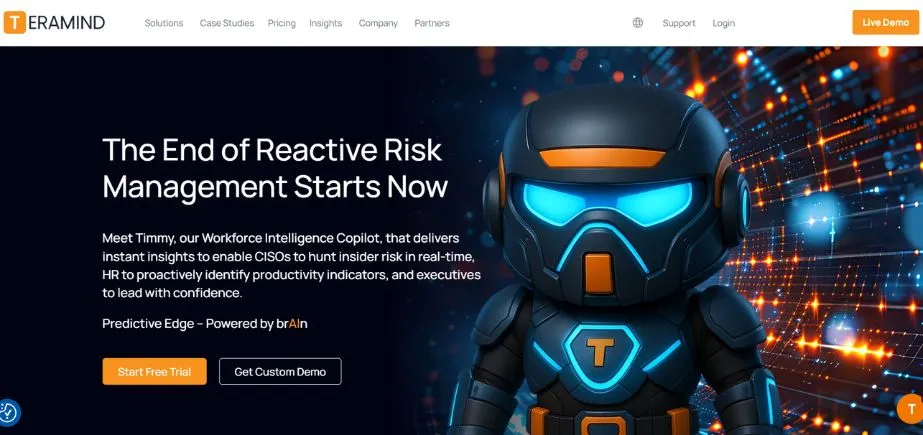
Teramind offers advanced monitoring features that give unprecedented insight into remote employee actions. This is an end-to-end platform that is integrated with real-time monitoring and sophisticated analytics to enable organizations to sustain productivity standards and security compliance. The solution provides specific information on application usage, visitation to websites, and work patterns to help managers detect possible problems before they affect business operations.
The behavioral analysis features of Teramind assist organizations to comprehend how employees work, which tools are the most efficient, and how their productivity can be enhanced with the help of data-driven analysis, as opposed to assumptions.
Key Features:
- Real-time screen surveillance
- App usage monitoring
- Warning systems for unusual behavior
- Dashboard showing productivity metrics
- Reports evaluating potential risks
Pros:
- Tracks all user activity thoroughly
- Detailed reporting tools
- Analyzes user behavior patterns
Cons:
- May raise privacy issues
- Setup can be complicated
- Uses significant system resources
Pricing: Starting from $10.50 per month
3. Zluri
Rating: 4.8/5
Website: https://www.zluri.com/
Best Use Case: All-in-one SaaS and identity management for distributed teams
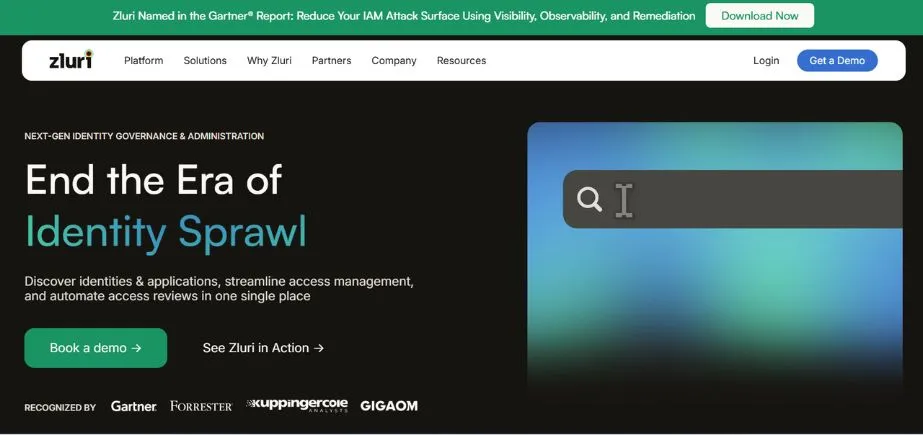
Zluri is the epitome of a combined workforce management solution, because the SaaS application management and general identity and access controls are combined in one powerful platform.
This is a novel solution to the growing complexity of managing many software applications and user authorizations in distributed organizations. This distinct process of discovery and management that Zluri modifies is what renders it entirely transparent in the software environment of an organization and provides automated workflows in the user lifecycle administration.
The ability to integrate through several sources of information and provide practical information to the organizations renders the platform precious to organizations that are engaged in a mission to maximize their investment in the use of software without interfering with security.
Key Features:
- Finds apps from multiple sources
- Automates access request processes
- Tools for tracking compliance requirements
- Suggests relevant applications based on context
- Single location for reviewing all access permissions
Pros:
- Complete view of all SaaS applications
- Streamlines repetitive workflow tasks
- Works well with existing systems
Cons:
- Takes time and effort to set up initially
- Expensive subscription costs
- Difficult for new users to learn
Pricing: Custom pricing
4. ServiceNow ITSM
Rating: 4.4/5
Website: https://www.servicenow.com/products/itsm.html
Best Use Case: Enterprise-grade IT service management with AI-powered automation
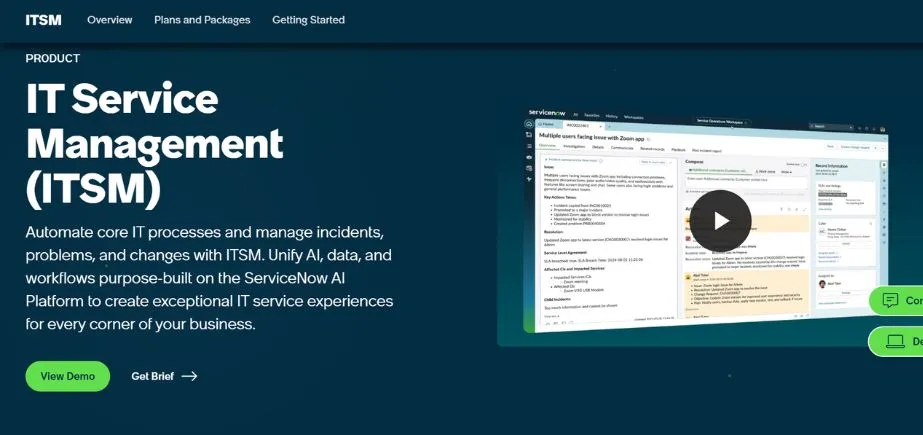
ServiceNow ITSM is a renaissance of the conventional IT services provisioning grounded on the smart automation and machine learning capabilities in addressing the current distributed workforce’s needs. This business-level solution makes the service request form easier and allows employees certain self-service options, which reduces the dependence of the IT support departments.
The AI-powered incident management system of the solution offers rapid resolution of technical issues, lessens downtime, and maintains the level of productivity across the remotely managed teams. The IT service management character of ServiceNow, in general, is particularly handy when it comes to large organizations with a sophisticated technical architecture and extensive staff needs.
Key Features:
- Artificial intelligence-based smart incident handling.
- An interface with which the users can fix their own problems.
- Works on mobile devices
- Recommends useful material automatically.
- Follows a schedule of work.
Pros:
- Large-organization-built.
- Automatically manages tasks with the help of AI.
- Inter-relates with numerous systems.
Cons:
- Expensive to implement
- Needs to be configured properly.
- A lot of training is required on the part of the staff.
Pricing: Custom pricing
5. We360.ai

Rating: 4.4/5
Website: https://we360.ai/
Best Use Case: Performance analysis and productivity optimization for remote teams
We360.AI is an entity that creates a more detailed conceptualization of performance and productivity data in order to assist organizations in streamlining their managerial policies about the remote workforce. It is a smart platform that integrates live tracking and detailed reporting to provide actionable data on the work patterns of employees, project status, and the degree of team effectiveness. The solution is advantageous in that it can turn raw activity data into meaningful business intelligence that will lead to informed decision-making.
Personalized reporting capabilities of We360.ai enable organizations to prioritize which metrics are most likely to impact their business goals, without undermining the accountability and transparency of work teams distributed.
Key Features:
- Custom productivity reports.
- Real-time progress tracking
- Performance analytics dashboard.
- Integration of project management.
- Activity monitoring tools
Pros:
- Comprehensive productivity information.
- Report customization.
- Provisions of real-time monitoring.
Cons:
- Less integration.
- Basic project features
- Considerations on privacy are necessary.
Pricing: Free plan available
6. Okta Workforce Identity
Rating: 4.6/5
Website: https://www.okta.com/
Best Use Case: Secure identity and access management for distributed organizations
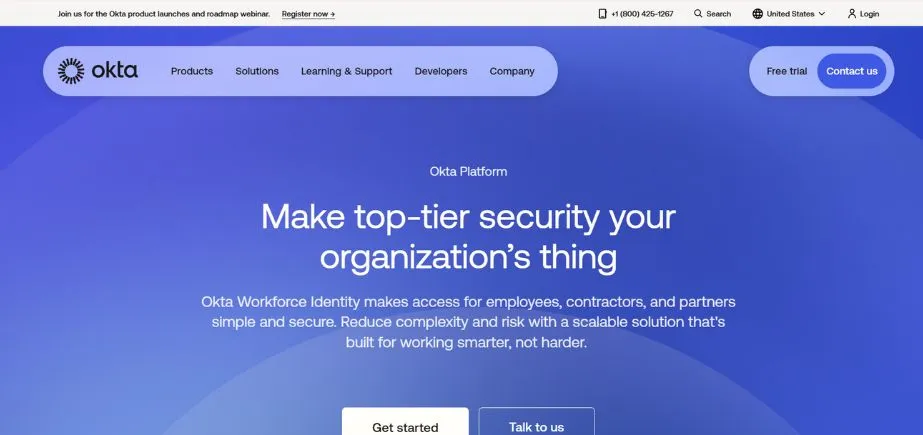
The Okta Workforce Identity Cloud offers identity management services to organizations on an enterprise scale to guarantee the safety and the convenience of access to applications and resources to distributed teams. This robust platform accommodates the key needs of safe, smooth authentication across different applications and yet maintains a level of user experience.
Okta adaptive security policies automatically scale protections based on user behavior and place and manage the appropriate security measures without disrupting productivity. The platform has life cycle management features that make the onboarding and offboarding processes very easy, and it is very critical, especially when companies have dynamic workforce requirements that are very strict in terms of security.
Key Features:
- One login works across all applications
- Extra security layers like text codes or apps
- Security rules that adjust based on risk
- Handles user accounts from creation to removal automatically
- Connects with company directories and databases
Pros:
- Strong protection against security threats
- Easy for users to access what they need
- Manages the entire user account process thoroughly
Cons:
- Costs more than basic alternatives
- Takes significant effort to set up properly
- Requires a stable internet connection to function
Pricing: Starting from $2 per month
7. Basecamp
Rating: 4.2/5
Website: https://basecamp.com/
Best Use Case: Project organization and team collaboration for remote workflows
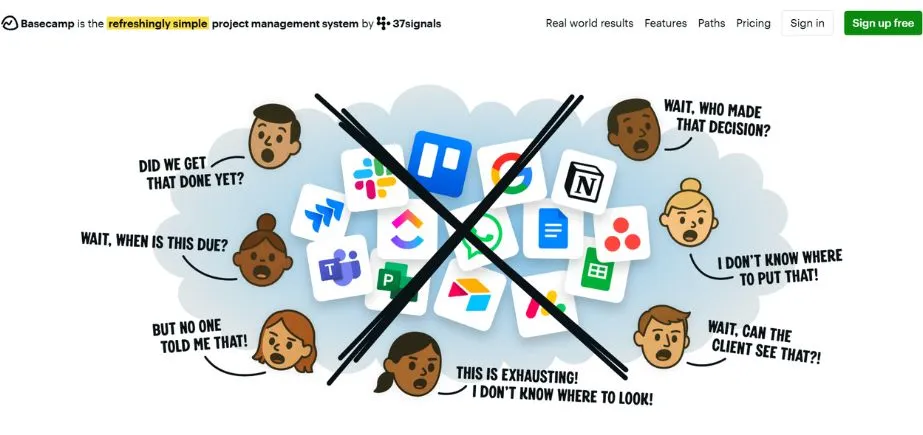
The organization of the work and communications, in a no-frills and intuitive way, is provided by Basecamp, allowing the project administration and the cooperation of project members to be easier. This platform excels more at making sense in projects that are not straightforward by providing clear structures in operations, dialogues, as well as in-file sharing, without overworking the user with redundant applications.
The beauty of Basecamp is that it is actually a straightforward tool with minimal disturbance, which only focuses on the collaboration tools that the remote teams need to stay connected and productive. The client portal feature of the platform is especially useful to organizations that offer services and might have multiple clients on a project at a time, which would allow the outside stakeholders to discuss the progress of a project.
Key Features:
- Project prioritization tools
- Real-time group chat
- Client portal access
- File sharing capabilities
- Task organization system
Pros:
- Simple, intuitive interface
- Strong collaboration features
- Client integration options
Cons:
- Limited advanced features
- Basic reporting capabilities
- No time tracking
Pricing: Plan starts from $99 per month
8. Hubstaff Tasks
Rating: 4.6/5
Website: https://hubstaff.com/tasks
Best Use Case: Task management with integrated time tracking for productivity optimization
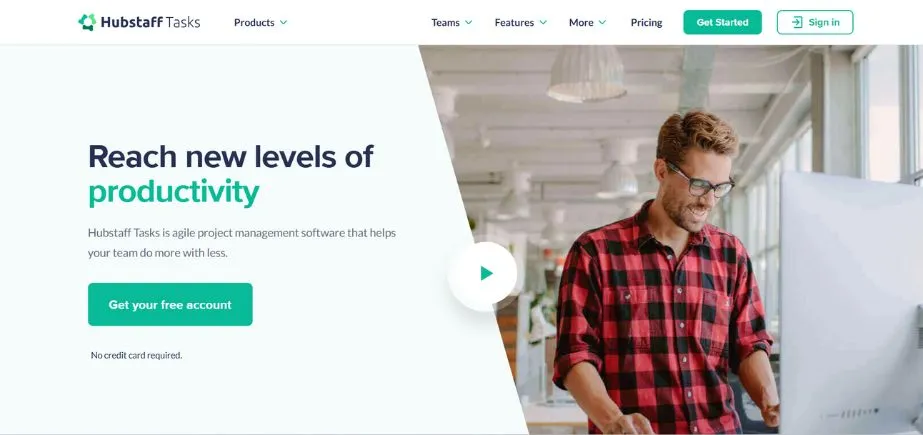
Hubstaff Tasks integrates advanced task management tools with automatic time tracking features to give detailed information on project profitability and the productivity of a team. This multifunctional site assists companies in knowing the actual cost of projects through the linkage of time investment with the financial results through in-depth ROI calculations. Its multiple viewing capabilities and live tracking features of the solution make it simple to ensure every manager can keep an eye on the progress, as well as providing team members with good visibility of the tasks they are expected to complete and the time within which they have to do it.
The method of project management integration with the financial analytics of Hubstaff Tasks is especially helpful to service organizations and consulting companies.
Key Features:
- Multiple project views
- Integrated time tracking
- ROI calculation tools
- Kanban board functionality
- Timeline management system
Pros:
- Built-in time tracking
- Multiple viewing options
- ROI analysis capabilities
Cons:
- Limited reporting features
- Basic collaboration tools
- No advanced automation
Pricing: Free plan available
9. EmpMonitor
Rating: 4.6/5
Website: https://empmonitor.com/
Best Use Case: Comprehensive workforce monitoring with security threat prevention capabilities
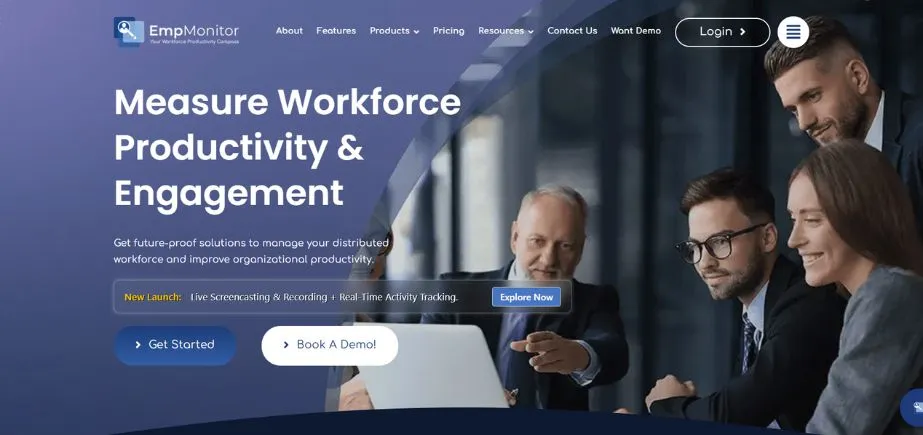
EmpMonitor facilitates effective management of the workforce in terms of intricate monitoring tools, in addition to formidable security safeguards to guard corporate resources. This advanced system does not just track time, but it also provides a more in-depth overview of what the employee does, which applications are used, and possible security threats.
The insider threat prevention features of EmpMonitor assist organizations in detecting and addressing threats to business before they affect the operations of the business, and will be of specific interest to organizations with sensitive data or those in regulated industries. The approach to workforce control offered by the platform is a complete combination of productivity monitoring and security measures.
Key Features:
- Tracks what employees do during work hours
- Detects suspicious behavior from inside the company
- Takes pictures of computer screens
- Protects sensitive company information
- Works with project planning software
Pros:
- Monitors all aspects of employee activity
- Provides solid security protection
- Creates thorough reports on what people do
Cons:
- May make employees uncomfortable about privacy
- Has many complicated features to understand
- Takes time for users to become proficient
Pricing: Starting from $4.66 per month
10. WorkStatus
Rating: 4.6/5
Website: https://www.workstatus.io/
Best Use Case: Location-based workforce management with GPS tracking capabilities
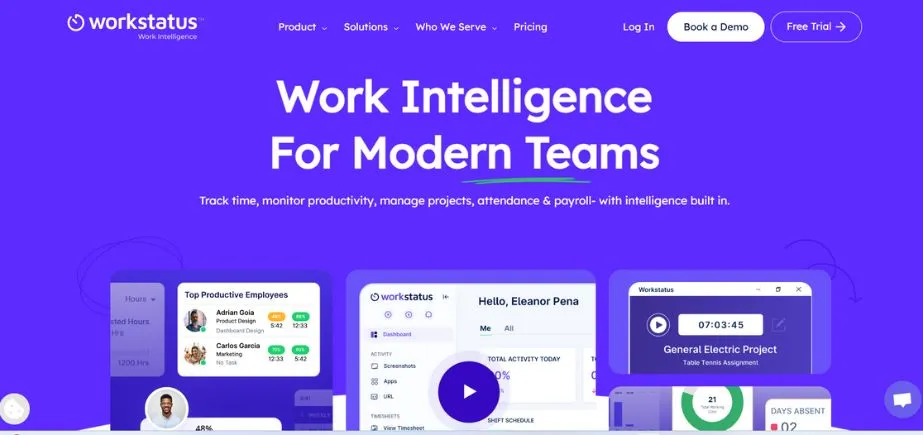
WorkStatus offers a wide scope of remote workforce management services that offer a variety of innovative location analytics and time tracking that are designed to support distributed teams. It is a very efficient tool to provide a real-time view of team location and activity on the basis of a more advanced geofencing technology, and is therefore particularly valuable with organizations that have field-based employees or location-specific requirements.
WorkStatus contributes to the unification of all the information regarding the employees in a single dashboard, where managers can comfortably handle the whole team regardless of the geographical location. Location tracking, time management, and activity tracking availability provide the overall picture of the workforce activity.
Key Features:
- GPS location tracking
- Activity monitoring dashboard
- Geofencing capabilities
- Time tracking integration
- Centralized employee database
Pros:
- Location tracking capabilities
- Comprehensive monitoring features
- Centralized management system
Cons:
- Privacy considerations required
- GPS dependency issues
- Limited offline functionality
Pricing: Starting from $2.99 per month
How to Choose the Right Employee Management Tools
In making the best workforce management solution decision, several factors should be considered that would be relevant to your needs and objectives as an organization. All features, costs, and implementation requirements should be assessed by involving the stakeholders of the different departments in the process of decision-making.
- Scalability: Choose platforms that can fit the expanding demands of your organization, such as serving bigger user bases, additional capabilities, and geographical scaling without requiring system restructuring and architectural redesign that can disrupt the current operations in the organization.
- Integration Capabilities: Be concerned about solutions that are compatible with your existing technology stack, including HRMS, payroll systems, communication tools, and productivity applications, such that data would be consistent and data entry would not need to be made in multiple systems.
- Security Standards: Evaluate the security certifications, compliance abilities, encrypted data, and access controls of the platform to ensure that they meet the regulatory requirements of your industry, and that your sensitive employee data is not at risk of attacks and breaches.
- User Experience: How easy is the platform to use? How steep is the learning curve, whether it is usable on a mobile device, and how easy is the overall user interface design, since widespread adoption presupposes that employees are not inclined to regard the system as cumbersome and difficult to use.
- Cost Structure: The total cost of ownership, which includes the licensing fees, the implementation cost, the training cost, and the maintenance cost needed, looks at the potential of the return on investment in the form of increased efficacy and reduced administrative overheads.
Conclusion
The new business environment requires advanced employee management solutions that are flexible enough to adjust to different work conditions and ensure productive, secure, and satisfied employees. Between multifunctional platforms such as Zluri that provide end-to-end solutions and rather specialized applications such as Teramind to track and monitor the workforce and BambooHR to recruit, organizations can find a number of solutions to their particular workforce management needs.
It is of paramount importance to choose the solutions that only support organizational objectives, fit well within the current systems, and generate a quantifiable value by enhancing efficiency and work experience. With the development of remote and hybrid work models, the investment in strong employee management tools is becoming all the more important in terms of preserving the competitive advantage and operational efficiency. It is in this regard that an organization with employee management technology will be in a better position to attract the best talent, retain the high productivity, and navigate the dynamics of the present-day workforce management effectively, whilst ensuring business sustainability and expansion in the long term.
Frequently Asked Questions
Q: What are the major benefits of utilizing employee management tools?
A: These tools simplify HR, enhance productivity, enhance security, cut paperwork, automate compliance, and make better decisions with data. They reduced human resources and manual labor, as well as saving time and resources.
Q: What are the employee management tools, and how do they benefit the problem of remote work?
A: Remote teams can be assisted by these platforms by creating access to apps across locations, real-time monitoring, automated hiring, collaboration, performance tracking, and secure communication. They continue to make distributed teams active and functional.
Q: Is it possible to use employee management tools in small companies that use small budgets?
A: Yes. The packages of most of the tools are low-priced to enable small businesses to use them. Good internet options like BambooHR, We360.ai, and Workstatus would offer a simple functionality at a lower price and enable you to add other features as your business grows.
Q: What are the security concerns that organizations must consider concerning the choice of employee management tools?
A: Find multi-factor authentication, single sign-on, role-based access controls, compliance monitoring, audit trails, data encryption, threat detection, and regularly updated security protocols to protect the data of employees and prevent unauthorized access.
Q: What is the length of the employee management tool application to an organization?
A: The Time of implementation is varied. It can be prepared in a few weeks, and complex enterprise systems may take months. Timeline relies on data migration, system interconnections, system customization, and the requirements of staff training.
Explore more: Best Staffing Agencies for Remote Jobs in USA