In the modern business environment, which is always busy and rapid, the need to have proper control of the stock levels, monitor the movement of stock and have a good warehouse operation has become a key determinant of success for any organisation, be it large or small. The capability to track your products efficiently can make or break your bottom line, whether you are running a small retail store, an e-commerce business that can be expanded, or a large-scale manufacturing organisation. The old technologies of monitoring the stock using spreadsheets and manual counts are ineffective today when customers demand to know the availability of stocks in real-time and to receive their orders within the shortest period.
This is where modern technology comes to the rescue in the situation by changing the way business is conducted in terms of stock control management. An Inventory Management System is the stability of effective warehouse processes that give companies automated mechanisms to monitor the amount of stock, process orders, predict demand, and automate the supply chain processes.
What is Inventory Management?
Inventory management can be defined as an orderly procedure of placing orders, storing, tracing and managing the stocks of the firm in terms of goods and materials. It involves raw materials, components, all the way to the finished products that can be sold. The main aim is to ensure that there is a store level of inventory that satisfies the demand of the customer, yet at the lowest possible cost in terms of storage, excess inventory and obsolescence.
Efficient inventory management involves tracking stock movement, making predictions, setting reorders and communicating with suppliers and sales force. It assists businesses to avoid two important issues, which include stockouts that cause a loss of sales and dissatisfaction among customers, and overstocking that binds up capital and raises storage costs. Most contemporary inventory management systems typically make use of computer software that delivers real-time reporting on the stock quantities in various locations, makes the process of reordering automatic, and yields information in the form of analytical data.
Also Read: Top AI Email Assistants
Essential Features to Look for in the Inventory Management System
The choice of an appropriate inventory management solution must be made in a manner that will provide the best features to help your business in its operations. Although the needs of various businesses differ depending on the industry, size, and complexity of a business, some basic functionalities will be essential in any successful stock control and warehouse management.
- Real-Time Tracking: An efficient system must offer real-time information on the stock quantities in all locations, and quantities will be automatically updated as sales are made and new stock is received.
- Automated Reordering: The capability to specify minimum stock levels and automatically place purchase orders when the inventory is below the set minimums can save time and avoid expensive stockouts.
- Multi-Channel Integration: The business of the day usually retails on different media such as physical shops, websites, and third-party markets.
- Regular Reporting: In-depth reporting and reporting analytics give information about the inventory turnover, product performance, carrying costs, and trends used to make strategic decisions.
- Barcode and Mobile Support: Scanning features enhance the receiving, picking, and counting process and minimise errors that can occur in the event of manual data input.
Comparison Table for Inventory Management System
| Name | Rating | Best Feature |
| Katana | 4.8/5 | End-to-end traceability with custom API workflows |
| Zoho Inventory | 4.5/5 | Comprehensive automation across inventory operations |
| Shopify | 4.6/5 | Seamless e-commerce integration with order management |
| Xero | 4.4/5 | Real-time stock adjustments with visual catalogues |
| Inflow | 4.7/5 | Complete feature set tailored for SMBs |
| Monday.com | 4.3/5 | Customizable inventory templates with flexible pricing |
| Cin7 | 4.6/5 | Unified cloud platform managing warehouse to e-commerce |
| Sortly | 4.5/5 | Smart alerts for low stock and maintenance tracking |
| Ordoro | 4.4/5 | FIFO allocation with advanced analytics |
| Unleashed | 4.7/5 | Industry-leading customer support and onboarding |
| Sage | 4.5/5 | Proactive alerts with real-time analysis capabilities |
Top 11 Inventory Management Systems
1. Katana

Rating: 4.8/5
Website: https://www.katana.com/
Best Use Cases: Manufacturing businesses requiring shop floor control and traceability
Katana has been recognised to be one of the most user-friendly inventory management solutions on the market today and has regularly been praised by its customers and implementation partners. This cloud-based solution was created to respond to the sophisticated requirements of manufacturing companies while keeping the interface easy to use and saving time on training. The difference with Katana is that it can connect easily with other applications within a wide range of businesses, such as mainstream e-commerce, accounting programs, and reporting systems.
Key Features:
- Complete product traceability
- Multi-channel order handling
- Shop floor oversight
- API-driven custom workflows
- Integration with major platforms
Pros:
- Extremely intuitive interface
- Flexible pricing plans
- Excellent integration options
Cons:
- Limited advanced reporting
- Higher cost tiers
- Learning curve for API
Pricing: Custom pricing
2. Zoho Inventory

Rating: 4.5/5
Website: https://www.zoho.com/in/inventory/
Best Use Cases: Businesses seeking comprehensive automation and vendor management capabilities
Zoho Inventory provides a robust platform that will transform the way businesses transact their stock management operations by cleverly automation and expanding feature scopes. This platform is part of the larger Zoho ecosystem, which gives it a smooth integration with other Zoho applications to form one business management environment.
The system can be admired by its proficiency in dealing with the entire customer lifecycle, starting with the initial query, all the way to the final sale and purchase, as well as the strength of the relationship with the vendors, which is maintained by specific tools that are used to communicate with the suppliers and track their performance.
Key Features:
- Advanced item management
- Customer relationship tracking
- Vendor performance monitoring
- Cross-platform integration capabilities
- Workflow automation tools
Pros:
- Comprehensive feature set
- Competitive pricing tiers
- Strong automation capabilities
Cons:
- Interface complexity initially
- Limited customisation options
- Occasional sync delays
Pricing: Custom pricing
3. Shopify

Rating: 4.6/5
Website: https://www.shopify.com/in
Best Use Cases: E-commerce businesses requiring an integrated online store and inventory management
Shopify has positioned itself as the solution of choice for companies that seek to integrate e-commerce features with strong inventory management solutions. Although most people are familiar with Shopify as an online store builder, its inventory control options are also remarkable and are fully incorporated into the entire system. The strength of the platform is that it can grow with your business and accommodate small and large businesses, with individual entrepreneurs selling handmade goods and large businesses with hundreds of SKUs and multiple warehouse sites.
The pricing model used by Shopify eliminates the uncertainty involved in budget planning, and the high trial period gives the company ample time to test all the functionalities of the platform at no cost, and only commits the business to financial obligations by spending.
Key Features:
- Comprehensive order fulfilment
- Multi-location inventory tracking
- Integrated shipping solutions
- Return management system
- Real-time stock synchronisation:
Pros:
- All-in-one e-commerce solution
- Extensive app marketplace
- Excellent user interface
Cons:
- Transaction fees applicable
- Limited manufacturing features
- Primarily e-commerce focused
Pricing: Free trial available
4. Xero
Rating: 4.4/5
Website: https://www.xero.com/
Best Use Cases: Small to large businesses prioritising integration and visual inventory tracking
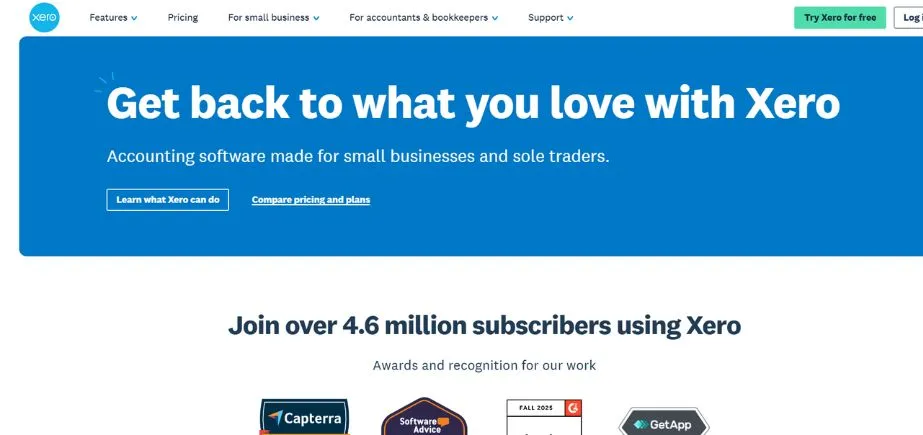
Xero has proven its worth as a reliable Inventory Management System by having a large number of users of up to 3.95 million subscribers in various industries and different size groups around the globe. Previously, Xero was recognised because of its accounting skills, but now it is an entire business management system, which has advanced inventory tracking features integrated with smooth financial business.
The aspect of offering solutions to businesses at all levels can be seen in the flexibility in pricing offered by Xero, which includes starter plans that reflect the needs of new businesses to ultimate plans that accommodate high-volume businesses with extensive reporting and unlimited access to users.
Key Features:
- Livestock level monitoring
- Comprehensive inventory analytics
- Billing system connectivity
- Visual merchandise displays
- Real-time modification tools
Pros:
- Extensive user base
- Robust financial software integration
- Flexible pricing tiers
Cons:
- Premium cost structure
- Basic storage management capabilities
- Analytics functionality needs enhancement
Pricing: Custom pricing
5. Inflow
Rating: 4.7/5
Website: https://www.inflowinventory.com/
Best Use Cases: Small to medium businesses needing comprehensive features without complexity
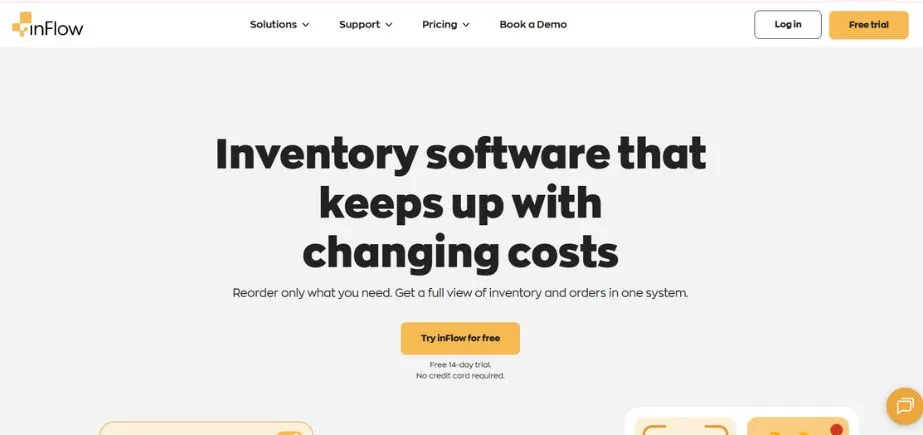
By targeting the specific needs of small and medium-sized businesses, Inflow has cut out a niche in the market by developing a solution that provides much of the functionality of an enterprise without imposing huge complexity and prohibitive pricing.
This is a focused strategy, which implies that all features have been carefully considered with SMB workflows in mind, starting with the first taking in of inventory to the ultimate sale and reporting of that inventory. The structured method of classifying features available on the platform also makes it simple to enable businesses to find and use the tools they require without having to go through unwarranted complexity.
Key Features:
- Complete inventory control
- Sales pipeline management
- Purchase order automation
- Customizable reporting suite
- Third-party integration support
Pros:
- SMB-focused design
- Comprehensive feature coverage
- Free trial available
Cons:
- Desktop installation required
- Limited mobile functionality
- Dated interface design
Pricing: Subscription-based pricing with a 14-day free trial
6. Monday.com
Rating: 4.3/5
Website: https://monday.com/
Best Use Cases: Budget-conscious businesses seeking customizable inventory solutions with visual workflows
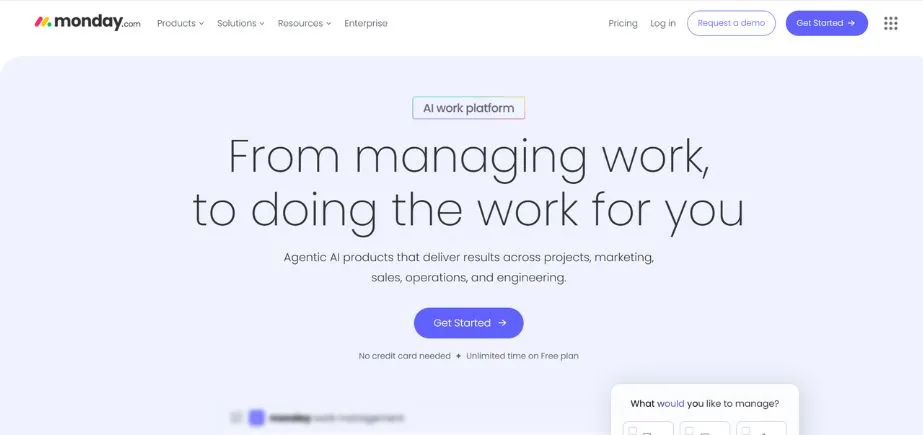
Monday.com stands out against the background of high competition in the inventory management market as its pricing is the most flexible, with a truly free plan that offers the simplest functionality to small teams or businesses only starting the path of digital transformation. The platform is a masterpiece in terms of real-time availability of the inventory status, and the notification systems inform the teams about the most important changes without the necessity of checking the inventory manually all the time.
In companies with special needs, the cooperation of Monday.com with its sales team to develop an individual plan is a guarantee that even the non-standard operations (which are complex and unique) will be able to find a way to fit.
Key Features:
- Flexible pricing models
- Customizable inventory boards
- Real-time status updates
- Team collaboration tools
- Automated notification system
Pros:
- Free plan available
- Highly customizable interface
- Excellent collaboration features
Cons:
- Not inventory-specific
- Can become expensive
- Complex for beginners
Pricing: Custom pricing
7. Cin7
Rating: 4.6/5
Website: https://www.cin7.com/
Best Use Cases: Multi-channel retailers requiring unified warehouse and e-commerce inventory management
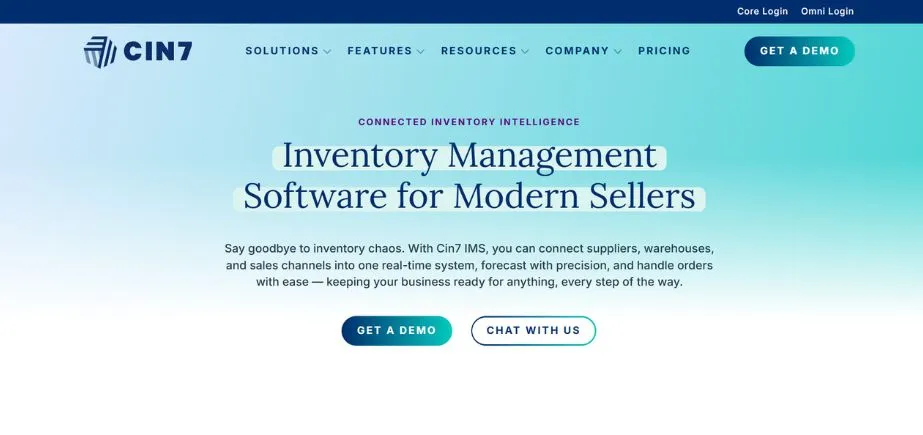
This is a New Zealand-based innovative company that has come up with a solution to one of the most problematic elements of contemporary inventory control, being able to keep the physical warehouses and various online retailing systems at the right stock levels.
The high-order fulfilment features of the system make sure that customer orders are handled correctly and efficiently, and the smart routing can send the order to the best fulfilment location depending on various factors, such as proximity, availability of stock, shipping costs, etc. The cost tracking method developed by Cin7 offers a level of visibility never realised in the history of the industry in terms of product profitability, as all the related costs are recorded across the supply chain.
Key Features:
- Unified inventory platform
- Precise order fulfilmentOptimal stock maintenance
- Cost transparency tracking
- 3PL integration support
Pros:
- Cloud-based accessibility
- Strong e-commerce integration
- Free trial offered
Cons:
- Steeper learning curve
- Higher price point
- Limited customization
Pricing: Custom pricing
8. Sortly
Rating: 4.5/5
Website: https://www.sortly.com/
Best Use Cases: SMBs needing mobile-first inventory tracking with intelligent alert systems
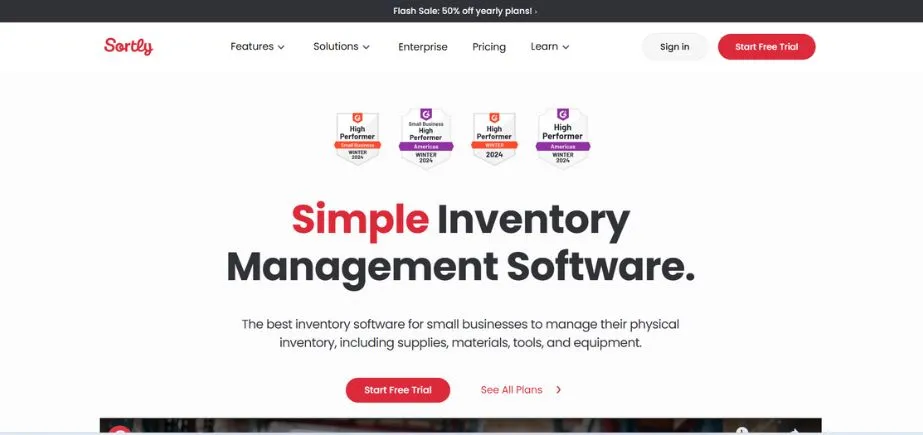
Sortly has gained a reputation for providing a mobile-first inventory management experience that acknowledges the fact that the current realities of the modern warehouse are that the staff members are always on the move, and they should be able to access information about their inventory regardless of where they are. Used by more than 20,000 companies, with retail giants like Sephora being some of the biggest companies to have used Sortly, they have demonstrated to be dependable and feasible in both large and small business scenarios.
The intelligent alert system developed by Sortly is a step forward compared to the simple inventory monitoring, as it gives proactive information about any low stock levels ahead of time to avoid emergencies, the maintenance needs to avoid the failure of equipment, and the need to repair or order new parts to sustain the same flow of operations. The offline tracking feature can be of great use to companies that have offices in areas with unstable internet connections or warehouse premises with unreliable network coverage that could be inconsistent.
Key Features:
- Smart low stock notifications
- Maintenance tracking alerts
- Offline tracking capability
- Reorder alert system
- Mobile-optimized interface
Pros:
- Excellent mobile experience
- Volume-based pricing
- Trusted by major brands
Cons:
- Limited desktop features
- Basic reporting capabilities
- Fewer integrations available
Pricing: Custom pricing
9. Ordoro

Rating: 4.4/5
Website: https://www.ordoro.com/
Best Use Cases: Growing businesses requiring advanced analytics and FIFO inventory allocation
Ordoro markets itself as the perfect choice for the growing small businesses that lack an Inventory Management System capable of keeping up with their increased growth. The mobile application of the platform will also provide the warehouse teams with a high level of organisation irrespective of physical location, and the workflows will be seamless, matching the receiving, storage, picking, and shipping processes into a single process.
Better visibility of the location of stocks in various warehouses or storage facilities comes in handy to meet the rising demand for customer delivery expectations, whereby businesses can intelligently route orders and have a high level of confidence in making promises of the accurate delivery time without much hesitation. The open API architecture is also a strong strength of the platform in companies with special needs or special systems, as it allows them to create special integrations that will enhance the functionality of the platform.
Key Features:
- FIFO allocation methodology
- Barcode-enabled receiving
- Comprehensive analytics dashboard
- Open API access
- Multi-warehouse visibility
Pros:
- Strong analytics capabilities
- Barcode scanning support
- Scalable for growth
Cons:
- Limited customer sTheinterfacee could improve.
- Higher learning curve
Pricing: Subscription-based model with pricing tiers designed
10. Unleashed
Rating: 4.7/5
Website: https://www.unleashedsoftware.com/
Best Use Cases: Businesses prioritising exceptional customer support and comprehensive training resources
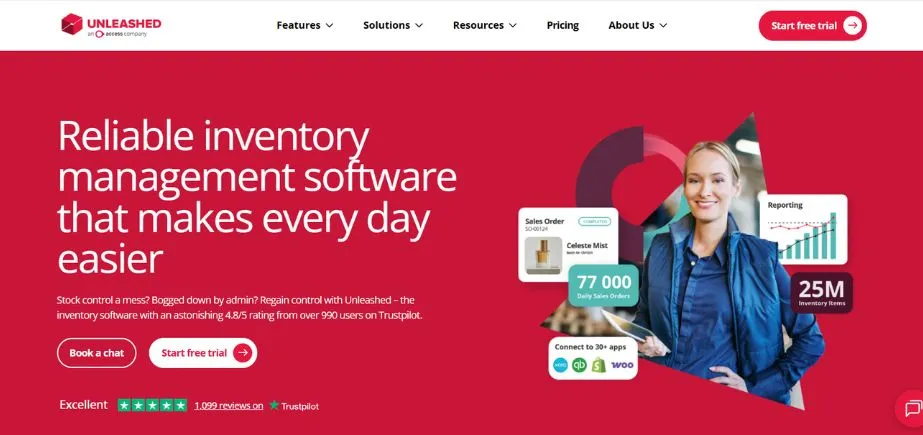
Unleashed has already developed its market niche not only in terms of its strong technical infrastructure but also in the will to make its customers successful with its industry-leading support services. Despite the fact that the platform has all the characteristics that you would expect when having a professional inventory management solution, such as stock tracking, order management, reporting, and integrations, the reason why Unleashed is unique is that it is comprehensive in ensuring that customers are capable of utilising these features.
The features of sales focus, like better quoting systems, customised price control, and flexible discounting schemes, demonstrate that Unleashed understands what the business community requires in the field, as well as the ability to track inventory.
Key Features:
- Advanced sales order processing
- Intelligent quote generation
- Customer-specific pricing rules
- Flexible discount structures
- Comprehensive support resources
Pros:
- Exceptional customer support
- Strong training resources
- Local timezone assistance
Cons:
- Higher price point
- Complex initial setup
- Overkill for small businesses
Pricing: Custom pricing
11. Sage
Rating: 4.5/5
Website: https://www.sage.com/en-gb/
Best Use Cases: Manufacturers, distributors, and retailers needing advanced financial integration
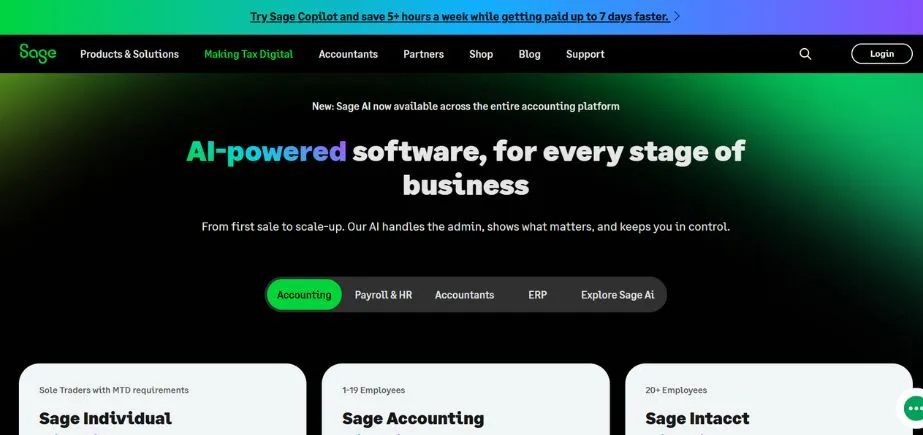
Sage has specifically geared its Inventory Management System to the advanced needs of manufacturers, distributors, and retailers that do not just require a simple stock tracking system but something that provides advanced business management functions relating inventory activities to business financial performance. The innovative capabilities of the platform are the result of decades of experience in the enterprise resource planning industry, and they offer businesses willing to invest in professional-level solutions the functionality of an institution.
Live processing means that the information available to decision-makers is up to date and not obsolete, and user-friendly dashboards allow visualising complicated data in convenient forms. The proactive alert system also tracks critical conditions of inventory and automatically informs the relevant personnel before things get out of hand, and the problems start to affect customer satisfaction or the financial performance.
Key Features:
- Sophisticated stock management
- Built-in financial oversight
- Live data analytics capabilities
- User-friendly visual interfaces
- Automated notification systems
Pros:
- Corporate-level features
- Seamless accounting connectivity
- Ideal for production facilities
Cons:
- Substantial upfront costs
- Lengthy setup procedure
- Challenging initial adoption
Pricing: Custom pricing
How to Choose the Right Inventory Management System
To choose the best inventory management tool that fits your business, it is highly advisable to carefully consider your unique business operations, development, and financial resources. Instead of just making a selection of the most popular or the one that has the most features, to implement this effectively, you need to identify a system that fits your real workflows and one that has the potential to grow along with your business.
- Evaluate Your Company Needs: Start by making a comprehensive review of the existing inventory methods, evaluating the weak spots, bottlenecks, and manual activities that take too much time.
- Assess Integration Facilities: Your Inventory Management System should not be an isolated application that operates in isolation, but must be able to integrate with your established business applications such as accounting software, e-commerce systems, shipping services and point-of-sale computers.
- Think about Scalability and Future Expansion: Focusing on what you need now is indeed crucial, but by selecting a system that in the future can accommodate your growth, you save the time and money that would be spent on migrating to new platforms and causing interruptions during the transition.
- Test Usability and Training Requirements: The richest system will offer little value to you as long as your team finds it hard to make proper use of it.
- Evaluate Total Cost of Ownership: You pay every month; however, consider the total cost of ownership, such as the cost to implement the software, the cost of training, the cost of integrating the software, and the costs to pay transaction or usage fees.
Also Read: Top Professional Services Automation Software
Conclusion
The deployment of a powerful Inventory Management System is a vital investment in the efficiency of operation of your business, its customer satisfaction and profitability in the long term. With the options available as we have navigated through this detailed guide, the future of Inventory Management System in 2026 has a myriad of solution choices depending on the scale, industry and the intricacies of businesses. Mobile-first solutions, such as Sortl, that ensure that groups of workers are in touch with each other on the warehouse floor, to all-encompassing solutions such as Sage that combine inventory management with financial management, the current technology has never offered as much visibility and control over stock activities as it does now.
The success is not in the one that is the most expensive or the one with the most features, but the one that truly fits your business processes, integrates effectively with the current technology environment and can scale with business expansion. New to the game in terms of an Inventory Management System project or looking to upgrade out of an old system, the platforms discussed in this guide provide proven solutions that have been used successfully by thousands of businesses.
Through the close evaluation of your needs, the testing solutions in trial periods, and the integration of your team in the selection process, you would be able to determine the best solution that would help you to turn the inventory management into a complex burden of the operation, but a strategic asset that contributes to business development.
Frequently Asked Questions
Q1: Which inventory management system is the cheapest among the small companies?
A: The cheapest entry point is courtesy of Monday.com with its truly free plan, whereas Inflow and Sortly offer low-priced directions tailored to the needs of the small business operation and have price-based structures competitive to their rivals.
Q2: Do my existing inventory management systems work with my current accounting software?
A: The vast majority of modern platforms have a robust integrative option; however, Xero can integrate well in the industry of accounting because it was initially designed as an accounting platform, whereas Zoho, Cin7, and Katana are highly connected to other popular accounting platforms such as QuickBooks and Xero.
Q3: What is the most suitable inventory management system when doing e-commerce?
A: Shopify is the best option available to a business interested in an all-in-one e-commerce and inventory service, and Cin7 is best in case a business needs to operate on multiple channels and needs to synchronise activities on multiple online markets and physical stores at the same time.
Q4: Am I required to be technical to implement these systems?
A: The majority of platforms are user-friendly, and Katana and Sortly are especially mentioned to have an easy-to-use interface; however, Unleashed does have excellent support resources, such as onboarding services tailored to specific businesses that require implementation.
Q5: What is FIFO inventory allocation, and why is it important?
A: FIFO (First In, First Out) prevents old inventory from being sold before new inventory, making it vital to perishable goods or time-sensitive goods or goods for which the preservation of freshness affects quality; Ordoro specifically refers to this as an important feature to businesses that handle goods that have their own time limits.