With the current situation in the software development industry, where time constraints are more of a challenge than ever before, maintaining quality without disregarding deadlines has been even more difficult. Quality assurance teams have always been overwhelmed with a variety of testing cases, defects and handling of test cases and thorough coverage of projects.
The test management tools are the newcomers in this scenario, and they will be the game changers for modern development teams. These advanced platforms have ceased to be just test case repositories and have developed into a full-fledged solution that coordinates the whole testing lifecycle, including planning and design, execution and reporting.
The appropriate test management tools can radically change the way your QA department works, to provide order where there was anarchy and the ability to see what was previously a black box. They allow teams to work together more efficiently, uphold a trace of requirements to test cases and produce insights that lead to improved decision-making.
What are Test Management Tools?
Test management tools refer to dedicated software platforms that are meant to assist QA teams in planning, organising, implementing as well and monitoring software testing tasks during the development lifecycle. These tools are centralised repositories in which test teams can develop and manage test cases, manage test data, run test runs, record defects as well and produce detailed reports about the testing progress and quality measures. They fill the gaps between development and testing teams, offering them a visual of testing coverage, requirements traceability and real-time status updates.
Essential Features to Look for in Test Management Tools
To pick the appropriate test management solution, it is important to have an idea of the features that will provide the best value to your group. Although various agencies have diverse requirements depending on the level of maturity of their tests, complexities of their projects, and the number of personnel that are involved, there are key capabilities that are at the core of effective test management. These characteristics are the basis of a powerful testing strategy and allow teams to be more productive and work at a high quality level.
- Integration Capabilities: The ability to integrate with your existing development environment is essential to the continuity of the workflow.
- Requirements Traceability: The possibility to trace test cases directly to requirements and user stories will guarantee full coverage and identify testing gaps.
- Reporting and Analytics: Intense reporting functions turn raw testing data into informational action steps that generate strategic choices.
- Test Reusability: The effective test management tools allow the team to reuse the test aspects, eliminating the need to duplicate and maintain the test.
- Collaboration Features: The modern testing presupposes continuous interaction among the distributed team members.
Top 10 Test Management Tools
1. BrowserStack Test Management

Rating: 4.8/5
Website: https://www.browserstack.com/test-management
Best Use Cases: AI-driven test automation and comprehensive test lifecycle management
BrowserStack Test Management is the future of intelligent test management platforms, having recently appeared at the top of the list as the best solution in the Test Management Grid Report of G2. The platform is a full-stack solution powered by artificial intelligence and is used to automate all the processes involved in test management, including the creation of test cases, the process of testing and analysis.
The AI agents in the platform have the capability of automating the creation of test cases based on the product requirement documents and user stories, which will save a lot of manual work when it comes to test planning. It works out of the box with well-known testing tools such as Selenium and Playwright, as well as integrates well with CI/CD tools such as Jenkins and CircleCI.
Key Features:
- AI-powered test generation
- Low-code automation conversion
- Bidirectional Jira synchronisation
- Real-time analytics dashboard
- 24/7 comprehensive support
Pros:
- Minimal learning curve
- Enhanced traceability features
- Free plan available
Cons:
- Free tier user limitations
- Enterprise pricing required
- Advanced features require an upgrade
Pricing: Free plan available
2. TestRail
Rating: 4.5/5
Website: https://www.testrail.com/
Best Use Cases: Web-based testing with automated result uploads and milestone tracking
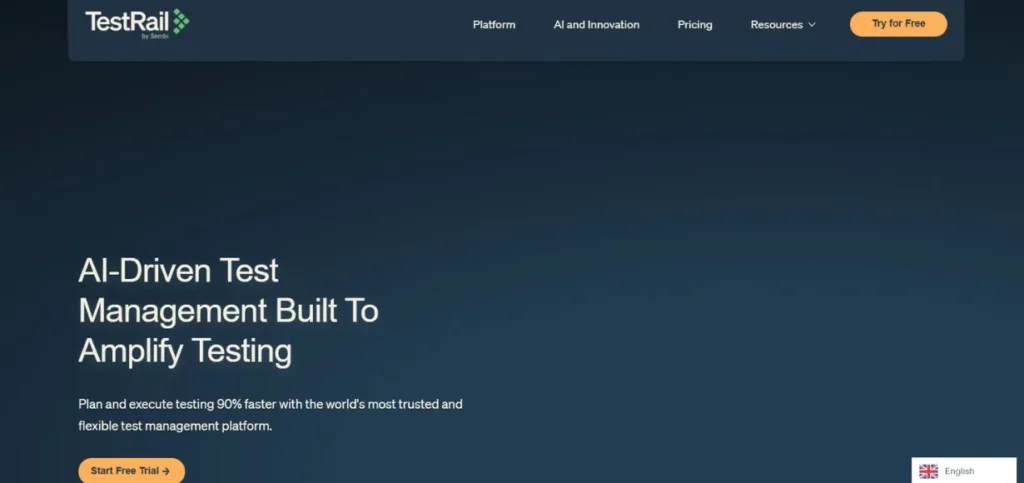
Thousands of organisations all over the globe have trusted TestRail as a stable test management solution. Its web interface offers a convenient platform to design, organise, run, and manage tests without having to undergo a complicated configuration and invest in lengthy training to do so.
The platform is also exceptional in automating repetitive work, especially by providing the capability to automatically upload test results of leading version control systems such as GitLab and Bitbucket. The milestone modules of TestRail have great support, which is related to complex releases that have several phases of testing and dependencies.
Key Features:
- Automated result uploads
- Comprehensive progress tracking
- Milestone release management
- Jira defect linking
- Reusable test cases
Pros:
- Milestone management modules
- Strong Jira integration
- Test case reusability
Cons:
- Limited Jira functionality
- Restricted reporting options
- No requirements module
Pricing: Starts at $37 per user/month
3. ACCELQ Manual
Rating: 4.7/5
Website: https://www.accelq.com/products/manual-test-management/
Best Use Cases: Agile teams requiring parallel test creation and execution workflows
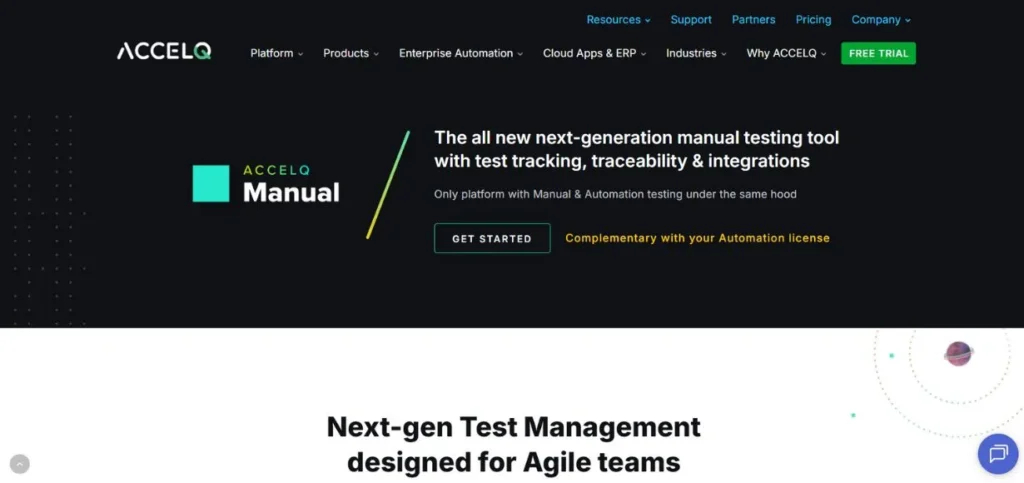
ACCELQ Manual will position itself as a new generation test management platform that is specially created to meet the needs of Agile development environments. The innovative approach in the platform enables the teams to run the creation and execution of tests in parallel, greatly reducing the time taken to run the tests without compromising quality. Being a single solution, ACCELQ is an amalgamation of numerous testing types, such as API test case management, which encompasses a range of distinct tools under a single roof.
Key Features:
- Parallel test management
- No-code automation platform
- Built-in version control
- Video-style execution recording
- Dynamic reporting perspectives
Pros:
- Step-level execution tracking
- Intuitive test design
- Fast Q-Runner execution
Cons:
- Learning curve for features
- Integration complexity possible
- Premium pricing tier
Pricing: Custom pricing
4. Jira
Rating: 4.3/5
Website: https://www.atlassian.com/software/jira
Best Use Cases: Project management with integrated agile planning and workflow customisation
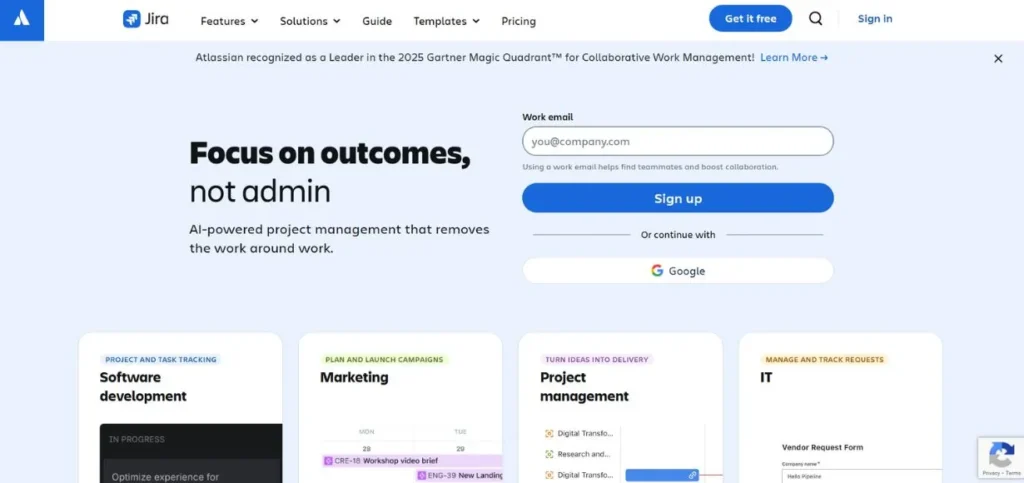
Although Jira is mostly regarded as a project management giant, it also possesses strong features that stretch into test management by its versatile nature and large number of available plug-ins. The advantage of Jira is that it is so customizable with all its boards and workflows that they could be adjusted to fit the process of any team imaginable.
The platform supports both Scrum and Kanban in a very detailed way, and thus can be applied to various approaches to Agile. Its timeline view assists the teams in visualize dependencies and synchronising the work across various initiatives, which remains especially useful in complex projects with several testing stages.
Key Features:
- Scrum and Kanban boards
- Timeline dependency management
- Jenkins and GitHub integration
- Customizable workflows
- Agile planning tools
Pros:
- Comprehensive project management
- Flexible task tracking
- Highly customizable workflows
Cons:
- Steep learning curve
- Complex configuration requirements
- Poor initial user experience
Pricing: Free for up to 10 users
5. PractiTest
Rating: 4.2/5
Website: https://www.practitest.com/
Best Use Cases: Centralised QA management for comprehensive coverage and traceability
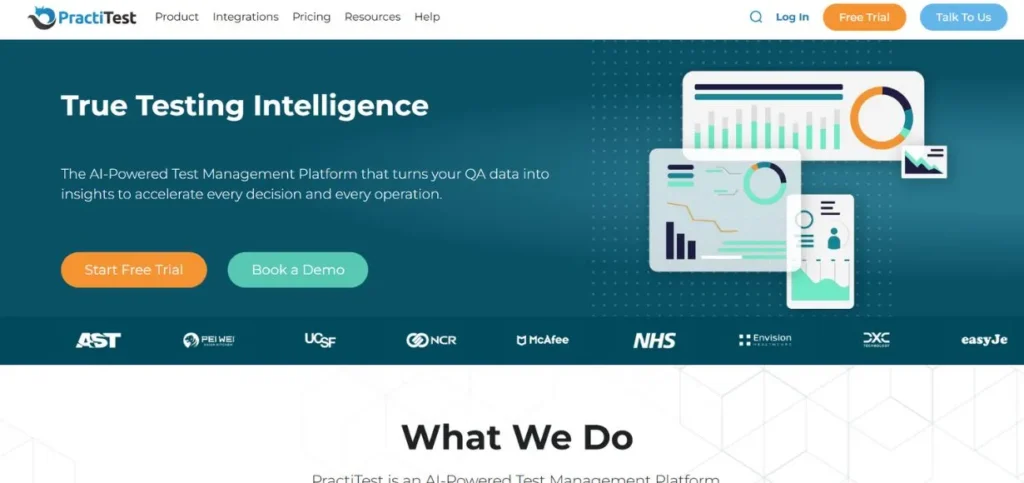
PractiTest stands out with the ability to provide an environment that empowers QA teams, processes, and tools to work together in one unified platform. The fundamental philosophy of the platform is to keep all the QA artefacts under a single location, and this significantly enhances coverage visibility as well as traceability among projects.
This centrally located concept does away with the lack of unity that tends to be there in cases when teams employ a variety of disparate devices in various areas of testing. The reporting capabilities of PractiTest are more than noteworthy as they provide scheduled reports, which can be provided to the stakeholders on a daily, weekly, or monthly basis and monitor the progress of the testing.
Key Features:
- Smart Wizard automation
- Visual dashboard reporting
- CI/CD tool integration
- Test case review workflow
- Issue tracker connectivity
Pros:
- Structured review process
- Comprehensive integration capabilities.
- Full-fledged reporting capabilities.
Cons:
- Poor flexibility of customisation.
- The integration problems are occasional.
- Constraints of test step reusability.
Pricing: Starts at $49/user/month
Also Read: Top Leading LinkedIn Marketing Tools
6. QMetry
Rating: 4.1/5
Website: https://www.qmetry.com/
Best Use Cases: Agile teams focused on DevOps acceleration with continuous testing
QMetry is a test case management tool that positions itself as agile-oriented to assist the current development teams to build, manage and deploy software more effectively. The version control functions of the platform enable teams to have many versions of test assets, which is especially useful when supporting different release branches or having backwards compatibility.
The chart-based reports with configurable dashboards of QMetry allow visualisation of the progress and quality indicators of the testing process, so the stakeholders can obtain the information on the complex testing information at a glance.
Key Features:
- Version control system
- Custom dashboard reports
- DevOps acceleration tools
- Built-in requirement module
- Automation tool integration
Pros:
- Strong automation integration
- Comprehensive requirement management
- Visual project reporting
Cons:
- Test step loading issues
- Limited agile tool support
- Cross-project movement challenges
Pricing: Custom pricing
7. Zephyr
Rating: 4.0/5
Website: https://www.zephyrproject.org/
Best Use Cases: Enterprise test management with global repository and real-time Jira integration
Zephyr Enterprise is an independent test management solution that runs in real-time integration with Jira, but it is not part of the Atlassian ecosystem. This architecture gives the teams the Jira connectivity advantage without having to comply with the limitations of Jira.
The global test repository feature of the platform allows organisations to share test assets with different teams and projects and ensuring consistency and eliminating duplicate effort. In the process of running the tests, Zephyr records the progress and automatically records the defects in Jira, which ensures a smooth flow of testing and development.
Key Features:
- Global test repository
- Real-time Jira integration
- Automation framework support
- Cross-project reporting
- Progress tracking tools
Pros:
- Multiple framework support
- Seamless Jira connectivity
- Enterprise-wide reporting
Cons:
- Performance issues reported
- Significant learning requirements
- Vendor lock-in considerations
Pricing: Custom pricing
8. Kualitee

Rating: 3.9/5
Website: https://www.kualitee.com/
Best Use Cases: Teams seeking test case library functionality with bulk editing capabilities
Kualitee eases test case management through offering a test case library composed of ready-to-use test cases that testers may have the benefit of utilizing to speed up test case development. This strategy proves to be very useful, especially when the team is working with similar types of applications or where standard patterns of testing are applied, since one does not need to re-invent the wheel in order to test some of the normal routine cases.
Key Features:
- Pre-written test library
- Bulk editing support
- Component-based t-test organisationCustomizable field integration
- Manual execution support
Pros:
- Comprehensive test cases
- Efficient bulk operations
- Informative dashboards
Cons:
- No AI capabilities
- Limited reporting features
- Steep initial learning curve
Pricing: Starts at $10/user/month
9. OpenText ALM Quality Centre
Rating: 3.8/5
Website: https://www.opentext.com/products/application-quality-management
Best Use Cases: Enterprise application lifecycle management with extensive tracking and reporting
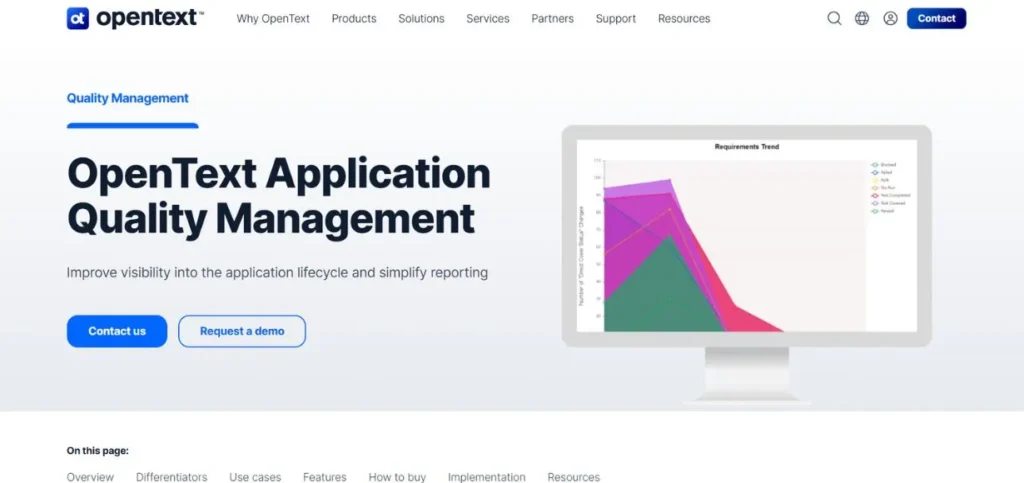
OpenText ALM Quality Centre is a complex and enterprise-wide application lifecycle management solution that gives a significant focus to the aspect of quality management. The platform also offers a great deal of tracking and reporting facilities that are developed to make sure that no important functionality gets outside of testing supervision.
The requirement and test coverage analysis features in its design assist the teams in ensuring that all requirements are well verified before release. Live analysis graphs and reports of OpenText ALM allow seeing the current status of testing processes and quality trends in real time and taking the necessary changes to address them.
Key Features:
- Requirement coverage analysis
- Live analysis graphs
- Multi-tool integration support
- Comprehensive test planning
- Enterprise reporting capabilities
Pros:
- Robust test planning
- Detailed execution tracking
- Extensive reporting options
Cons:
- Excessive complexity scale
- Challenging user experience
- High enterprise pricing
Pricing: Custom pricing
10. Qase
Rating: 4.4/5
Website: https://www.testmo.com/
Best Use Cases: Orchestrating manual and automated testing with Smart Wizard automation
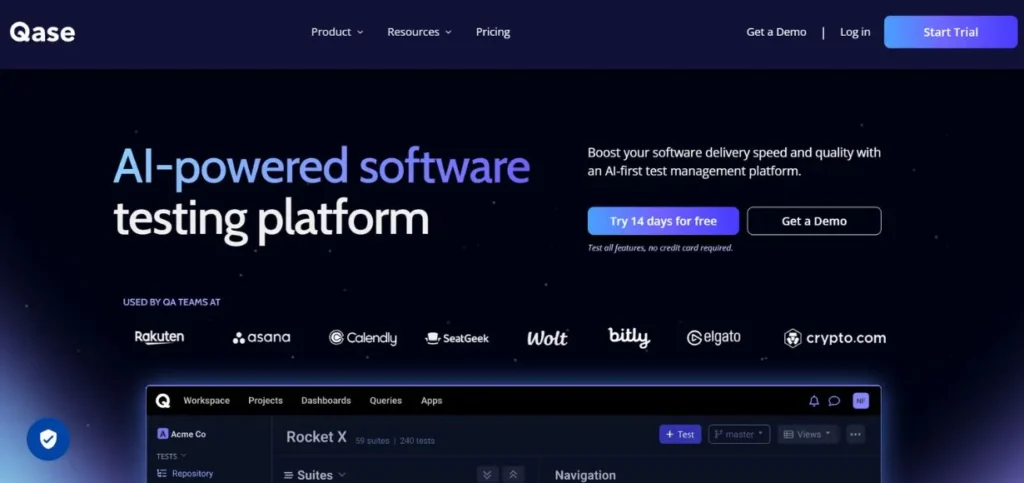
Qase offers a contemporary solution to the organisation of the manual and automated testing processes in a single platform. The Smart Wizard option of the platform can be regarded as one of the most innovative features because it allows creating test plans automatically and verifying every test case consecutively to provide full coverage.
This automation saves a lot of manpower, which is normally needed in the stages of planning tests. The dashboard visualisations by Qase convert the complex testing data into visualised reports in understandable formats that allow the stakeholders to gain a quick insight into testing statuses and quality trends.
Key Features:
- Smart Wizard automation
- Visual dashboard reporting
- CI/CD tool integration
- Test case review workflow
- Issue tracker connectivity
Pros:
- Structured review process
- Extensive integration options
- Comprehensive reporting features
Cons:
- Limited customisation flexibility
- Occasional integration issues
- Test step reusability constraints
Pricing: Free for up to 3 users
How to Choose the Right Test Management Tools
To help you choose the right test management solution to use in your organisation, you should pay good attention to various factors other than feature checklists. The perfect tool should fit your team’s business processes, technical conditions, and long-term quality goals and should not be out of the budget. The approach of systematic evaluation will aid in making sure that you will invest in a solution that will result in long-term value, but not new challenges.
- Evaluate the Level of Maturity within Your Team: When evaluating the maturity of your team, which refers to your level of testing maturity, it goes a long way in determining the tool that would work best with you.
- Test Integration Requirements: Your test management solutions should not introduce far-flung information silos but should sit well within your existing technology ecosystem.
- Take into Account Scalability Requirements: Organisations tend to underestimate their testing needs in terms of the pace of testing requirements as products become more advanced and teams expand.
- Analyse Reporting and Analytics Capabilities: Test management tools produce a lot of data, but this data will only be useful when converted into usable insights.
- Factor in Total Cost of Ownership: The cost of a subscription or a license fee is only a fraction of the actual cost of implementing a test management platform.
Conclusion
Test management tools have changed significantly in terms of their landscape to cater for the dynamic needs of the current software development. Ranging all the way from AI-assisted solutions, such as BrowserStack Test Management that automate the creation of test cases, to the full-scale solutions such as ACCELQ Manual that are tailored to the workflow of Agile, current solutions provide the ability to optimise the efficiency and quality of testing as never before.
That is the case with each tool discussed in this guide that has its own advantages, be it the reliability of TestRail, the integration of the ecosystem offered by Jira, or the Smart Wizard that comes with Qase. The trick of success does not consist in finding the perfect tool but in choosing the one that best fits your team, technical background and quality goals.
FAQs
Q: What is the main objective of test management tools?
A: Test management tools organise and automate all the testing processes, including planning and case creation, execution and reporting and assist teams in maintaining quality as well as speedy delivery cycles.
Q: Do the test management tools have the capability of being integrated with existing development tools?
A: Sure, the majority of the current test management systems have the feature of integrating with popular platforms such as Jira, Jenkins, Git, and other automation platforms to build a flow that works well in your development system.
Q: Are small teams appropriate to use test management tools?
A: Absolutely. There are numerous providers of free plans or low-cost plans when dealing with small teams, and then scaling plans that increase with the dynamic needs of your organisation and increasing testing demands.
Q: What are the test management tools that facilitate supporting manual and automated testing?
A: Such systems often have two distinct workflows of manual test execution and automated test result combination, but similar reporting and traceability between the two testing methods.
Q: What is the distinction between test management and project management tools?
A: Whereas the project management tools are devoted to the general coordination of the project and tracking of the project activities, the test management ones are devoted to testing-specific functions such as test case design, tracking of test execution, defect trace, and quality metrics reporting.