

Your website might look perfect on the surface, sleek design, fast loading speed, smooth user experience. But beneath that polished exterior, hidden security gaps could be quietly waiting to be exploited. Cybercriminals don’t need big mistakes; they look for small, unnoticed vulnerabilities. And that’s exactly why Website Vulnerability Scanners are essential.
These tools work behind the scenes like digital detectives, scanning every corner of your website to uncover risks such as SQL injection, cross-site scripting (XSS), weak authentication, outdated software, and misconfigured servers. Instead of reacting after an attack, vulnerability scanners help you stay one step ahead.
In this blog, we’ll dive into how these scanners work, why they are critical in 2026, and how they can protect your business from costly data breaches and downtime. If protecting your online presence matters to you, this is something you can’t afford to ignore.
What are Website Vulnerability Scanners?
Website vulnerability scanners are automated security tools that identify weaknesses, misconfigurations, and potential threats in websites and web applications. They scan the website’s code, server settings, databases, and APIs to detect common vulnerabilities such as SQL injection, cross-site scripting (XSS), broken authentication, outdated plugins, and insecure SSL configurations.
These tools work by crawling web pages, simulating attack attempts, and analyzing server responses to uncover security gaps. Once the scan is complete, they generate detailed reports that categorize risks based on severity and provide recommendations for fixing them.
Website vulnerability scanners are essential for preventing data breaches, protecting customer information, maintaining compliance standards, and reducing cyber risks. By regularly scanning and addressing detected issues, businesses can strengthen their website security and ensure a safer online experience for users.
How Do Vulnerability Scanners Work?
Although tools vary in their capabilities, a general workflow of most scanners resembles the following:
- Asset Discovery—Find and enumerate all pages, API endpoints, forms, and input fields of your application to learn about the attack surface of your application.
- Crawling—Visit the site and go to every part of it, even the obscure ones, to chart its entire layout to test it.
- Testing—Fake attacks by putting in bad inputs or bad requests to find out weaknesses such as SQLi, XSS, or loose settings.
- Analysis: Examine the responses of servers and applications to determine possible weaknesses, unsafe code paths, and security misconfigurations.
- Reporting—Generate comprehensive vulnerability severity, proof of concept, and easy-to-follow guidance for developers that enables them to achieve efficient problem fixes.
List of Top 12 Website Vulnerability Scanners
1. WPScan
Website: https://wpscan.com/
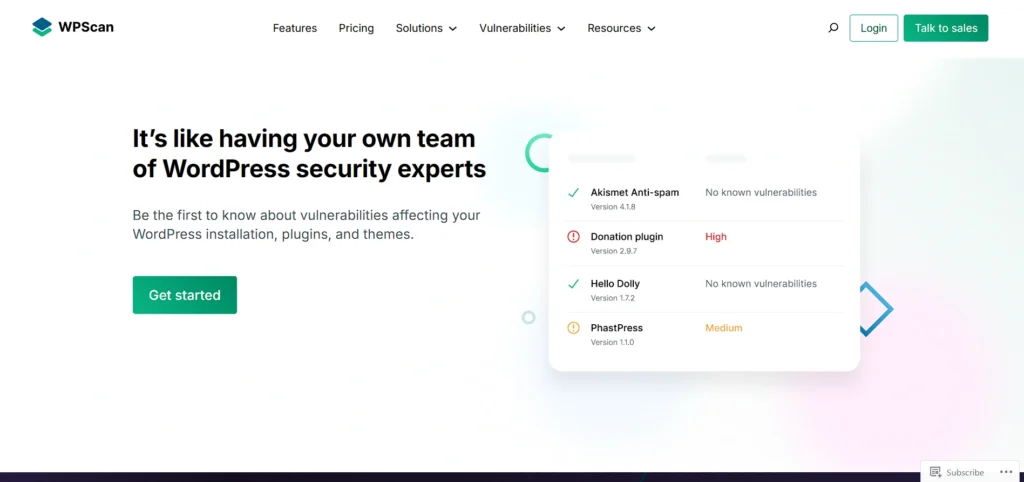
WPScan is a special vulnerability scanner that is designed exclusively to scan WordPress websites. It scans WordPress core files, plugins, and themes, as well as configurations, against known security problems. The vulnerability database used by WPScan is its original and constantly updated database for finding real threats.
It also enables automated scans and email alerts that keep the site owners abreast of information. This is particularly a helpful tool among the developers and agencies that require precise vulnerability information with a narrowed scope on the security of WordPress.
Key Features
- Dedicated WordPress vulnerability scanning
- Plugin and theme vulnerability detection
- WordPress core security checks
- Daily automated scans
- Real-time email alerts
- WPScan vulnerability database
Pros
- Highly accurate WordPress-focused scanning
- Regularly updated vulnerability database
- Easy integration with workflows
- Lightweight and fast
Cons
- The free plan has limited API requests
- Not suitable for non-WordPress sites
Pricing:
- Connect with the sales team for a quotation.
2. MalCare WordPress Security Plugin
Website: https://www.malcare.com/
MalCare is a complete one-stop security tool for WordPress, which is easy and automated to protect. It provides advanced malware scanning, automatic malware cleanup, and a very strong web application firewall.
It operates in the background without slowing your website. It also offers protection of logins, uptime checks, and blocking by country. The tool is best suited to agencies and businesses that desire to have a high level of security with minimal human intervention.
Key Features
- Deep server-side malware scanning
- Automatic malware removal
- Web application firewall
- Login protection
- Uptime monitoring
- Country blocking
Pros
- Does not slow down websites
- Automatic malware cleanup
- Easy dashboard for agencies
- Strong firewall protection
Cons
- Premium plans are costly.
- Limited features in the free version
Pricing:
- Free Plan – ₹0
Weekly malware scans with basic firewall and login protection for small websites. - Protect Plan – ₹5,940 / year
Daily scans, advanced firewall, bot protection, and geo-blocking for growing sites. - Repair Plan – ₹17,940 / year
Faster scans, instant malware removal, real-time firewall, and expert support. - Fortify Plan – ₹29,940 / year
Hourly scans, full cleanup, manual fixes, hosting recovery, and priority expert response.
3. Wordfence Security
Website: https://www.wordfence.com/products/pricing
Wordfence Security is currently one of the most popular WordPress security plugins. It provides malware scanning, a strong firewall, login protection, Website Vulnerability Scanners, and automatic threat defense updates.
It keeps guard on your site continuously and prevents malicious traffic. It also compares the core files and the plugins with the WordPress repository to find the changes. This is the tool that should be used when the user of WordPress wants all the visibility and powerful protection.
Key Features:
- Endpoint firewall
- Malware scanner
- Real-time threat defense
- Login security and 2FA
- File integrity monitoring
Pros:
- Very popular and trusted
- Real-time security updates
- Detailed security reports
- Strong firewall protection
Cons:
- Can slow down shared hosting
- WordPress-only solution
Pricing:
- Wordfence Free – $0
Basic firewall and malware scanning with delayed updates. Best for small or personal WordPress websites. - Wordfence Premium – $149 / year
Real-time firewall rules, malware signatures, IP blocking, country blocking, and premium support. - Wordfence Care – $590 / year
Fully managed security with installation, configuration, monitoring, and unlimited incident response. - Wordfence Response – $1,250 / year
24/7 incident response with a 1-hour response time for mission-critical, high-traffic websites.
4. Sucuri Security

Sucuri Security has a strong offering of security services to WordPress sites that is based on malware detection and hardening of security. It provides monitoring of file integrity, auditing of security activities, and remote malware scanning.
The plug will assist in determining whether your site is blacklisted or not. Although the firewall is included in the paid option, the free edition still contributes immensely to the security of the system, particularly among small companies and developers.
Key Features:
- Remote malware scanning
- File integrity monitoring
- Security activity auditing
- Blocklist monitoring
- Security hardening
- Post-hack actions
Pros:
- Trusted security provider
- Free version available
- Improves overall security posture
- Useful post-hack tools
Cons
- Firewall is only in paid plans
- Limited protection without a premium
Pricing:
- Basic Platform – $229/year
Covers 1 site. Includes unlimited malware removal, firewall, SSL monitoring, and scans every 12 hours. Best for blogs and small websites. - Pro Platform – $339/year
Covers 1 site. Faster malware cleanup (12 hours SLA), advanced SSL support, firewall, and scans every 6 hours. Good for growing businesses. - Business Platform – $549/year
Covers 1 site. Priority malware cleanup (6 hours SLA), scans every 30 minutes, advanced protection, and stronger security for busy websites. - Junior Dev – $999.98/year
Covers 5 sites. Unlimited cleanups, 12-hour SLA, advanced security, and expert support. Ideal for freelancers and agencies.
5. Defender Security
Website: https://azure.microsoft.com/en-us
Defender Security is a powerful website vulnerability scanner that is powered by WordPress and aims at defending against login pages and attacks. It comprises scanning for malware, two-factor authentication, blocking of IPs, and security recommendations.
Defender helps prevent brute force attacks and suspicious logins. It also enables users to cover login URLs to add additional security. The tool will suit users who require advanced, highly configurable security control.
Key Features
- Malware scanning
- Two-factor authentication
- IP blocking and lockout
- Login URL masking
- Security headers
- Scheduled scans
Pros
- Strong login protection
- Easy-to-use interface
- Flexible security settings
- Good for brute-force prevention
Cons
- Advanced features need a Pro plan
- Can be complex for beginners
Pricing:
- $5.11/Billable resource/month
6. Security Ninja
Website: https://wpsecurityninja.com
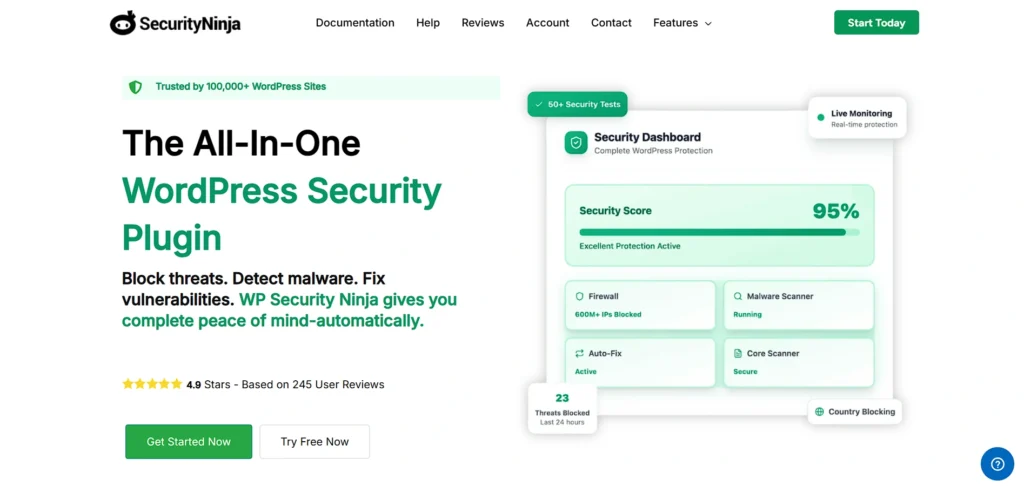
Security Ninja is a security scanner software that is used to scan more than 50 security tests of your website. It scans the plugins, themes, file permissions, database settings, and server settings, and also supports secure database management platforms for better protection of sensitive data.
Rather than automatically taking action, it gives clear recommendations to enable the users to make decisions on what to fix. It is an excellent tool that developers and agencies that want to make security decisions themselves and provide detailed audit output prefer.
Key Features
- Over 50 security tests
- File permission checks
- Database configuration scan
- One-click security audit
Pros
- Very detailed security audits
- Clear recommendations
- No automatic risky changes
- Developer-friendly
Cons
- No automatic fixes
- Requires manual action
Pricing:
- Connect with the sales team for a quotation.
7. CleanTalk Security & Malware Scan
Website: https://cleantalk.org/
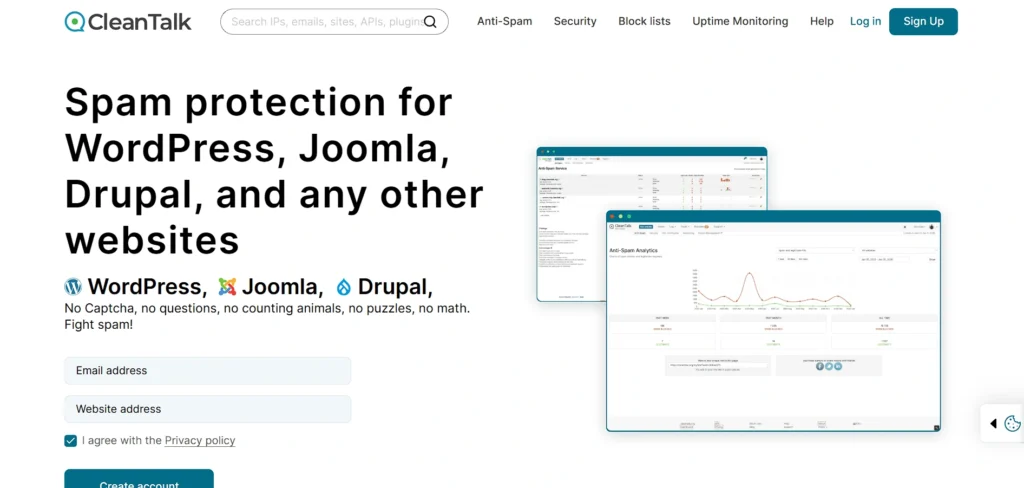
CleanTalk provides malware scanning, firewall, and Website Vulnerability Scanners for WordPress in the cloud. It does automated scans daily and prevents SQL injections, brute force attacks, and suspicious activity. CleanTalk also offers comprehensive security statistics, as well as traffic analysis.
This is an appropriate tool when the agencies are interested in powerful and sustained protection and transparent reporting, but beginners can require some time to master all functions.
Key Features
- Malware scanning
- Web application firewall
- SQL injection protection
- Traffic monitoring
- Two-factor authentication
Pros
- Cloud-based protection
- Daily security reports
- Strong firewall features
- Good for agencies
Cons
- The interface can feel complex.
- Less beginner-friendly
Pricing:
- 1 Website – $9/year
Best for a single small website needing basic coverage at a very low cost. - 3–5 Websites – $24 to $36/year
Ideal for bloggers or small site owners managing multiple websites. - 10–20 Websites – $63 to $117/year
Good for freelancers or small agencies handling several client sites. - 30–40 Websites – $162 to $180/year
Best for agencies managing many websites with one annual plan.
8. Anti-Malware Security and Brute-Force Firewall
Website: https://wordpress.org
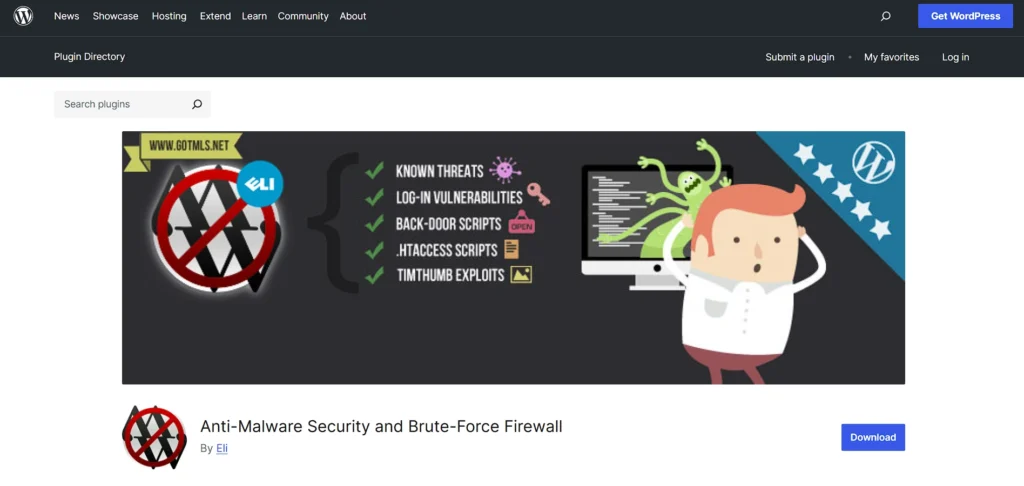
Anti-Malware Security and Brute-Force Firewall. It is a free WordPress vulnerability scanner that is concerned with identifying malware and backdoor scripts as well as database injections. It prevents brute force and DDoS attacks as well.
The plugin scans the integrity of the core files of WordPress and automatically removes threats that are known. The frequent update of definitions would be a good measure against new attacks. It is a good option to use when one needs powerful free protection, though it depends on external update services.
Key Features
- Malware and backdoor detection
- Brute-force attack blocking
- DDoS protection
- Core file integrity checks
- Automatic threat removal
- Definition updates
Pros
- Free and powerful
- Blocks major attack types
- Automatic malware cleanup
- Regular definition updates
Cons
- Uses external update servers
- The interface feels outdated.
Pricing:
- Connect with the sales team for a quotation.
9. Quttera Web Malware Scanner
Website: https://quttera.com
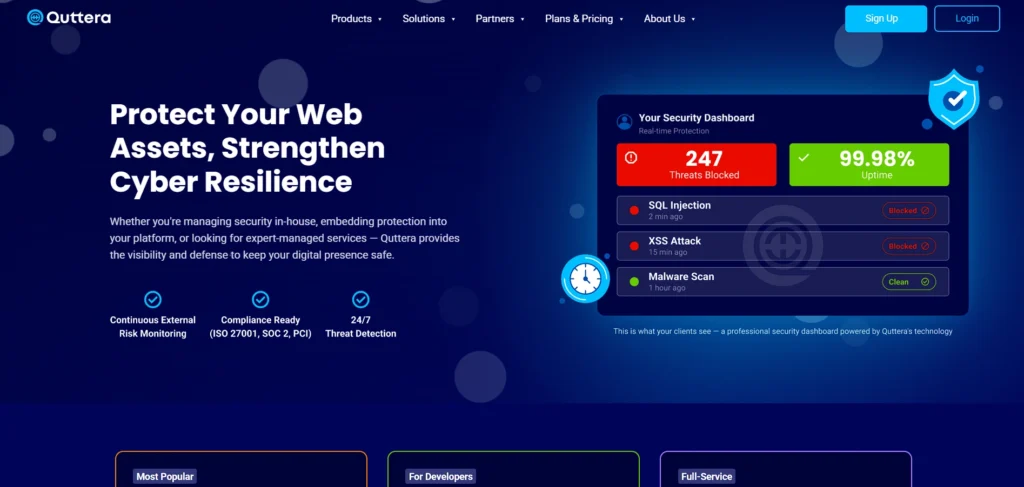
Quttera is an effective malware scanner based on WordPress that identifies malicious code, injected files, and suspicious external links. It also examines whether your site is blacklisted by Google or other authorities.
The device has an AI-powered scanner to enhance accuracy in detection and is also widely used among Website Vulnerability Scanners for identifying security risks. Quttera provides detailed scan reports that make threats easy to understand. It can be used by users who require deep malware identification and blacklist tracking.
Key Features
- AI-powered malware scanning
- External link detection
- Blacklist status check
- PHP malware detection
- One-click scans
Pros
- Detects many malware types
- Google blacklist monitoring
- AI-based detection
- Clear scan results
Cons
- Needs technical understanding
- Some features are locked behind paid plans
Pricing:
- Essential Security – $20/month
Best for small websites needing basic protection and ongoing security monitoring. - Premium Security – $299/year
Ideal for businesses needing expert malware removal and blacklist cleanup. - Emergency Security – $499/year
Designed for critical websites needing fast expert cleanup and priority response. - Flexible Plans Available
Choose a plan based on your website size, risk level, and response needs.
10. Solid Security
Website: https://solidwp.com/
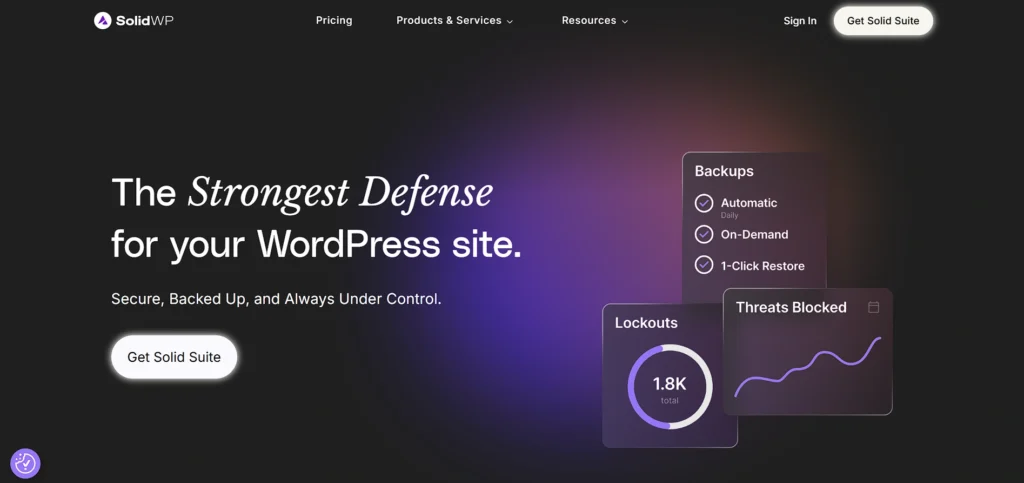
Solid Security is an ultimate WordPress security plug-in and functions as a countermeasure to the hacking of websites. It provides vulnerability scanning, file change tracking, user activity monitoring, and automatic patching.
The presence of such features as two-factor authentication and reCAPTCHA enhances the security of the login. The installation is easy and fast enough to be done by novices. This is the best tool to use when a user desires high levels of security and little time for setup.
Key Features
- Vulnerability scanning
- File change detection
- Two-factor authentication
- reCAPTCHA protection
- User activity logging
- Automated patching
Pros
- Easy and fast setup
- Strong login security
- Comprehensive protection
- Beginner-friendly
Cons
- Many features may feel overwhelming.
- Advanced tools require paid plans
Pricing:
- Solid Suite – $199/year
All-in-one security, backups, performance tools, and business management for growing websites. - Solid Security Pro – $99/year
Strong WordPress protection with firewall, malware scanning, login security, and virtual patching. - Solid Backups (NextGen) – $99/year
Daily cloud backups with one-click restore, activity timeline, and centralized dashboard. - Solid Central Pro – $69/year
Easy multi-site management with bulk updates, real-time visibility, and security integrations.
11. Mini Orange Malware Scanner
Website: https://www.miniorange.com
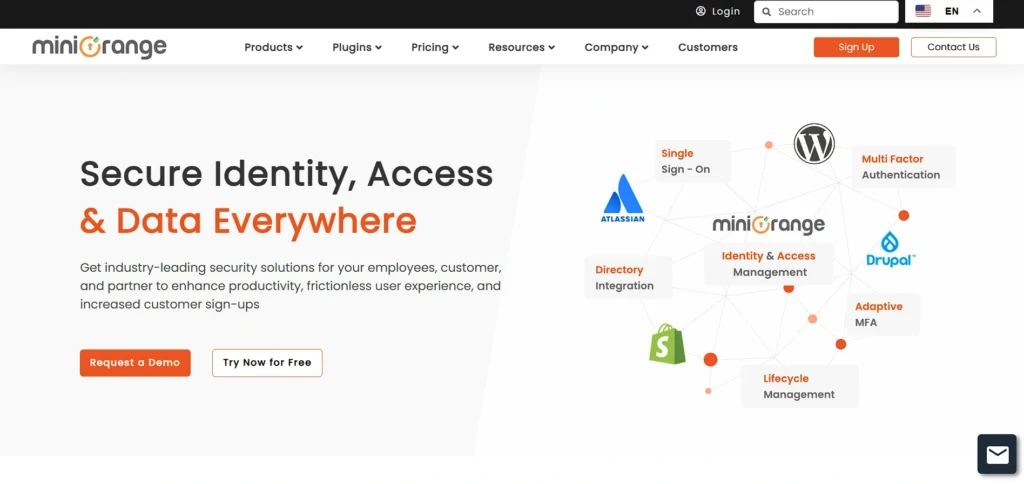
MiniOrange Malware Scanner offers three levels of scanning, which are quick, standard, and custom scans. It identifies malware, blocks malicious bots, and has a web application firewall. The plug-in provides real-time threat analysis and reports, along with advanced Website Vulnerability Scanners to detect security gaps and potential threats.
It also allows secure backup and restoration capabilities. This is an appropriate tool to use by agencies and advanced users who require in-depth scanning and active threat blocking.
Key Features
- Quick, deep, and custom scans
- Web application firewall
- Bad bot detection
- Malware protection
- Repository file comparison
- Backup and restore
Pros
- Strong malware detection
- Real-time threat blocking
- Detailed scan reports
- Good firewall support
Cons
- Complex for beginners
- Requires security knowledge
Pricing:
- Standard – $349/year
Entry-level plan for one instance with basic features and instance-based licensing. - Premium – $449/year
Suitable for advanced needs with enhanced features for a single instance. - Enterprise – $549/year
Built for large or complex environments needing stronger control and performance. - All-Inclusive – $649/year
Complete package with full access to all features for one instance.
12. Malcure Malware Scanner
Website: https://malcure.com/
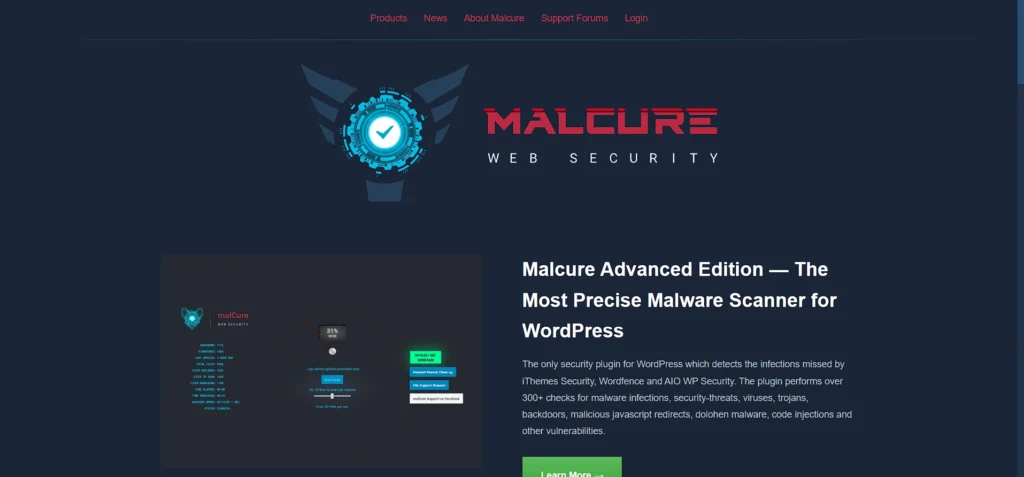
Malcure Malware Scanner is a scanner that is dedicated to detecting malware and advanced threats in WordPress files and databases that are not evident. It does integrity checks, maintains extensive security logs, and helps in automatic re-scans.
The tool aids in restoring lost traffic and SEO because infections are eliminated fast. Malcure is user-friendly and lightweight, which makes it a powerful choice in the case of an agency that requires deep malware scanning and forensic information.
Key Features
- Deep malware scanning
- Integrity and checksum checks
- Security event logs
- Automatic re-scans
- WP-CLI support
- Single-click repair
Pros
- Detects hidden malware
- Lightweight and fast
- Strong forensic logging
- Easy to use
Cons
- Frequent updates may bother some users.
- Limited features in basic plans
Pricing:
- Free
Comparison Table: Best Website Vulnerability Scanners
| Tool Name | Free Plan Available | Paid Plan | Best Use For |
| WPScan | Yes (limited API) | Yes (custom pricing) | WordPress-specific vulnerability scanning for plugins, themes, and core files |
| MalCare | Yes | Yes (₹5,940–₹29,940/year) | Automated malware detection and cleanup for WordPress sites |
| Wordfence Security | Yes | Yes ($149–$1,250/year) | Real-time firewall and malware protection for WordPress |
| Sucuri Security | Yes (limited) | Yes ($229–$999.98/year) | Post-hack cleanup, malware removal, and website hardening |
| Defender Security | No | Yes ($5.11/resource/month) | Strong login protection and brute-force attack prevention |
| Security Ninja | Limited | Yes (custom pricing) | Detailed security audits and manual vulnerability assessments |
| CleanTalk Security | No | Yes ($9–$180/year) | Cloud-based firewall and malware protection for multiple sites |
| Anti-Malware Security (GOTMLS) | Yes | Limited paid services | Free malware and backdoor detection for WordPress |
| Quttera Web Malware Scanner | Limited | Yes ($20/month–$499/year) | AI-based malware detection and blacklist monitoring |
| Solid Security | No | Yes ($69–$199/year) | All-in-one WordPress security, backups, and site management |
| MiniOrange Malware Scanner | No | Yes ($349–$649/year) | Advanced malware scanning with firewall and bot protection |
| Malcure Malware Scanner | Yes | No | Deep malware and forensic scanning for WordPress websites |
Why is website vulnerability scanning essential to your security?
- Protect Sensitive Data: Scanning the website vulnerability reveals weaknesses that a hacker may use to steal sensitive data about the users or the business, and this can help prevent any breaches and avoid loss of trust.
- Avert Expensive Security Breaches: Early vulnerability detection minimizes the chances of financial loss, legal actions, and brand damage due to attacks on your site by cyberattacks.
- Enforce Standards of Compliance: Periodic scanning assists the organizations in fulfilling the security compliance standards like PCI-DSS, HIPAA, and ISO 27001, thus saving regulators’ fines and audits.
- Enhance Website Security: Automated scans identify vulnerabilities in the code, configurations, and third-party components and enable the teams to strengthen defenses ahead of the attackers using them.
- Encourage DevSecOps Practices: Vulnerability scanning as an integrated part of CI/CD pipelines will make sure that the developers fix problems at an early stage, mitigate risk, and enhance the safe and continuous deployment of the software.
- Enhance User Trust: A safe site engenders the users, clients, and business associates, increasing confidence, brand recognition, and customer retention within your virtual platform.
How to Use Scanners: Best Practices
To receive the maximum vulnerability scanning:
- Scan Early and Often: Introduce vulnerability scanning into your software development process to detect weaknesses as quickly as you can, and shift-left security styles are being encouraged.
- Use Authenticated Scans: Test restricted settings and login pages, as well as any hidden paths, by conducting scans with proper authentication to identify vulnerabilities that are not accessible to open scans.
- Combine Tools to Improve Coverage: Use a mix of scanners and testing methods to address different attack vectors and minimize blind spots to perform a comprehensive assessment of the security of websites.
- Sort by priority of fixes: Consider critical and high-risk vulnerabilities a priority, dedicating resources to the problems that can produce the greatest harm or be the most dangerous.
- Re-Scan After Fixes: Follow-up scans after remediation ensure that vulnerabilities are addressed, patches are effective, and no other problem is present.
Ending Note
Website security is no longer a luxury in the digital world that is changing at a rapid pace; it is a must. A reliable vulnerability scanner makes organizations find vulnerabilities, prioritize remediation, and avoid expensive cyberattacks.
Although no tool is 100% protection, the use of Website Vulnerability Scanners such as Invicti, Acunetix, OWASP ZAP, or Astra Security in your development and security processes will help lower the risk significantly and gain trust with users and clients.
Begin scanning actively now, and make sure your website is not only operational but also safe, robust, and prepared to withstand the continuously rising threats of 2026.
FAQs
1. What Are The Methods Used By Scanners To Identify Zero-Day Exploits?
Advanced scanners employ the use of heuristic analysis, behavioral monitoring, and machine learning to detect anomalies and possible zero-day vulnerabilities in complex web environments.
2. Are Scanners Able To Measure APIs And SPAs?
Yes, current scanners crawl JavaScript-heavy SPAs and test REST/GraphQL APIs to identify misconfigurations, injection vulnerabilities, and authentication vulnerabilities effectively.
3. What Are The Benefits of Authenticated Scans?
Authenticated scans get to privileged locations and impersonate actual users to discover sensitive weaknesses that could not be detected by in-public scans.
4. What Is The Role of DevSecOps?
Instead, they are used with CI/CD pipelines, and security checks are automated throughout development so that vulnerabilities are identified before launch.
5. What Is The Purpose of Using Multiple Scanners?
The scanners have different detection methods, which are cross-validated to reduce the false positives and find all the missed vulnerabilities.