
Managing cloud expenses has become a critical challenge for businesses as cloud adoption grows rapidly. Without proper monitoring, organisations risk overspending, inefficiency, and wasted resources. Cloud Cost Management Tools help companies track, analyse, and optimise their cloud usage and spending across multiple platforms.
These tools provide detailed insights into cost allocation, usage patterns, and potential savings opportunities, ensuring better financial control and accountability. By offering automated reporting, budget alerts, and cost forecasting, they allow businesses to make informed decisions, reduce unnecessary expenditures, and maximise the value of their cloud investments, enhancing overall operational efficiency and sustainability.
Common Causes Of High Cloud Costs
- Overprovisioned Resources: Allocating more compute, storage, or memory than needed leads to unnecessary spending and underutilised capacity.
- Idle or Unused Instances: Cloud instances left running without active workloads continue to accrue charges, increasing overall costs.
- Lack of Auto-Scaling: Without automated scaling, resources may not adjust to actual demand, causing excess usage during low-traffic periods.
- Unoptimized Storage: Storing infrequently accessed data in high-cost storage tiers or not deleting obsolete files drives up costs.
- Unmanaged Data Transfer Fees: Frequent cross-region or outbound data transfers can result in high network charges if not monitored.
- Inefficient Licensing Models: Paying for unnecessary software licenses or subscriptions bundled with cloud services increases expenses.
- Poor Visibility and Monitoring: Without tracking and analytics, teams cannot identify wasteful usage, leading to unchecked spending.
- Excessive Backup and Snapshots: Retaining too many backups or snapshots without lifecycle policies contributes to storage cost inflation.
- Multi-Cloud Complexity: Using multiple cloud providers without consolidated management can lead to duplication and inefficient resource allocation.
- Lack of Governance Policies: Absence of cost allocation rules, tagging, and budget limits often results in overspending by different teams.
Benefits Of Using Cloud Cost Management Software
- Cost Visibility and Transparency: Provides detailed insights into cloud spending across platforms, making it easier to identify high-cost areas.
- Budget Control: Helps set budgets and alerts, ensuring teams stay within financial limits and avoid unexpected cloud charges.
- Resource Optimization: Identifies underutilised or idle resources, enabling businesses to reduce waste and improve operational efficiency.
- Multi-Cloud Management: Consolidates spending data from multiple cloud providers, allowing unified monitoring and better decision-making.
- Predictive Analytics: Uses historical data to forecast future costs, helping in strategic planning and scaling resources effectively.
- Automated Reporting: Generates real-time reports and dashboards, saving time and providing actionable insights for finance and IT teams.
- Improved ROI: By optimising resource usage and controlling expenses, organisations can maximise the value of their cloud investments.
Comparison Table
| Tools | Real‑Time Cost Monitoring | Automation Capabilities | Anomaly Detection | Kubernetes & Container Support | Pricing |
| CloudZero | Yes – live dashboards with granular cost insights | Automated budget alerts and cost allocation | Detects unusual cost patterns and alerts | Yes – supports container cost visibility | Subscription-based |
| IBM Cloudability | Yes – live cost data across clouds | Automated rightsizing and recommendations | Alerts for unexpected spend spikes | Yes – cloud workload visibility | Subscription-based |
| Harness Cloud Cost Management | Yes – real‑time dashboards | Automated optimization and rightsizing | Built‑in cost anomaly alerts | Strong support for Kubernetes cost visibility | Subscription-based |
| Vantage | Yes – instant cost and usage tracking | Automated tagging and optimization suggestions | Detects cost outliers | Yes – monitors container costs | Subscription-based |
| ProsperOps | Yes – continuous monitoring of cloud spend | Automated reserved instance and savings actions | Alerts for unusual spend behavior | Partial support via cost insights | Subscription-based |
| CloudHealth by VMware | Yes – unified visibility across clouds | Automated tagging, rightsizing, and policies | Spend anomaly alerts | Yes – container and cluster cost views | Subscription-based |
| Finout | Yes – real‑time analytics and dashboards | Auto‑cost optimization recommendations | Alerts on abnormal spending | Yes – comprehensive container cost tracking | Subscription-based |
| nOps | Yes – live tracking of usage and costs | Automated cost optimization workflows | Detects cost spikes and inefficiencies | Yes – Kubernetes cost visibility | Subscription-based |
| CloudPilot AI | Yes – live cost and usage metrics | Automated savings recommendations | Alerts for cost deviations | Yes – focused on container cost optimization | Subscription-based |
| Umbrella | Yes – recurring cost tracking and dashboards | Automated rightsizing and scheduling | Real‑time alerts for unexpected spend | Some support for container cost insights | Subscription-based |
| DeepCost | Yes – instant visibility into cloud spend | Automated recommendations for cost savings | Detects anomalies and unusual patterns | Yes – container cost breakdowns | Subscription-based |
| Flexera Cloud Cost Optimization | Yes – unified multi‑cloud cost dashboards | Automated optimization and rightsizing actions | Alerts for cost spikes and anomalies | Yes – container and cluster cost management | Subscription-based |
| AWS Cost Explorer | Yes – AWS spending visibility | Automated Recommendations (Saving Plans, RI) | Alert settings for spend changes | Works with EKS data, basic container cost visibility | Free (with AWS account) |
| Microsoft Azure Cost Management + Billing | Yes – Azure spend and usage dashboards | Budget alerts and automation suggestions | Built‑in alerting for unexpected costs | Integrates with AKS for cost insights | Free (with Azure) |
| Google Cloud Cost Management | Yes – live cost tracking across GCP services | Automated budget alerts and forecasting | Alerts for unusual spend trends | Yes – deep support for GKE cost breakdowns | Free (with GCP) |
List of 15 Best Cloud Cost Management Tools
1. CloudZero
Website: https://www.cloudzero.com
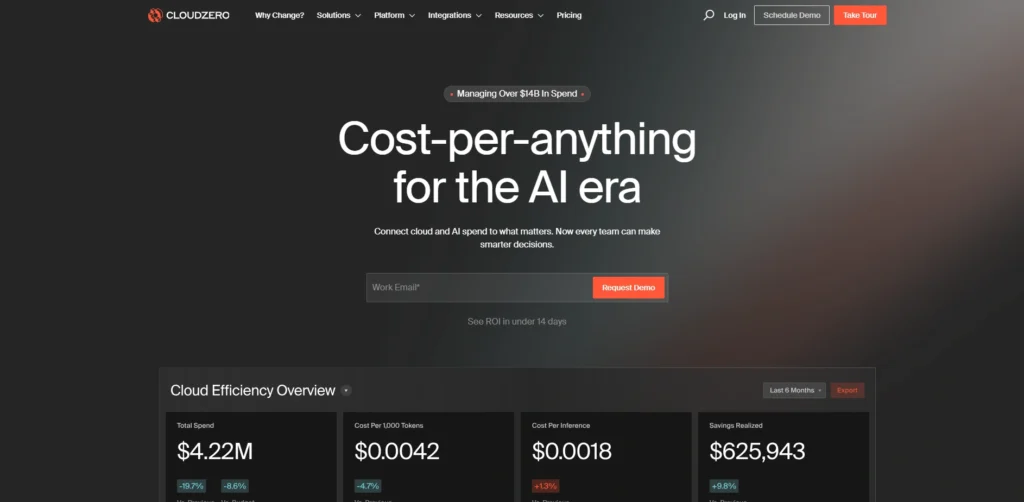
CloudZero is a cloud cost intelligence service that assists enterprises to track and optimise their spending in AWS, Azure and GCP. As a leading cloud cost management platform, it offers real-time monitoring of cost drivers, actionable data, and anomaly detection to avoid surprise bills. CloudZero splits up spend based on product, team or feature to facilitate internal chargeback and budgeting.
It also has alerts and customisable dashboards, thus supporting multi-cloud environments and empowering finance and engineering teams to make cost-efficient decisions. Its powerful analytics and projection assists organisations to cut waste and enhance financial responsibility without tracking manually.
Key Features:
- Real-time cloud cost monitoring and analytics
- Allocating costs by team, product, or feature
- Anomaly detection and alerts for unusual spend
- Kubernetes and container cost tracking
- Forecasting and budgeting tools
Pros:
- Granular visibility into cloud spending
- Supports multi-cloud environments
- Automated anomaly detection
- Helps teams make cost-efficient decisions
- Scalable for growing organizations
Cons:
- Learning curve for beginners
- Limited integrations outside main cloud providers
- Can be complex for small teams
Pricing:
- Request Pricing
2. IBM Cloudability (Apptio Cloudability)
Website:https://www.apptio.com/products/cloudability/
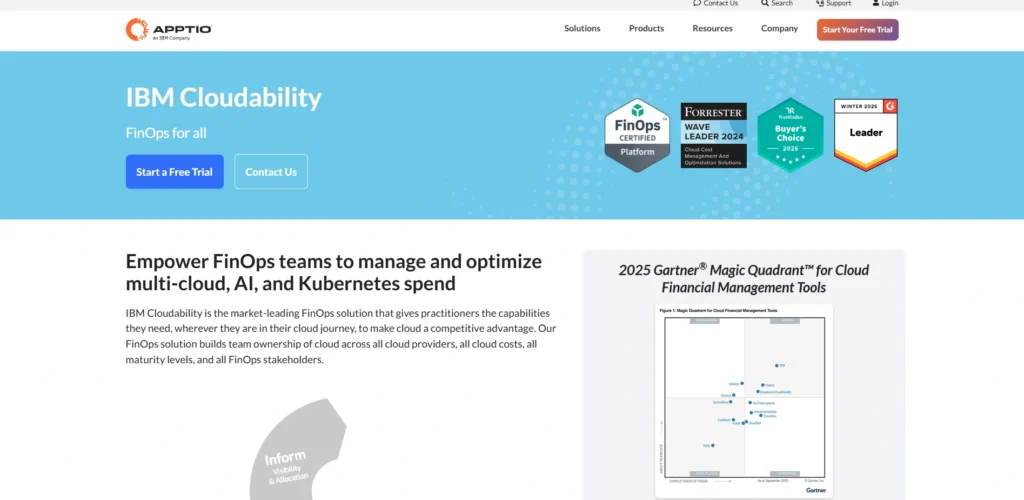
Cloudability has been acquired by IBM and Apptio as a cloud cost management solution targeted at multi-cloud enterprises. cloud cost management tools like Cloudability provide an end-to-end visibility of spending patterns between AWS, Azure, and Google Cloud to provide allocation of costs, budgeting, and forecasting. Cloudability optimization tools suggest rightsizing opportunities, purchase of reserved instances, and waste minimisation tactics.
It allows organisations to manage costs and align cloud use with business goals with customisable dashboards, anomaly alerts, and strong analytics. It has powerful reporting and governance capabilities, so it is appropriate in complex and large-scale operations.
Key Features:
- Multi-cloud cost analytics and optimization
- Budgeting, forecasting, and cost allocation
- Rightsizing recommendations for efficiency
- Custom reporting dashboards
- Governance and compliance features
Pros:
- Enterprise-grade multi-cloud support
- Detailed financial insights and reports
- Strong rightsizing and savings suggestions
- Supports large-scale operations
- Helps align cloud costs with business objectives
Cons:
- Can be expensive for smaller companies
- Learning curve for new users
- Some features require manual setup
Pricing:
- Request Pricing
3. Harness Cloud Cost Management
Website: https://harness.io/products/cloud-cost-management
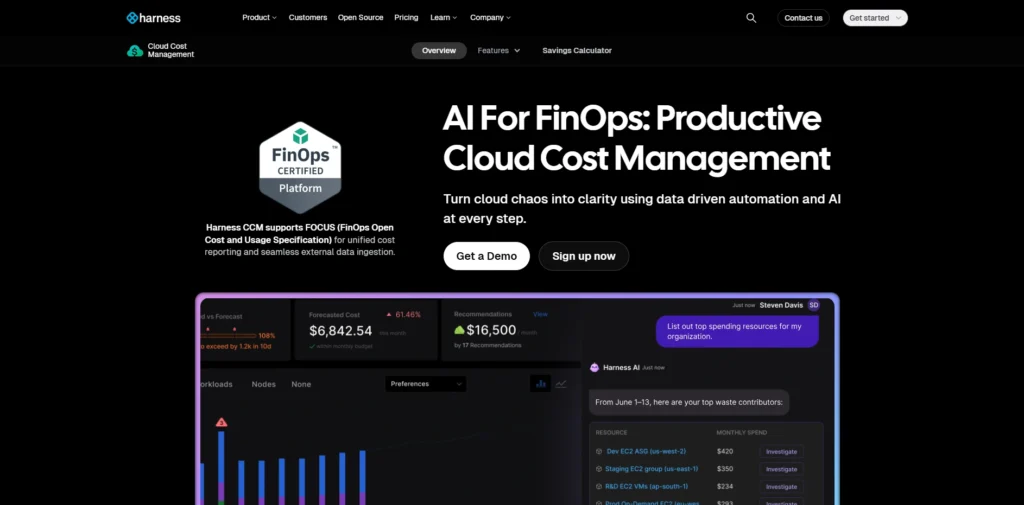
Harness Cloud Cost Management is a real-time cloud spending monitoring tool that offers advanced dashboards and analytics. As a comprehensive cloud cost management platform, it provides support to multi-cloud billing information of AWS, Azure, and GCP, allowing the splitting of costs into an application, team, and business unit basis. The platform integrates with application monitoring tools to track resource usage, automate optimization activities including rightsizing and idle resource shutdowns, and alert teams to spending anomalies.
Its Kubernetes integration assists it in monitoring the costs of containers accurately. Harness also offers forecasting and budgeting, which helps teams plan their costs, cut waste, and enhance financial responsibility without manual work.
Key Features:
- Real-time multi-cloud cost visibility
- Automated rightsizing and idle resource shutdown
- Anomaly alerts for unusual spend
- Kubernetes and container cost tracking
- Application-level cost attribution
Pros:
- Automation reduces manual effort
- Supports multi-cloud and containerized environments
- Forecasting and budgeting tools
- Detailed dashboards for teams
- Optimises costs without extensive FinOps expertise
Cons:
- May require technical setup
- Advanced features can be complex
- Limited offline reporting
Pricing:
- Free Plan– Free
- Essential Plan– contact sales
- Enterprise Plan– contact sales
4. Vantage
Website: https://www.vantage.sh
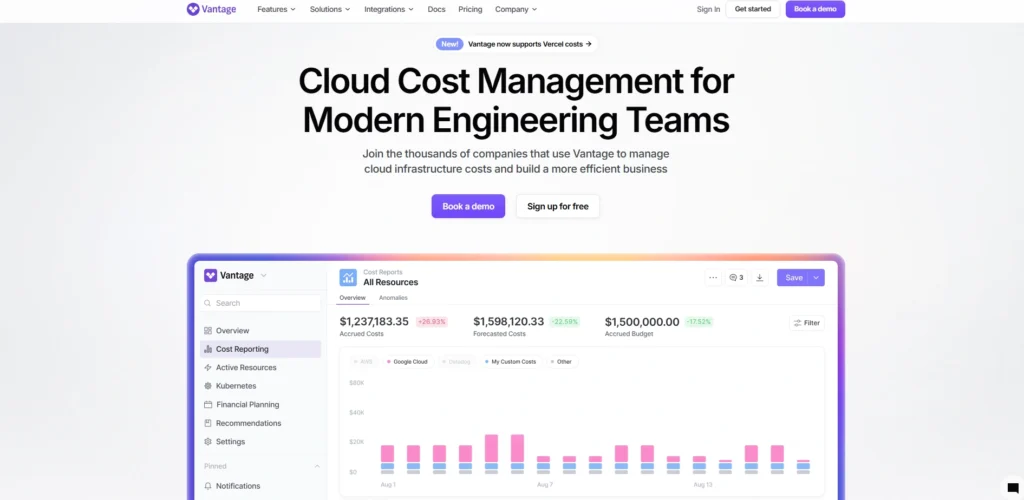
Vantage is a single cloud cost management tool that offers real-time spending insights and optimization advice across the leading cloud providers. cloud cost management tools like Vantage provide user-friendly dashboards, anomaly detection, and auto-tagging tools, which assist teams in assigning costs to projects and teams.Vantage makes FinOps easy with proactive alerts, usage forecasts and optimisation recommendations.
Its Kubernetes and container support also support cost analysis of microservices environments in detail.Vantage is ideal in growing organisations and can integrate analytics with automation to enable businesses to waste less, implement budgets, and make more intelligent cloud investment choices.
Key Features:
- Real-time cloud cost monitoring
- Automated tagging and cost allocation
- Anomaly detection alerts
- Forecasting and budgeting tools
- Kubernetes and container support
Pros:
- User-friendly dashboards
- Helps teams plan and optimize spend
- Supports multi-cloud environments
- Reduces wasted cloud resources
- Scalable for growing businesses
Cons:
- Limited advanced analytics for large enterprises
- Can require integration setup
- Fewer pre-built automation features
Pricing:
- Starter– $0
- Pro– $30 /month
- Business– $200/month
- Enterprise– Custom
5. ProsperOps
Website: https://www.prosperops.com
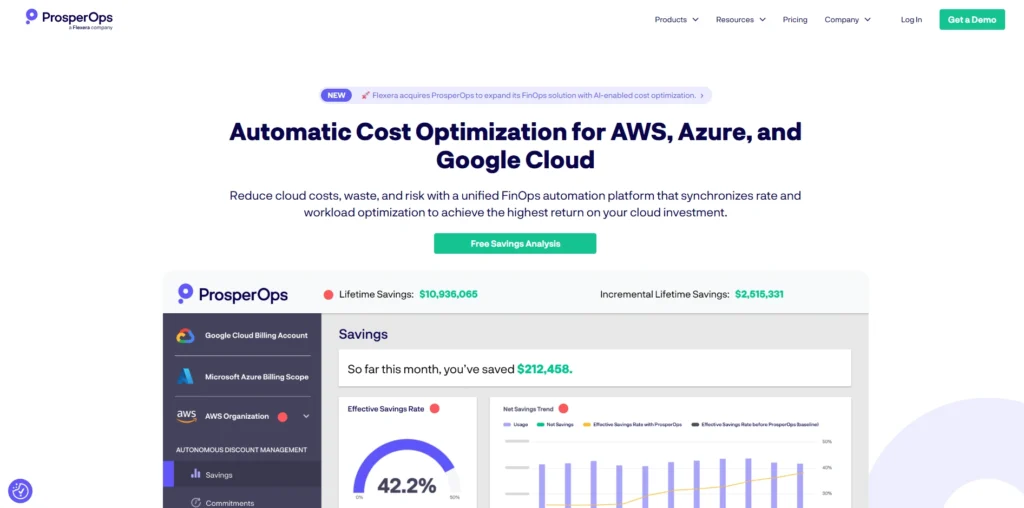
ProsperOps is an automation-oriented cloud cost optimisation, an organisation can spend minimal time manually reducing the cost of AWS. Its smart engine computes the usage trends and automatically manages the Reserved Instances and Savings Plans to optimize the discounts. ProsperOps gives businesses financial visibility and control spend with real-time cost monitoring, anomaly warnings, and in-depth recommendations.
It operates with multi-account AWS and eases saving plan management. Automation of the platform and reporting tools allow teams to implement budgets, detect patterns, and save money on clouds without a large amount of FinOps knowledge.
Key Features:
- Automated optimisation of Reserved Instances and Savings Plans
- Real-time cost tracking and alerts
- Recommendations for cloud spend efficiency
- Multi-account AWS support
- Trend analysis for financial planning
Pros:
- Automates cost-saving actions
- Reduces AWS spend efficiently
- Alerts for cost anomalies
- Supports enterprise-level AWS environments
- Simplifies complex FinOps tasks
Cons:
- AWS-focused, limited multi-cloud support
- May require initial setup
- Less suitable for small-scale teams
Pricing:
- Free Savings Analysis– Free
- Autonomous Discount Management (ADM)– Contact Sales
- Autonomous Resource Management (ARM)– Contact Sales
6. CloudHealth by VMware
Website: https://www.vmware.com/products/app-platform/tanzu-cloudhealth
CloudHealth VMware is a cloud cost management and governance system of enterprise scale that tracks spend of AWS, Azure, and Google Cloud. It offers cost analytics in detail, cost budgeting, and finance and engineering custom reporting.The optimisation suggestions of CloudHealth are rightsizing, planning of reserved instances and tagging of workloads.
As one of the leading cloud cost management tools, it also provides anomaly detection and automated policies to prevent overspending.It is suitable in large organisations as it is integrated with VMware and third-party tools to provide portfolio management software, forecasting, and detailed allocation to enhance operational and financial control.
Key Features:
- Multi-cloud cost analytics and optimization
- Budgeting, forecasting, and reporting tools
- Rightsizing and reserved instance recommendations
- Policy-driven governance and anomaly alerts
- Integration with VMware and third-party tools
Pros:
- Enterprise-grade multi-cloud support
- Strong reporting and insights
- Helps enforce governance policies
- Optimises cloud spend efficiently
- Scalable for large operations
Cons:
- Can be expensive
- Learning curve for new users
- Some features may require customization
Pricing:
- Contact Sales for Pricing
7. Finout
Website: https://www.finout.io
Finout is a cloud cost observability solution that provides real-time insights and actionable analytics on a multi-cloud environment. It categorises costs in terms of application, team and environment and assists companies to spend at a fine level. The dashboards and alerts created by Finout help to point out anomalies and offer optimisation, waste-reduction tips.
It supports billing of containerised workloads with Kubernetes-aware analysis. Finout enables teams to plan budgets, impose accountability, and proactively optimise costs with automated cost visibility and forecasting. Smooth interface allows both engineering and finance users, without a lengthy set up.
Key Features:
- Real-time multi-cloud cost visibility
- Granular cost attribution per team, app, and environment
- Anomaly alerts and optimization suggestions
- Kubernetes and container cost tracking
- Forecasting and budgeting tools
Pros:
- Detailed insights for teams and finance
- Supports containerized workloads
- Reduces cloud waste
- Intuitive dashboards for easy use
- Scalable for growing organizations
Cons:
- Some features require advanced setup
- Limited historical analysis tools
- Can be complex for beginners
Pricing:
- Request a Quote
8. nOps
Website: https://www.nops.io
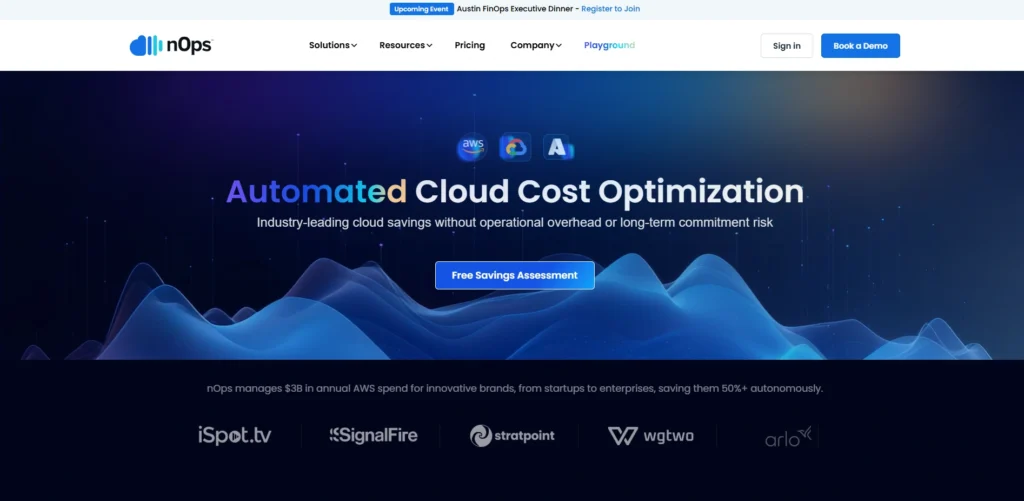
nOps is an application that is used to optimize and manage costs and provide real-time visibility, anomaly detection, and automated cost governance in the cloud. As a powerful cloud cost management tool, nOps helps teams identify inefficiencies and control cloud spending effectively.It is AWS-friendly, provides dashboards with an option to group costs by both team and application and type of use to find inefficiencies in idle resources and overprovided instances and to recommend optimization measures.
There are in-built cost spike warnings and built-in policy implementation to assist teams in managing costs.nOps integrates both cost and risk management with compliance and security awareness enabling organisations to become more efficient without needing to lose governance.
Key Features:
- Real-time AWS cost monitoring
- Automated anomaly detection and policy enforcement
- Cost allocation by team and application
- Rightsizing recommendations
- Security and compliance integration
Pros:
- Combines cost and governance management
- Helps reduce overspend automatically
- Alerts for unusual activity
- Detailed AWS insights
- Supports FinOps workflows
Cons:
- AWS-focused
- Advanced analytics require setup
- Not ideal for multi-cloud users
Pricing:
- Request Pricing
9. CloudPilot AI
Website: https://www.cloudpilot.ai
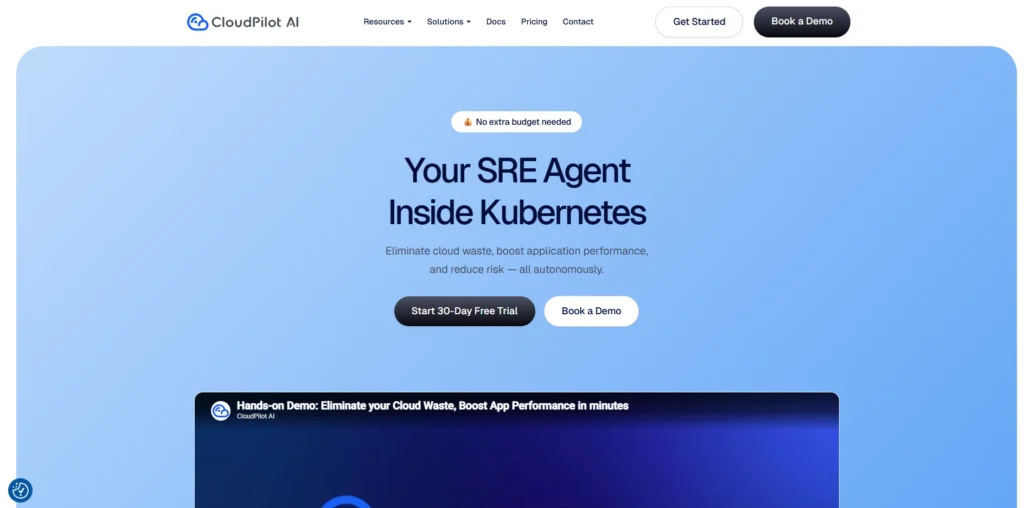
CloudPilot AI is a cloud cost intelligence and optimisation tool that applies machine learning to understand the patterns of spending and recommends opportunities to allow savings. It serves as a cloud cost management platform, offering real-time dashboards, anomalies detection and automated insights to assist teams to track cloud costs in real time.
CloudPilot is compatible with both Kubernetes and container environments and gives a cost breakdown of both the cluster and services. Notices and suggestions facilitate proactive cost management. Its AI-based engine streamlines the FinOps process, finding savings, predicting future spendings, and giving actionable plans without manually analysing providers.
Key Features:
- AI-driven cost analytics and optimization
- Real-time dashboards and alerts
- Container and Kubernetes cost tracking
- Anomaly detection for unusual spending
- Automated recommendations for cost reduction
Pros:
- AI-based insights simplify FinOps
- Supports containerized workloads
- Forecasting and trend analysis
- Proactive cost management
- Reduces manual effort
Cons:
- Newer platform, fewer integrations
- May require technical expertise
- Pricing can scale with usage
Pricing:
- Community– Free
- Standard– Pay as you go
- Enterprise– Custom
10. Umbrella

Website: https://www.umbrellacm.com
Umbrella is a cloud cost management solution that is dedicated to real-time spend visibility, automation, and anomaly detection. cloud cost management tools like Umbrella help businesses gain control over cloud expenses and optimise resource usage efficiently.It provides live dashboards which give insight into the usage trends, budgeting tools to prevent over-spending and automatic recommendations on rightsizing. Its alert framework assists in informing the teams about unusual cost behavior at an early stage.
Umbrella also provides container cost perspectives to Kubernetes environments, and it auto-scales or decommission idle resources to minimise waste. It enables businesses to plan and manage costs of cloud through intuitive reporting and optimisation recommendations.
Key Features:
- Real-time spend monitoring and dashboards
- Automated rightsizing and idle resource shutdown
- Alerts for unusual cost spikes
- Kubernetes-aware cost visibility
- Budgeting and forecasting tools
Pros:
- Easy cost visualisation
- Reduces wasted resources automatically
- Supports containerised workloads
- Alerts for anomalies
- Helps enforce budget policies
Cons:
- Limited multi-cloud support
- Some features require setup
- Advanced reporting is basic
Pricing:
- Custom Pricing
11. DeepCost

Website: https://www.deepcost.io
Here’s your paragraph with the keyword added naturally only once:
DeepCost is a cloud-based cost observability tool used to give insights into real-time spending and deep analytics. It monitors trends of usage and costs onpaccounts, showing anomalies and inefficiencies. As a comprehensive cloud cost management platform, DeepCost assists Kubernetes to attribute costs to clusters and namespaces, which will enable the teams to comprehend the cost of microservices.
It provides automatic suggestions to remove wastage and ensure resource optimisation. DeepCost provides the finance and engineering teams with more effective monitoring, predicting, and controlling budgets, through its easy-to-understand dashboards and alerting, which results in better performance of cloud finances.
Key Features:
- Real-time cloud cost observability
- Kubernetes cost tracking
- Anomaly detection and optimisation insights
- Usage and spending analytics
- Budget and forecast tools
Pros:
- Provides granular cost insights
- Supports containerized workloads
- Alerts for unexpected spend
- Helps reduce waste
- Simplifies FinOps
Cons:
- Limited multi-cloud support
- Requires initial configuration
- Smaller user base
Pricing:
- Free– $0
- Growth– $500/month
- Enterprise– Custom
12. Flexera Cloud Cost Optimization
Website: https://www.flexera.com/products/flexera-one/cloud-cost-optimization
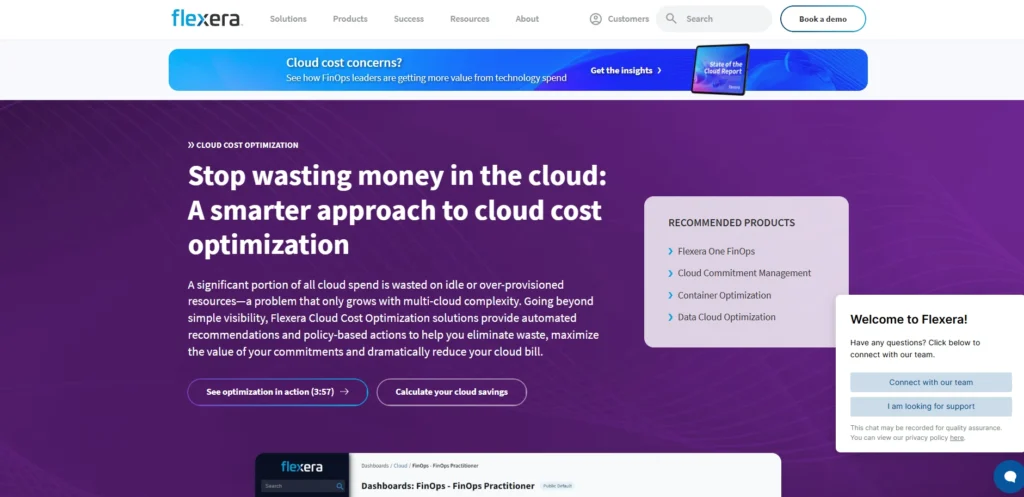
Flexera Cloud Cost Optimization is an enterprise cloud cost analytics, optimization and governance on AWS, Azure and Google Cloud. It provides detailed cost breakdowns, anomaly alerts, and optimization recommendations. Flexera is one of the top cloud cost management tools, helping organizations monitor and control cloud spending efficiently.
The platform also tracks the prices of containers and can be linked with infrastructure management tools to provide in-depth insights. Flexera assists organizations in budget planning and control, in addition to implementing cost policies, with budget controls and forecasting.Its enterprise orientation allows organisations to manage a multi-cloud environment, cut down waste and enhance resource allocation with effective reporting and optimization processes.
Key Features:
- Multi-cloud cost analytics
- Rightsizing and reserved instance optimisation
- Budgeting, forecasting, and policy enforcement
- Container cost visibility
- •ntegration with infrastructure tools
Pros:
- Enterprise-grade optimisation
- Strong reporting and governance
- Reduces cloud spend effectively
- Multi-cloud and container support
- Scalable for large organisations
Cons:
- Can be expensive
- Setup may require expertise
- Some features need customization
Pricing:
- Custom Pricing
13. AWS Cost Explorer
Website: https://aws.amazon.com/aws-cost-management
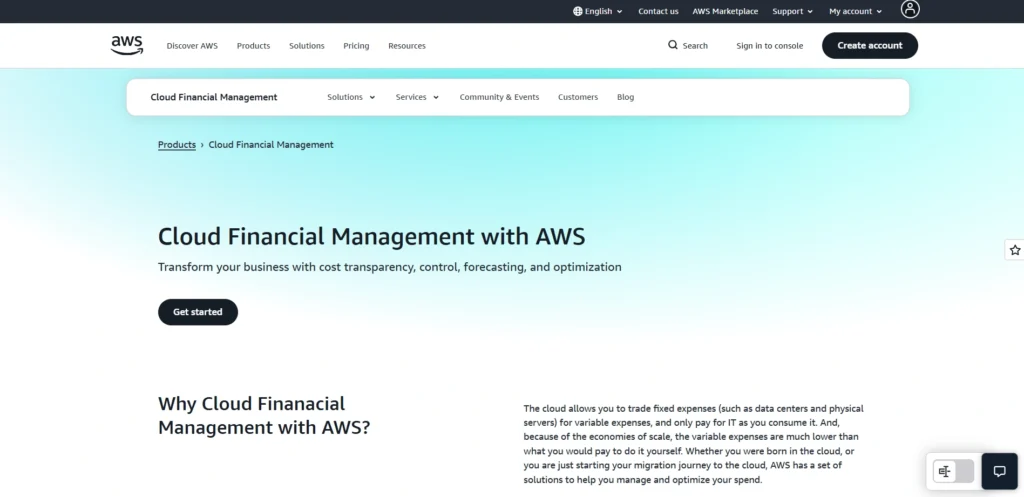
AWS Cost Explorer is an original cost management product in AWS that provides real-time monitoring of cloud expenditure and usage. cloud cost management tools like AWS Cost Explorer offer interactive dashboards, usage breakdowns, and forecasting tools to foresee future costs.There are also options of setting up alerts to anomalies and unexpected charges.
AWS Cost Explorer assists in rightsizing recommendations and optimisation of Savings Plans.Although it is mainly dedicated to AWS, it is also integrated with AWS Billing and AWS Budgets to deliver a complete overview of spending. It is free to every AWS user and affordable since the basic functionality is provided along with AWS accounts.
Key Features:
- Real-time AWS cost and usage tracking
- Interactive dashboards and charts
- Rightsizing and savings plan recommendations
- Budgeting and alerts for anomalies
- Forecasting and trend analysis
Pros:
- • Native AWS integration
- • Free for AWS users
- • Provides detailed insights and reports
- • Easy setup for AWS accounts
- • Supports financial planning
Cons:
- AWS-only platform
- Limited multi-cloud support
- Advanced analytics require experience
Pricing:
- Free
14. Microsoft Azure Cost Management + Billing
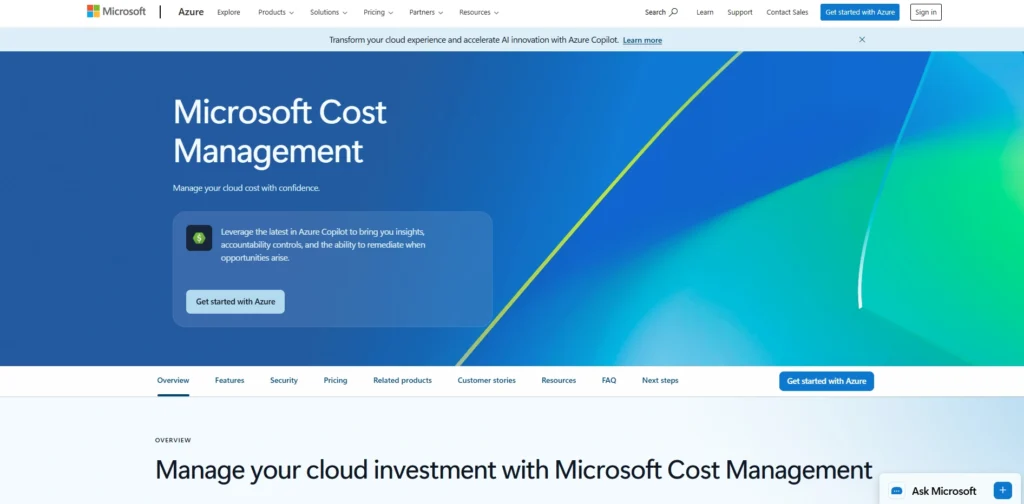
Website: https://azure.microsoft.com/en-us/services/cost-management/
Azure Cost Management + Billing is a Microsoft tool used to track and manage spending in the cloud on Azure and on supported multi-cloud accounts. cloud cost management Tools like this provide real-time dashboards, allocation of costs, budget notifications, and anomalies to avoid extravagance.It serves Kubernetes through AKS cost views and is also integrated with Azure Policy to perform automated governance.
Forecast tools and optimisation recommendations allow teams to be able to plan budgets and minimise waste.Available to Azure customers, the tool includes powerful native integration and is simple to deploy to companies that already use Microsoft services.
Website: https://azure.microsoft.com/en-us/services/cost-management/
Key Features:
- Real-time Azure cost tracking and dashboards
- Budget alerts and anomaly detection
- Rightsizing recommendations
- Container cost visibility with AKS
- Forecasting and budgeting tools
Pros:
- Native integration with Azure
- Supports multi-cloud monitoring
- Easy setup for Azure customers
- Helps enforce budgets and policies
- Cost visibility for teams and finance
Cons:
- Primarily Azure-focused
- Advanced optimization may need external tools
- Some features require learning
Pricing:
- Free
15. Google Cloud Cost Management
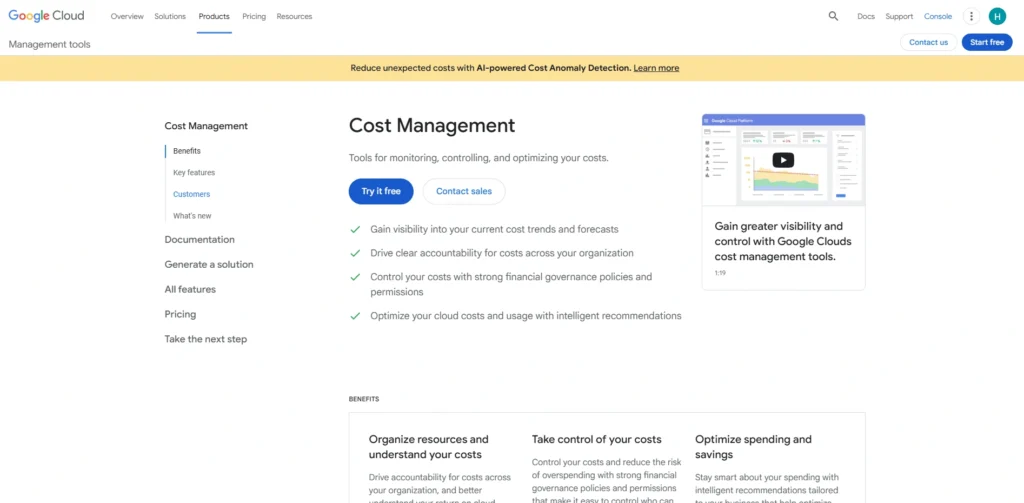
Website: https://cloud.google.com/cost-management
Google Cloud Cost Management is a collection of tools in Google cloud that is used to assist organisations to monitor and optimise their cloud expenditure. It offers real-time cost dashboards, usage filters and forecasting features. Rightsizing recommendations aid cost efficiency, and alerts contribute to identifying the abnormal spending patterns.
Natural integration with GKE enables the ability to see Kubernetes usage costs in detail. Budget controls allow the teams to establish boundaries and track variances. Being an in-the-box offering to Google Cloud clients, it provides a hassle-free installation and monitoring with no extra vendor fees.
Key Features:
- Real-time cost dashboards and usage filters
- Budget alerts and anomaly detection
- Rightsizing recommendations for cost optimisation
- Kubernetes/GKE cost visibility
- Forecasting and reporting tools
Pros:
- Native Google Cloud integration
- Granular cost insights
- Helps teams manage and reduce spend
- Supports containerised workloads
- Budgeting and forecasting capabilities
Cons:
- Google Cloud-specific
- Limited multi-cloud support
- Some advanced features require setup
Pricing:
- Free
Also Read: PDF Submission Sites
Ending Thoughts
Effective cloud cost management is essential for businesses aiming to optimise spending, improve efficiency, and maintain financial control over cloud resources. The right Cloud Cost Management Tools not only provide visibility into usage and costs but also offer actionable insights, automated alerts, and predictive analytics to prevent overspending.
By leveraging these solutions, organisations can allocate resources more strategically, identify underutilized assets, and make informed decisions about scaling and budgeting. Whether managing multi-cloud environments or a single platform, these tools empower companies to maximise value, minimise waste, and achieve long-term operational and financial sustainability in an increasingly cloud-driven business landscape.
FAQs
1. What Is A Cloud Cost Management Tool?
A cloud cost management tool helps track, analyse, and optimise cloud spending across multiple platforms, ensuring efficient resource usage and cost savings.
2. Why Do Businesses Need Cloud Cost Management Tools?
They prevent overspending, provide insights into resource usage, help forecast budgets, and optimise cloud operations for better financial control.
3. Can Cloud Cost Management Platform Support Multiple Cloud Platforms?
Yes, most tools support multi-cloud environments like AWS, Azure, and Google Cloud for consolidated monitoring and reporting.
4. Can Cloud Cost Management Tools strack Kubernetes And Container Costs?
Yes, many tools support Kubernetes and container cost visibility.
5. Are There Any Free Cloud Cost Management Platform?
Yes, AWS Cost Explorer, Azure Cost Management, and Google Cloud Cost Management are free with their platforms.