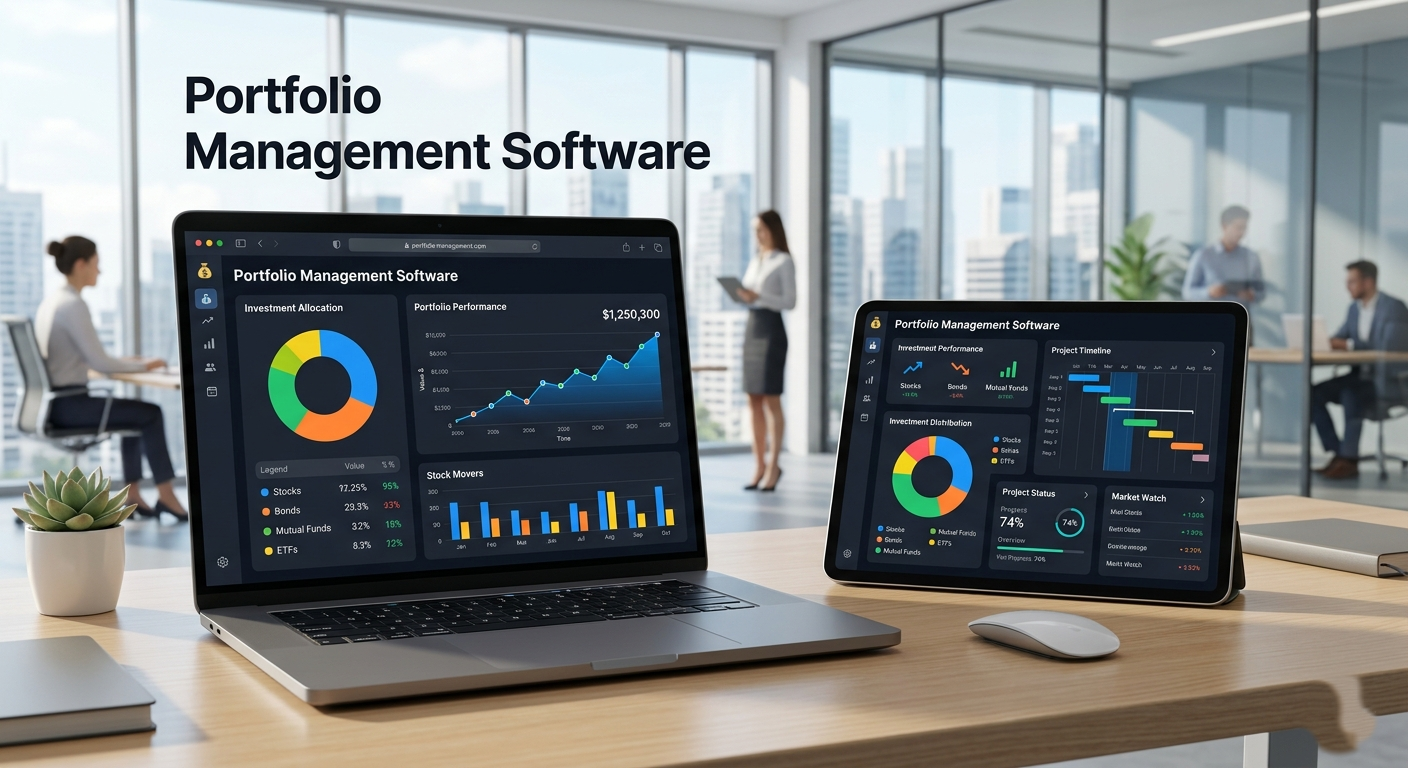
AI presentation tools take the pain out of building slides from scratch. They cut down on the hours you’d normally spend formatting and tweaking, and make it faster and easier to get your message across. Some excel at turning rough notes into polished decks, while others are better for design, branding, or teamwork. The best options strike a balance, helping you think, write, and present more effectively.
Here are six of the top AI presentation makers in 2026, with a clear look at their strengths, limitations, and pricing.
List of Best AI Presentation Tools
1. Jotform Presentation Agents
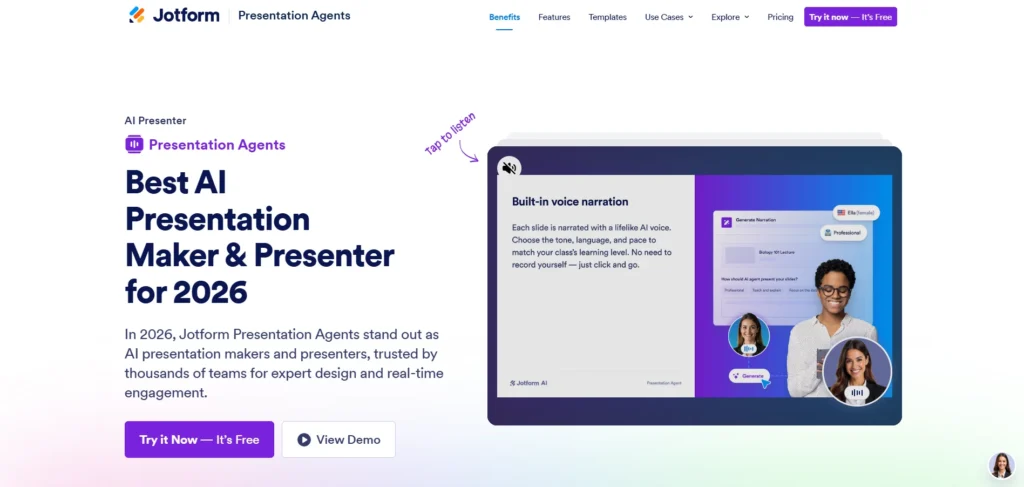
Jotform Presentation Agents take a very different approach from most AI slide tools. Instead of just spitting out a template, they act more like a real presenter and assistant in 2026. You can feed it a prompt, paste in existing slides, or even share a Google Slides link. From there, the AI turns your material into a presentation that’s ready to use, complete with narration, live Q&A, and properly structured headings.
This makes it especially useful if you deal with detailed proposals. The AI doesn’t just condense information; it narrates it in a way that’s digestible for your audience. And unlike tools that lock you into their output, Jotform keeps everything editable. You can adjust text, tweak layouts, or reorder slides as you see fit. Because it runs in your browser, there’s no software to install, and you can work from anywhere.
Pros:
- Live Q&A and form integration during presentations
- Supports multiple languages
- Browser-based, no downloads needed
- Massive selection of agent templates
Cons:
- Limited design flexibility compared to traditional design platforms
- Better suited for professional or informative content than creative storytelling
Pricing: Free to use with unlimited presentations. Paid plans with more AI agents start at $34/month.
2. Visme AI
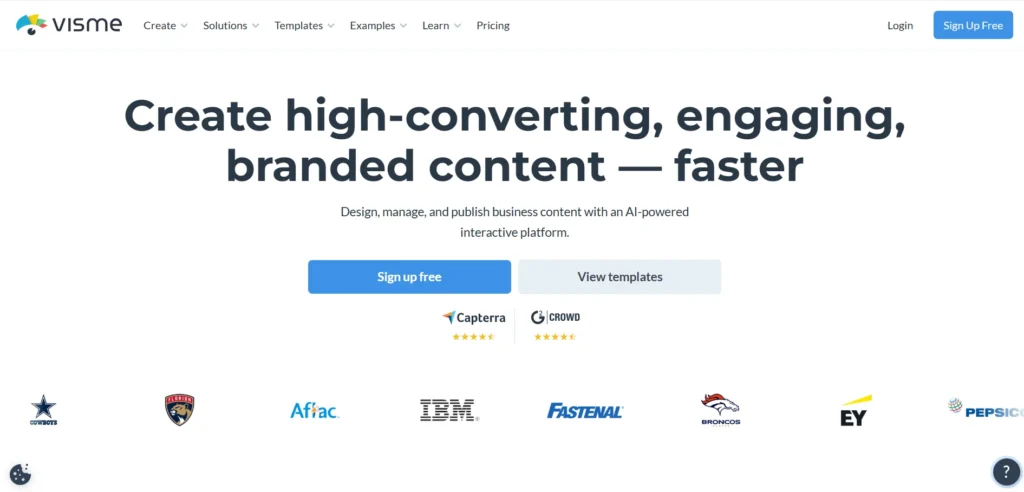
Visme has been around as a design platform for years, and in 2026, its AI features take presentations to the next level. With Visme AI, you can generate slides from prompts, transform text documents into decks, and automatically match designs to your brand style. Its library of templates, charts, and data visualization tools makes it useful for anyone who needs to communicate complex ideas in a clear way.
What sets Visme apart is the customizations you can make once the slides are generated. You can add animations, interactive elements, and branded assets. That makes it great for marketing teams, educators, and businesses that want their presentations to feel more polished.
Pros:
- Templates and visual assets
- Good for data visualization and infographics
- AI integrates well with branding and customization
- Supports interactive and animated elements
Cons:
- Can feel overwhelming because of so many options
- Steeper learning curve for new users compared to simpler tools
Pricing: Free plan with limited features. Standard plan starts at $12.25/month, Business plan at $24.75/month when billed annually.
Suggested Read: AI Tools for PowerPoint
3. Canva (Magic Design)
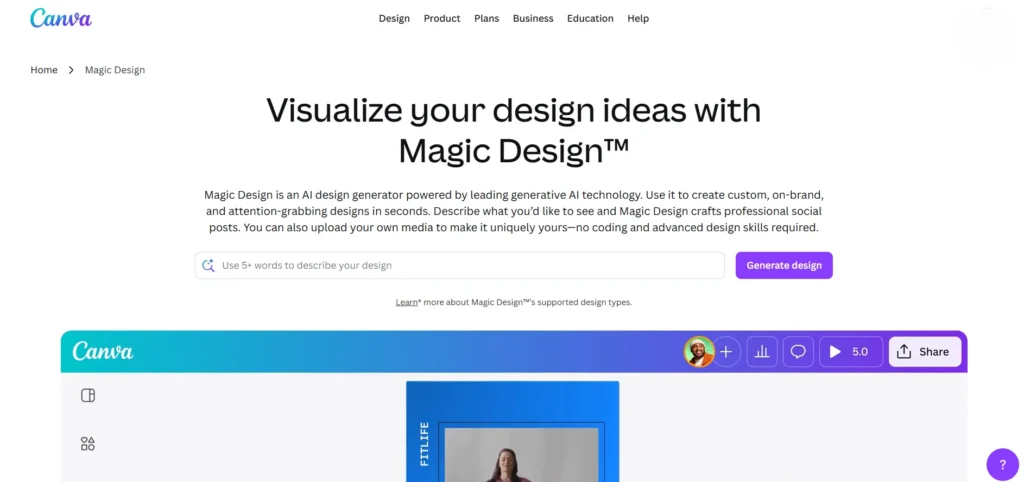
If you’ve used Canva for social posts, posters, or marketing graphics, its Magic Design feature extends the same ease of use to presentations. You can enter a prompt, paste in content, or upload a file, and Canva will generate a deck with layouts, fonts, and images chosen to match the theme.
What’s good about Canva is its template and asset library. From stock photos and icons to charts and videos, you can customize nearly everything. That makes it a good choice for creators, teachers, and small businesses that care about visuals but don’t have the time or budget to hire a designer. The drag-and-drop editor is simple enough for beginners, yet flexible enough for pros who want precise control.
Pros:
- Beginner-friendly
- Big asset library with templates, photos, and graphics
- Great for branded and visually creative decks
- Collaboration features for teams
Cons:
- The editor can feel cluttered with too many choices
- AI output usually needs a bit of fine-tuning before it’s presentation-ready
Pricing: Free plan available. Canva Pro with AI tools costs $15/month.
4. Beautiful.ai
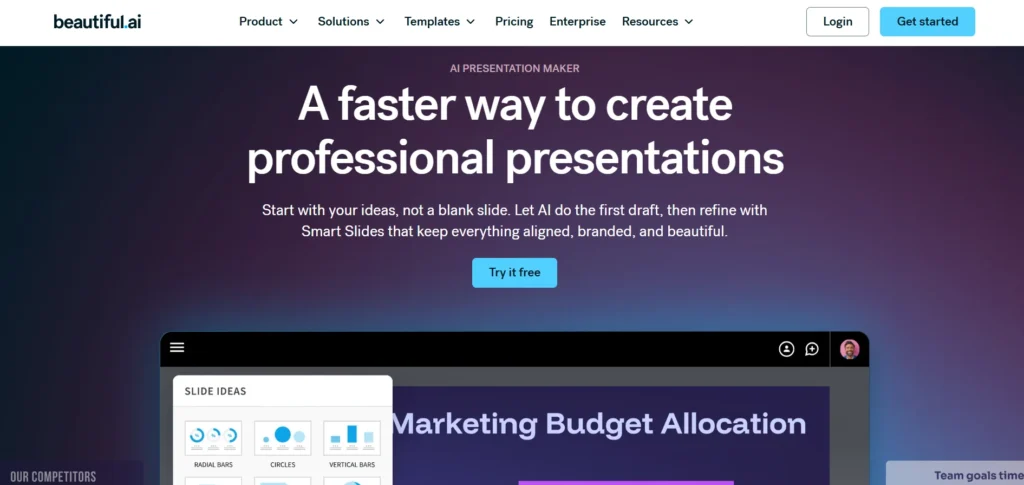
Beautiful.ai is built around the idea that presentations should look polished without you sweating over every detail. In 2026, its AI engine adjusts alignment, spacing, and design as you add content. That means you don’t have to worry about margins, font sizes, or slide balance, the tool handles it in the background.
It’s appealing to teams because of its collaboration features. Multiple people can work on a deck at once, and keep everything organized. Beautiful.ai also includes a library of professional-looking templates, so even if design isn’t your strength, your slides will look consistent and modern.
Pros:
- Professional-looking slides with little effort
- Collaboration tools for teams
- Image, icon, and chart library
- Adjusts design as you work
Cons:
- Limited flexibility for unusual or highly custom layouts
- Customization can feel restricted if you’re used to full design control
Pricing: Free plan available. Pro plan starts at $12/month. Team plans start at $40/user/month.
5. Microsoft Copilot for PowerPoint
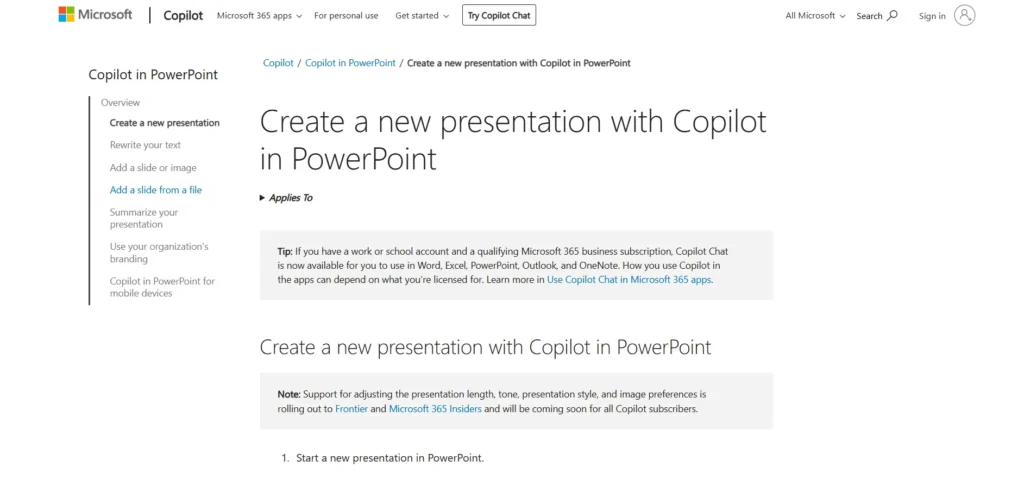
If you already live in Microsoft 365, Copilot is a natural fit. Built directly into PowerPoint, it acts as an AI helper that speeds up tasks rather than reinventing the tool. You can ask it to create a deck from a Word document or polish existing slides. It keeps everything within your existing branding and templates, so you don’t lose consistency.
For professionals who already rely on Microsoft tools, Copilot can be a good time saver. It doesn’t offer flashy new formats, but it helps you work faster and smarter with what you already know.
Pros:
- Deep integration with Microsoft 365
- Good at transforming long documents into decks
- Keeps company branding and formatting intact
Cons:
- Requires a Microsoft 365 subscription
- AI results can vary depending on the input
Pricing: Available with Microsoft 365 Copilot license, starting at $30/user/month (on top of regular Microsoft 365 fees).
6. SlidesAI
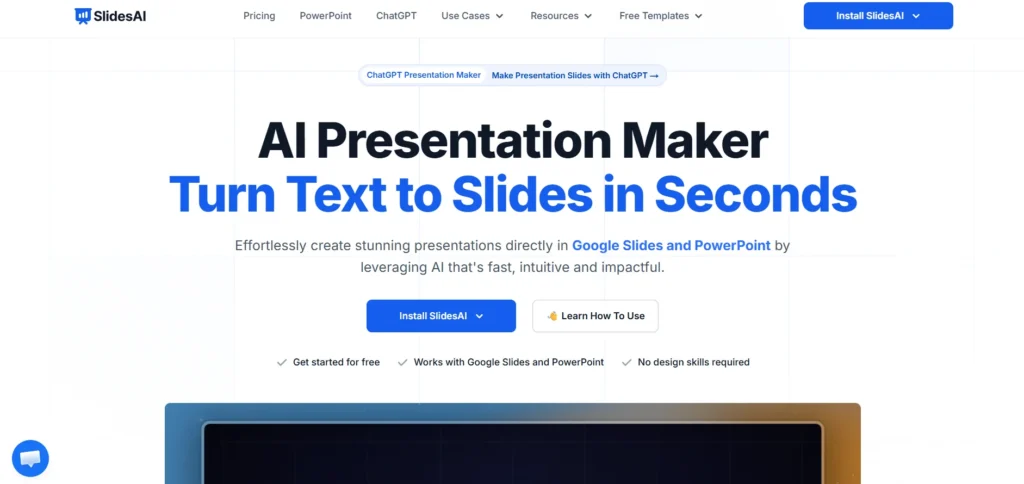
SlidesAI is built specifically for Google Slides, making it an ideal option for people who are already in Google Workspace. The concept is simple: paste in your content, choose a style or tone, and SlidesAI will turn it into a slide deck. Everything is editable, so you can make changes as needed once the AI drafts the slides.
It’s a lightweight option compared to something like Jotform Presentation Agents or Canva, but that’s part of the appeal. For teachers, students, and professionals who just need clean, functional slides, it gets the job done without overcomplicating things.
Pros:
- Easy text-to-slides generation
- Clean, simple layouts that don’t require much editing
Cons:
- Limited design options compared to more advanced tools
- Doesn’t support PowerPoint or other platforms
Pricing: Free version available with limits. Paid plans start at $10/month, with a Business plan at $20/month for more features.
Frequently Asked Questions
Which AI Presentation Tool is Best for Beginners?
Tools with simple editors and templates tend to be the most beginner-friendly. Jotform Presentation Agents is often considered one of the easiest because of its drag-and-drop interface and large template library.
Which AI Presentation Tool is Best for Teams?
Several tools support collaboration, but Jotform, Canva, and Microsoft Copilot for PowerPoint are especially useful for teams. They allow multiple people to work on the same presentation, maintain consistent branding, and keep content organized across projects.
Can AI Presentations Still be Edited Manually?
Absolutely. AI tools usually generate a first draft, but the slides remain fully editable. You can adjust layouts, rewrite text, add visuals, or reorganize slides after the AI creates the presentation. This flexibility makes it easier to combine automation with your own ideas.
Final Thoughts
AI presentation tools aren’t just about saving time, they’re about making it easier to share ideas effectively. The right tool depends on what you value most.
- If you want to handle long, complex topics easily → Jotform Presentation Agents or Visme AI
- If you want creative, visually rich decks → Canva or Beautiful.ai
- If you want seamless integration with the tools you already use → Microsoft Copilot (PowerPoint) or SlidesAI (Google Slides)
No matter which one you choose, these AI tools take the busywork out of slide creation so you can spend more time focusing on your message and your audience.